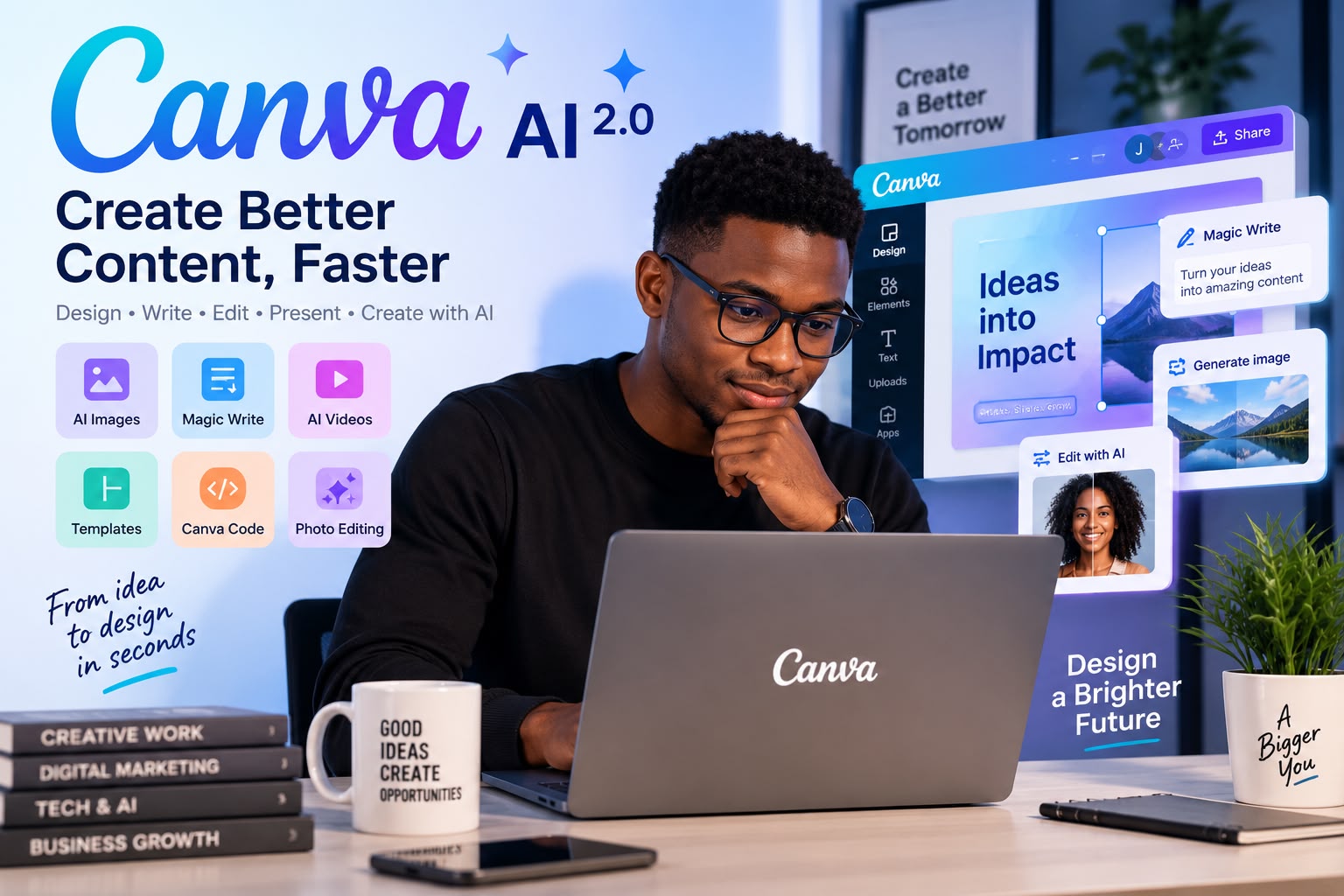
Canva AI is changing the way creators, businesses and students create digital content in 2026.
Creating professional-looking content no longer requires advanced graphic design skills. With Canva AI, creators, students, marketers, entrepreneurs, and small businesses can turn simple ideas into visual content, presentations, images, videos, documents, and more.
In 2026, Canva is taking its AI capabilities even further with Canva AI 2.0, a conversational creative platform designed to help users move from an idea to an editable design.
But what exactly can Canva AI do, and which features are worth trying?
Here are 10 Canva AI features that can help you create better content in 2026.
What Is Canva AI? #
Canva AI is Canva’s collection of artificial intelligence tools designed to help users create, edit, write, design, and transform content.
Instead of starting with a blank page, users can describe what they want and let Canva’s AI assist with the creative process.
Canva AI can help with designs, images, writing, videos, interactive experiences, and other types of content. Canva’s newer AI 2.0 experience is designed to work conversationally, allowing users to refine and modify designs through a conversation.
1. Create Designs With AI #
One of the most useful Canva AI features is the ability to generate designs from a simple description.
For example, you could type: “Create an Instagram post promoting a new technology blog.”
Instead of manually selecting a template, images, fonts, and layouts, Canva AI can help generate a starting point that you can then customize.
This can save considerable time for social media managers, bloggers, entrepreneurs, and content creators.
2. Generate AI Images #
Canva also provides AI-powered image generation.
You can describe an image you need and generate visual content directly inside Canva.
For example: “A modern African entrepreneur working on a laptop in a professional office.”
This can be useful when you cannot find the exact stock image you need.
Canva also allows users to access certain AI tools without first creating a design, although an account is required before processing.
3. Magic Write for Faster Content Creation #
Writing is another area where Canva AI can help.
Magic Write can assist with:
- Blog ideas
- Social media captions
- Headlines
- Product descriptions
- Presentations
- Marketing copy
- Short summaries
For content creators, this can be particularly useful when combined with Canva’s visual design tools. Instead of writing the text in one application and designing it somewhere else, you can work on both parts of the content within Canva.
4. Magic Layers #
One of the newer Canva AI capabilities is Magic Layers.
The idea is simple: AI-generated designs can be transformed into editable layouts rather than remaining as a single flat image.
This gives users more control over individual elements of a design.
For example, instead of recreating an AI-generated poster from scratch, you can work with its individual components and modify the text, images, and other elements. Canva identifies Magic Layers as one of its newer AI-powered capabilities.
5. AI-Powered Templates #
Canva AI can also help users create designs from prompts.
Rather than browsing through thousands of templates looking for something suitable, you can describe the type of design you need.
This can be especially useful for:
- YouTube thumbnails
- Instagram posts
- Business presentations
- Flyers
- Posters
- Advertisements
- Blog graphics
The result can then be customized to match your preferred style.
6. Canva Code #
Canva is no longer limited to traditional graphic design.
With Canva Code, users can create interactive experiences by describing what they want.
According to Canva, its newer AI capabilities can create interactive experiences from conversational prompts, including responsive experiences that can work across devices.
This opens interesting possibilities for people who do not have extensive programming experience.
For example, a creator could potentially use Canva to build an interactive quiz, calculator, or other web-based experience.
7. AI Photo Editing #
Canva’s AI tools can also help with photo editing.
Depending on the available tool and plan, users can perform tasks such as removing backgrounds, enhancing images, and making other AI-assisted changes.
This is particularly useful for online sellers, social media creators, bloggers, and small businesses that need professional-looking images without using complicated editing software.
8. Create Videos With AI #
Video creation is another area where Canva is becoming increasingly useful.
Creators can combine templates, images, animations, text, audio, and AI-powered tools to produce video content.
This can be useful for:
- TikTok videos
- Instagram Reels
- YouTube Shorts
- Advertisements
- Educational videos
- Business presentations
For someone who needs to produce content regularly, having design and video tools in the same platform can make the workflow much simpler.
9. AI for Business and Marketing #
Canva AI can also be useful beyond individual content creation.
Small businesses can use AI-assisted tools to create:
- Marketing campaigns
- Social media content
- Presentations
- Promotional graphics
- Advertisements
- Brand materials
Canva AI 2.0 also introduces capabilities such as brand intelligence and connectors that can connect Canva with other tools and workflows.
This makes Canva increasingly relevant for teams that want to create and manage visual content from one platform.
10. AI-Powered Spreadsheets and Data #
Canva is also expanding beyond traditional design with AI-powered spreadsheet capabilities.
Canva says its newer AI workflows can help generate structured sheets for things such as budgets, project timelines, and content calendars.
This means Canva is becoming more than a graphic design application. It is evolving into a broader creative and productivity platform.
Yes, Canva offers AI tools on its Free plan, but there are usage limits and some advanced features require a paid plan.
Canva’s current information shows that AI access is divided into different levels, including Standard, Premium, and Ultra AI tools. The amount of AI usage available depends on the plan and the type of tool being used.
The Free plan can therefore be a good way to test Canva AI before deciding whether you need a paid subscription.
The main difference is not simply whether AI exists.
Free users can access a selection of AI-powered features, while paid plans provide higher limits and access to more advanced capabilities.
For example, Canva’s current pricing information shows that the Free plan includes AI usage allowances, while Pro provides substantially higher AI access and additional premium design features.

If you only create occasional social media posts, thumbnails, or simple graphics, the Free plan may be enough.

If you create content professionally every day, Canva Pro may make more sense.
Canva AI can be particularly useful for:
Content creators: Create thumbnails, social posts, videos, and graphics faster.
Bloggers: Produce featured images, illustrations, social media graphics, and promotional materials.
Students: Create presentations, educational materials, posters, and visual projects.
Small businesses: Design advertisements, marketing materials, presentations, and branded content.
Social media managers: Produce large amounts of content without starting every design from scratch.
Entrepreneurs: Create professional-looking business materials without hiring a designer for every small task.
Pros
- Easy to use
- Beginner-friendly
- AI tools integrated into the design workflow
- Useful templates
- Supports images, videos, presentations, and more
- Useful for social media content
- Free plan available
- Can save time on repetitive creative tasks
Cons
- AI usage limits depend on the plan
- Some advanced AI features require paid plans
- AI-generated content may still require manual editing
- Results can vary depending on the prompt
- Professional users may still need specialized design software
The quality of your result often depends on the quality of your instructions.
Instead of writing:
“Create a poster.”
Try something more specific: “Create a modern technology event poster for young entrepreneurs, using a clean professional layout, bold typography, blue and white colors, and a premium business style.”
The more information you provide about the audience, purpose, style, format, and content, the easier it becomes to get a useful starting point.
Canva has evolved far beyond a simple graphic design platform.
With Canva AI and the newer Canva AI 2.0 capabilities, users can move from an idea to a finished creative project with AI-assisted design, writing, image generation, editing, interactive experiences, and other workflows.
For beginners, Canva remains one of the easiest ways to experiment with AI-powered content creation. For professional creators and businesses, its growing collection of AI tools can potentially reduce the time required to produce and manage visual content. The best way to understand its capabilities is simple: start with the Free plan, experiment with the available AI tools, and upgrade only if you need higher usage limits or advanced features.
Frequently Asked Questions #
Is Canva AI free?
Yes. Canva offers AI-powered tools to Free users, although usage limits and feature availability depend on the plan.
Can Canva AI create images?
Yes. Canva provides AI-powered image generation tools that allow users to create images from text prompts.
Is Canva AI better than traditional design tools?
It depends on what you need. Canva is particularly useful for fast content creation and beginner-friendly design, while specialized professional software can provide deeper control for advanced workflows.
Can I use Canva AI for business?
Yes. Canva provides tools designed for individuals, businesses, teams, and organizations. However, users should always check Canva’s current licensing and AI terms for their specific use case.
Do I need Canva Pro to use AI?
No. Canva offers AI features on its Free plan, but paid plans provide higher usage limits and access to additional AI capabilities.