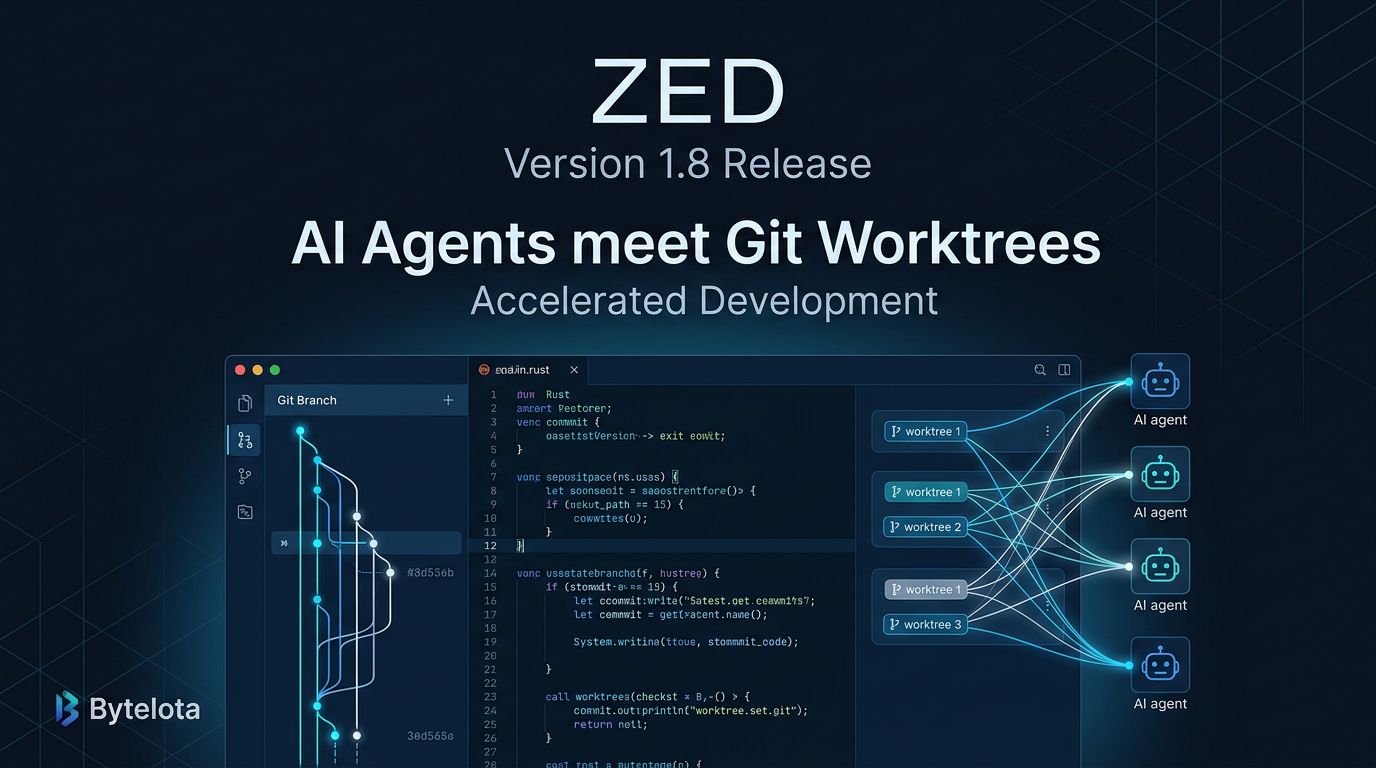
Zed 1.8.0 shipped June 17 — a focused release that doesn’t try to be a landmark but tightens the gaps developers actually complain about. The update ships a custom command context menu on the git graph, cleaner worktree-thread integration for parallel agent setups, a fast mode toggle for Anthropic and OpenAI models, and a long-overdue way to enforce your team’s commit message conventions. No headline-grabbing feature. Just the editor getting better at what it already does well.
The Git Graph Context Menu #
This is the headline feature, even if Zed didn’t frame it that way. Developers have been dropping to the terminal for operations that require specifying a branch by name — cherry-picks, rebases, targeted diffs — because the visual git graph had no way to act on what it showed you. 1.8 fixes that with a right-click context menu on any branch, remote ref, or tag in the graph.
The target ref is injected as $ZED_GIT_REF
, so your custom commands can reference it directly:
git cherry-pick $ZED_GIT_REF

git rebase $ZED_GIT_REF

git diff main..$ZED_GIT_REF
Define these once and they’re available on every right-click. For developers who’ve been keeping Zed open and a terminal nearby for branch operations, that context switch just disappeared. This is what VS Code users building on GitLens have had for years — and the gap in Zed’s git UX has been a legitimate friction point. 1.8 closes it.
Worktree UX: First-Class Now #
Zed’s parallel agents feature (launched in April) runs agent threads in isolated git worktrees so multiple agents can work the same repository without stepping on each other. The concept was right; the setup was clunky. 1.8 fixes the ergonomics.
The most useful change: you can now create a new worktree directly from the sidebar’s new-thread button, rather than setting one up separately before attaching it. When a project has multiple open worktrees, the agent thread picker lets you choose which one to attach to. And you can remove a worktree from the current window without navigating away.
There’s also a new agent.terminal_init_command
setting that auto-runs a setup script when an agent opens a new terminal thread. Pair this with worktree creation for fully scripted agent environments — your agent gets a clean branch, runs your setup, and starts working without you managing any of it manually.
Fast Mode: Turn It On, Turn It Off #
Zed’s agent panel now has a fast mode toggle for Anthropic and OpenAI models. On the Anthropic side, this activates priority processing; for OpenAI, it’s their premium service tier. Both deliver lower latency at a higher per-token cost.
The practical guidance is simple: use fast mode when you’re interacting with the agent in real time — inline edits, quick fixes, active back-and-forth — and leave it off for long-running background tasks. A background agent rewriting your test suite doesn’t need to respond in under a second. You, mid-coding-flow, do. The toggle exists for exactly that distinction.
Enforce Commit Message Conventions #
AI-generated commit messages have been one of the persistent rough edges of editor-integrated AI: useful enough to use, inconsistent enough to be annoying. The new agent.commit_message_instructions
setting lets you inject any instructions into the AI’s commit message prompt. Add it to your project’s .zed/settings.json
:
{
  "agent": {
    "commit_message_instructions": "Use Conventional Commits format: <type>(<scope>): <description>. Keep subject line under 72 characters."
  }
}
Every AI-generated commit in that repository now follows your team’s conventions. It’s a small change with an outsized effect on commit history cleanliness — especially for teams using semantic versioning tools that parse commit messages. See the full agent settings documentation for the complete list of customization options.
The Rest of the Update #
Two more improvements worth noting. First, editor: select inside delimiters
and editor: select around delimiters
— new actions that expand a selection to the content (or content plus brackets) of the nearest enclosing pair, with repeated invocations jumping to the next outer pair. Vim users who’ve been missing ci(
and ca(
will recognize this immediately.
Second, scrolling and rendering performance in diff views improved, with specific attention to large diffs containing merge conflicts. If you’re doing any volume of AI-assisted code review, this matters — agents generate large changesets, and a sluggish diff view makes reviewing them worse than it needs to be.
Zed 1.8 isn’t the release you build a keynote around. But the git graph context menu, the first-class worktree integration for agent threads, and the commit message customization all improve how the editor feels day to day. If you’ve been on 1.7, this is a straightforward update. The full changelog is at zed.dev/releases/stable, and the git integration details are in Zed’s git documentation.