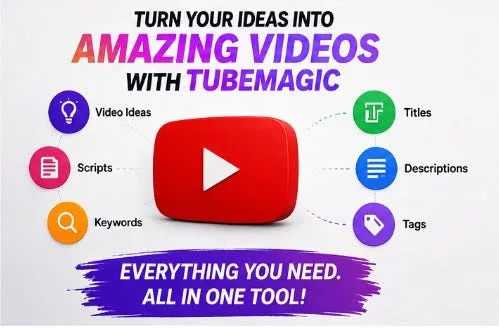
For anyone trying to build a channel from scratch, the most effective way to use these tools is as a "first draft" engine. You shouldn't let an AI write your entire script because it lacks a personal voice, but using it to structure your hook and key points can cut your planning time by 70%.
How to optimize your production loop #
If you want to scale your output without losing quality, try this specific deployment of AI tools:
-
The Hook Phase: Use a prompt-engineered LLM to generate five different opening hooks based on high-performing videos in your niche. Don't just ask for "a hook"—ask for a "pattern interrupt" that stops the scroll.
-
The Script Outline: Feed your rough notes into an AI and ask for a structured outline. Ensure you have a clear "tension" point in the middle to keep viewers from dropping off.
-
B-Roll Mapping: Instead of hunting for clips manually, use an AI tool that suggests timestamps for visual changes. This ensures your pacing remains fast.
-
The Polish: Run your final script through a readability checker to ensure it sounds like a human speaking, not a textbook.
The trade-offs you need to know: Efficiency: Massive jump. You can go from idea to a rough cut in a fraction of the time.Originality: Risky. If you don't tweak the AI's output, your video will sound exactly like every other "faceless" channel.Learning Curve: Very beginner-friendly; most of these tools are plug-and-play.
The real win here isn't "automating" YouTube—it's using an LLM agent to remove the friction of starting. When the barrier to entry is lower, you're more likely to actually hit "upload." If you're struggling with the grind, shifting to an AI-assisted workflow is the only way to stay competitive against creators who are already pumping out three high-quality videos a week.
Next YAKG is the simplest way to stop digging through Kerio config →
these AI tool field notes, with plenty of directly applicable cases.