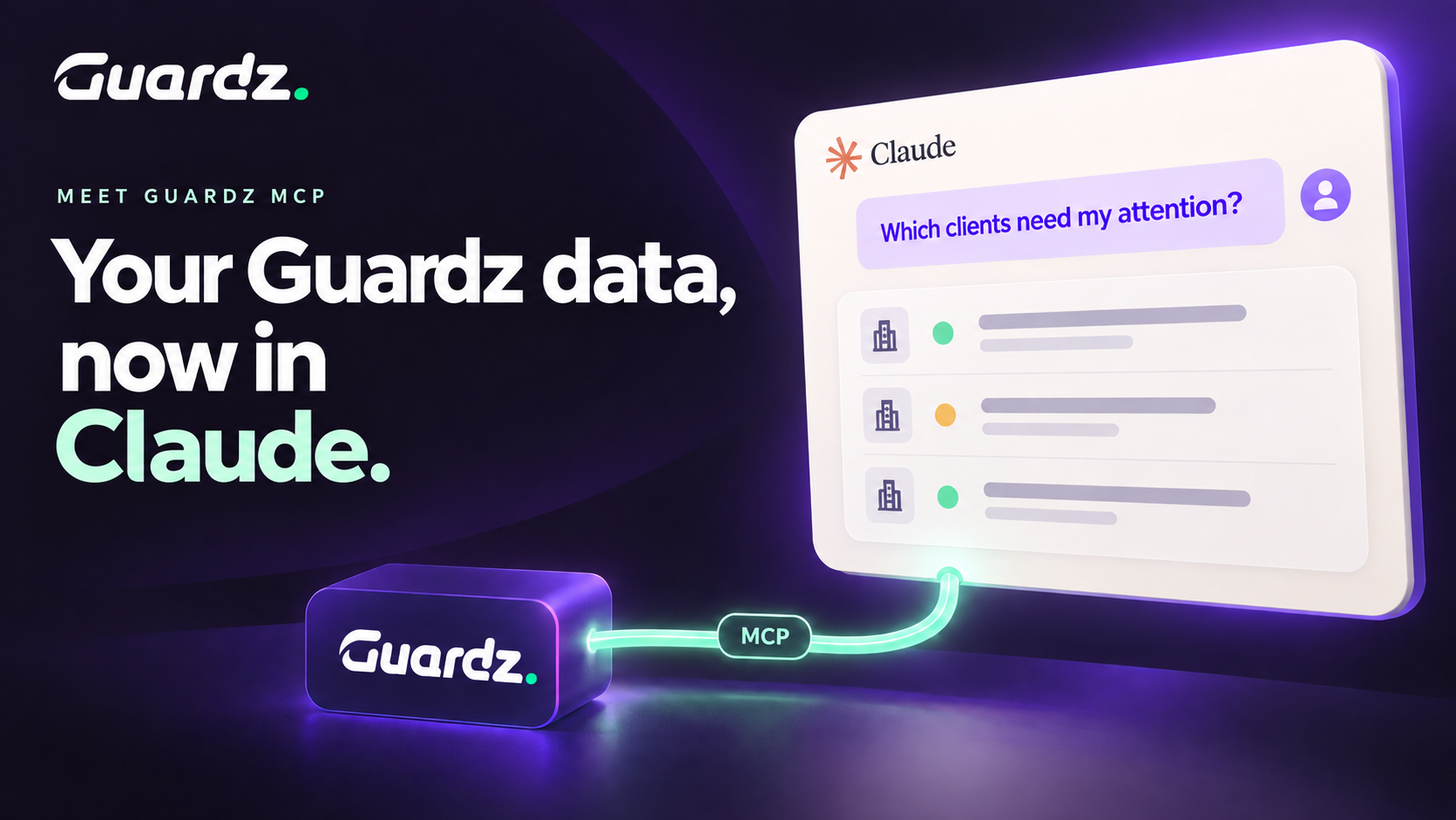
Preparing a client update. Reviewing open incidents. Figuring out which account needs attention first. For MSPs, each task often starts with gathering information from several tools.
The Guardz MCP server connects your Guardz account to Claude, bringing your clients’ security data into the same conversation where you’re already working. Ask questions about your portfolio, explore findings, and draft client communications with the context you need.
Know where to focus first
“Which clients should I prioritize today?”
Claude queries your Guardz account to surface clients that need attention and explain why, from gaps in MFA coverage to ransomware detections. Follow-up questions let you dig into a specific client or turn those findings into a plan for your team:
“Create a table of all open Critical-severity issues across my clients. Include severity, customer, issue, affected asset, device or user, and a link to the finding in Guardz. Estimate how easy each issue is to fix, with a brief explanation. Separate simple configuration changes from fixes that need investigation or infrastructure changes.”
Bring that table to your next team meeting to assign quick fixes and route more complex issues to the right people. With each row linked to the finding in Guardz, your team can move directly from discussing priorities to taking action.
Spot recurring user risks
One user’s recurring security issues can become the weakest link in a client’s defenses. Spotting the pattern helps you understand where extra support or protection could make a difference.
“Who’s my repeat offender? Tell me what they’ve been doing and what I should do about it.”
Query your Guardz data to identify users with recurring security findings, understand what happened, and explore next steps. Follow-up questions can help you assess whether a configuration change, further investigation, or targeted awareness training could address the underlying risk.
Turn security data into better client conversations
A useful quarterly business review connects security findings with what the client asked for, what your team committed to, and the work still ahead.
When you make meeting notes, client documentation, and other sources available in Claude, you can use them alongside your Guardz data.
“Draft a QBR for Acme using the available Guardz findings, the meeting notes I’ve shared, and their onboarding plan. Follow our usual format and flag any missing information.”
You get a draft to review and refine, with security context connected to the wider client relationship. The same approach works for incident recaps, client updates, account handovers, and renewal conversations.
You review the details and decide what goes to the client.
Make it part of your routine
Every Monday, your team reviews priorities. Every Friday, someone prepares the weekend handover. Use the Guardz MCP connection to build routines around that rhythm.
“Every Friday afternoon, summarize unresolved issues by customer and include links to the findings in Guardz.”
Where scheduling is supported, set it to repeat. Start with one task your team does every week, refine the output, then build on it with a Monday priorities report or a monthly client update.
What is included in the first release
The initial release supports Claude and Claude Code and is available to MSP Admins. You can retrieve and explore your Guardz data through the connector. You control access – In Claude’s connector settings, choose which Guardz data Claude can use, and whether it uses that data automatically or asks you first. Actions currently remain in the Guardz portal.
What comes next
The roadmap includes exploring writing capabilities, such as acknowledging alerts and running remediations across clients, alongside more granular access controls in Guardz. Support for additional AI tools is also being evaluated.
Start with your first question
An MSP Admin can connect Guardz to Claude by adding a custom connector using the appropriate regional URL. No code is required, and the Help Center walks you through the setup.
Once connected, start with the question that matters most to your team today.