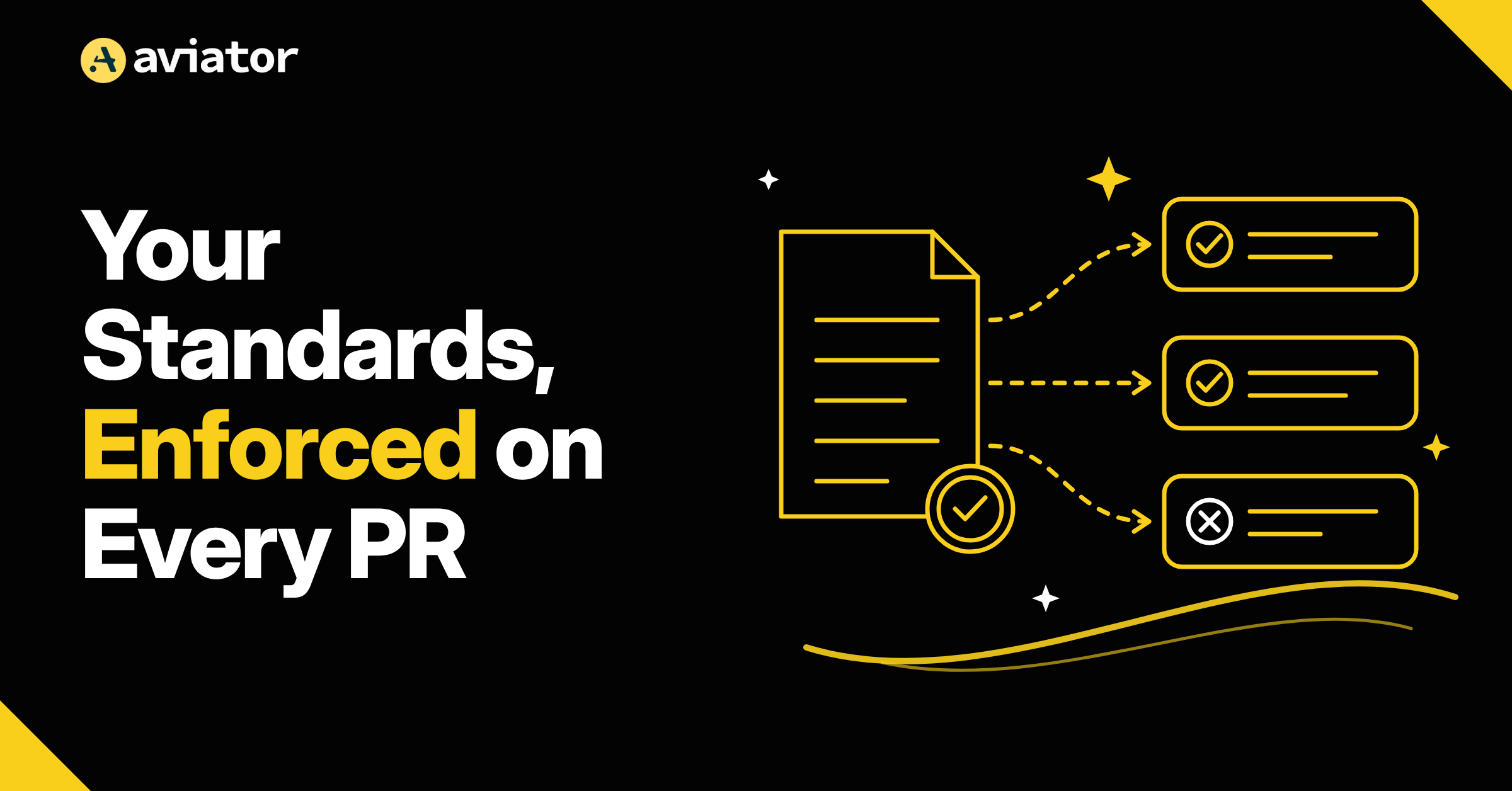
Your team’s engineering standards can be checked automatically on every PR, including every PR a coding agent opens. You write each rule once. From then on, a separate agent checks every change against it and reports pass or fail, before a human ever opens the diff.
That means code that ignores how your team builds things doesn’t reach production just because it compiled, passed tests, and looked fine. And your senior engineers stop spending review time catching the same agent mistakes over and over.
In Aviator Verify, these rules are called Invariants.
What an Invariant is, and why you need one #
An invariant is a rule every change must respect. Invariants address the most common category of AI slop: convention blindness, deprecated APIs, module boundaries the model doesn’t know about, and security baselines that should apply everywhere.
None of these are in the model’s training data for your specific codebase. They live in the heads of your senior engineers and show up as recurring review comments. Invariants say what every PR should respect, for example:
- Writes to the users table go through UserRepository.
- HTTP handlers call auth middleware before any business logic.
- Migrations declare a down block.
These are the rules your linter can’t express, because they’re about what the code does, not how it’s written. Today they live in senior engineers’ heads and in Skills or files like CLAUDE.md. They tell an agent your rules, but nothing checks whether the agent followed them.
With Invariants, the rule is written once, stored in your Aviator account for the whole team, and checked on every matching change.
Where Invariants Come From #
Most good invariants start as a review comment someone has typed more than twice. You don’t have to write them from scratch. Verify drafts them from what your team already knows:
AI-drafted rules start as drafts. They don’t affect any PR until someone on your team approves them.
See what your team’s invariants would look like. With a free Aviator account, Verify generates them from your PR history and docs. You keep them even if you don’t continue with Verify.
How it works #
- Verify picks the rules that fit. When a PR comes in, a selector reads the change and its intent and picks the invariants that apply. Nobody tags rules by hand, and a CSS change doesn’t get checked against database rules. You can also scope a rule to certain paths or languages withconditions .
- A separate agent checks them. Each selected invariant gets a pass or fail, with evidence pointing at the code that broke it. The verdict says what’s wrong; the author decides how to fix it. Seehow verification works .
- Exceptions are allowed, Invariants evolve. Any invariant can be waived with a reason: false positive, doesn’t apply, accepted risk, or fix in a follow-up. Every waiver is logged. If one rule keeps getting waived, that’s your signal to reword it.
The full reference is in the invariants docs, and setting up org invariants. See what your team’s invariants would look like. With a free Aviator account, Verify generates them from your PR history and docs. You keep them even if you don’t continue with Verify.