Native git worktrees are genuinely useful — check out a branch in a separate directory, run your tests, switch back. But AI coding agents changed the calculus. Claude Code and Codex can now handle 30–60 minute tasks unsupervised, which means running four or five in parallel on the same repo is not a stretch; it’s just Tuesday. The problem is that native git worktree management wasn’t designed for that. Path-based commands, no lifecycle hooks, no build cache sharing, and six copies of node_modules eating your disk. Worktrunk — a Rust CLI by Maximilian Roos (creator of PRQL) — is the tooling layer that makes parallel agent workflows actually practical.
Three Commands That Replace All the Friction #
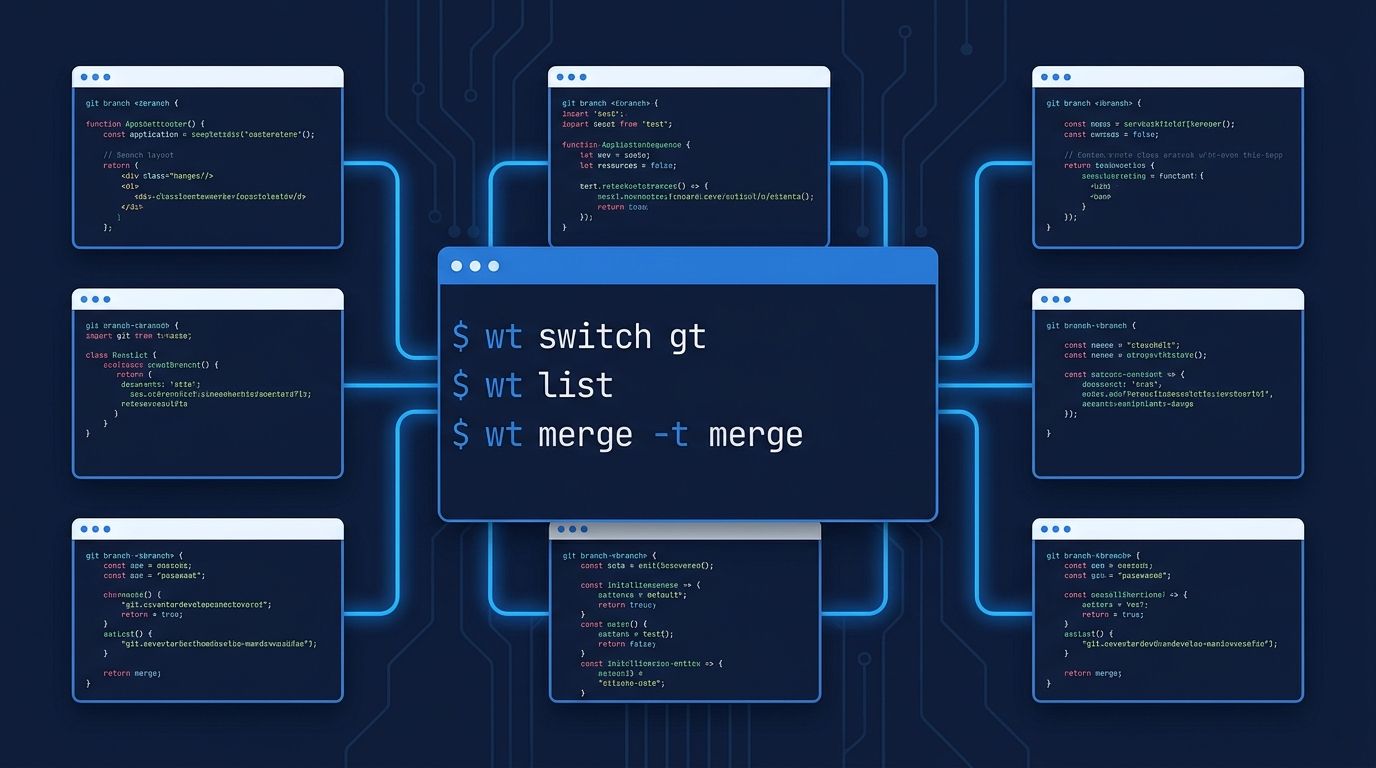
Worktrunk wraps the git worktree interface into three commands: wt switch, wt list, and wt merge. That’s not oversimplification — it’s genuinely the full workflow.
wt switch opens an interactive picker with live diff previews when called without arguments. Pass a branch name and it switches directly. Add -c to create a new branch and worktree in one step, or pair it with -x claude to create the worktree and immediately launch Claude Code inside it:
wt switch -c feat/auth-refactor -x claude
That single command replaces: git worktree add ../repo.feat feature-branch, then cd ../repo.feat, then npm install, then claude. And it doesn’t leave behind a manually tracked path you’ll forget about in a week.
wt list gives you a single-pane view of every active worktree: uncommitted changes, divergence from the default branch, optional CI status, and LLM-generated summaries of what each agent is working on. When you have five parallel sessions running, this is the difference between context switching sanely and losing track of which branch is doing what.
wt merge squash-rebases the current branch onto the target, fast-forwards, and removes the worktree. Unlike git merge, it merges the current branch into the target — the direction you almost always want when cleaning up a feature branch. Conflicts stop the rebase and leave the worktree open to resolve or abort. It also supports LLM-generated commit messages via diff piping, so you’re not writing “WIP: fixed stuff” at 2am.
The Feature That Actually Matters for Large Repos: Build Cache Sharing #
The biggest practical argument against git worktrees in large projects isn’t the command syntax — it’s disk space and install time. Six worktrees means six copies of node_modules (750K+ files in a typical monorepo), each requiring a full npm install after creation. Worktrunk addresses this with copy-on-write build caches: it relinks target/, node_modules/, and similar directories into new worktrees so they inherit the existing cache. New worktrees skip the cold start. This changes the calculus from “spin up a worktree when you need to” to “keep five ready at all times.”
Hooks for Automation #
Worktrunk includes 11 lifecycle hook points — pre-switch, post-switch, post-start, pre-merge, and others — that run shell commands at each stage. The practical applications: auto-run npm install when a worktree is created, start a dev server on switch, run a test suite before merging. For a single worktree workflow, this is a nice-to-have. For parallel agent workflows where you’re creating and destroying worktrees frequently, hooks are what make it not feel like manual labor.
Install #
On macOS:
brew install worktrunk && wt config shell install
Or via cargo on any platform: cargo install worktrunk && wt config shell install. The wt config shell install step sets up shell integration — tab completion, directory switching — and is not optional if you want the full experience. The official docs are solid.
The project has 6,500+ GitHub stars and dual MIT/Apache-2.0 licensing. It’s mature enough for daily use but early enough that the rough edges are real: Windows setup is non-trivial (community guide available), and cargo is still the most reliable install path across platforms. Claude Code v2.1.49 (February 2026) shipped a native --worktree / -w flag, which means the -x claude integration in Worktrunk is composing two tools that were built to work together. Codex CLI doesn’t have native worktree support yet — you’d still do manual git worktree add first.
The Verdict #
Native git worktrees are fine for switching between two branches. They’re not fine for managing a workflow where multiple Claude Code agents are concurrently rebuilding different subsystems of your codebase. Worktrunk fills exactly that gap. If you’re running parallel agents today, install it. If you’re not yet, the tooling is now good enough that the main bottleneck is review throughput — which is a different problem entirely.