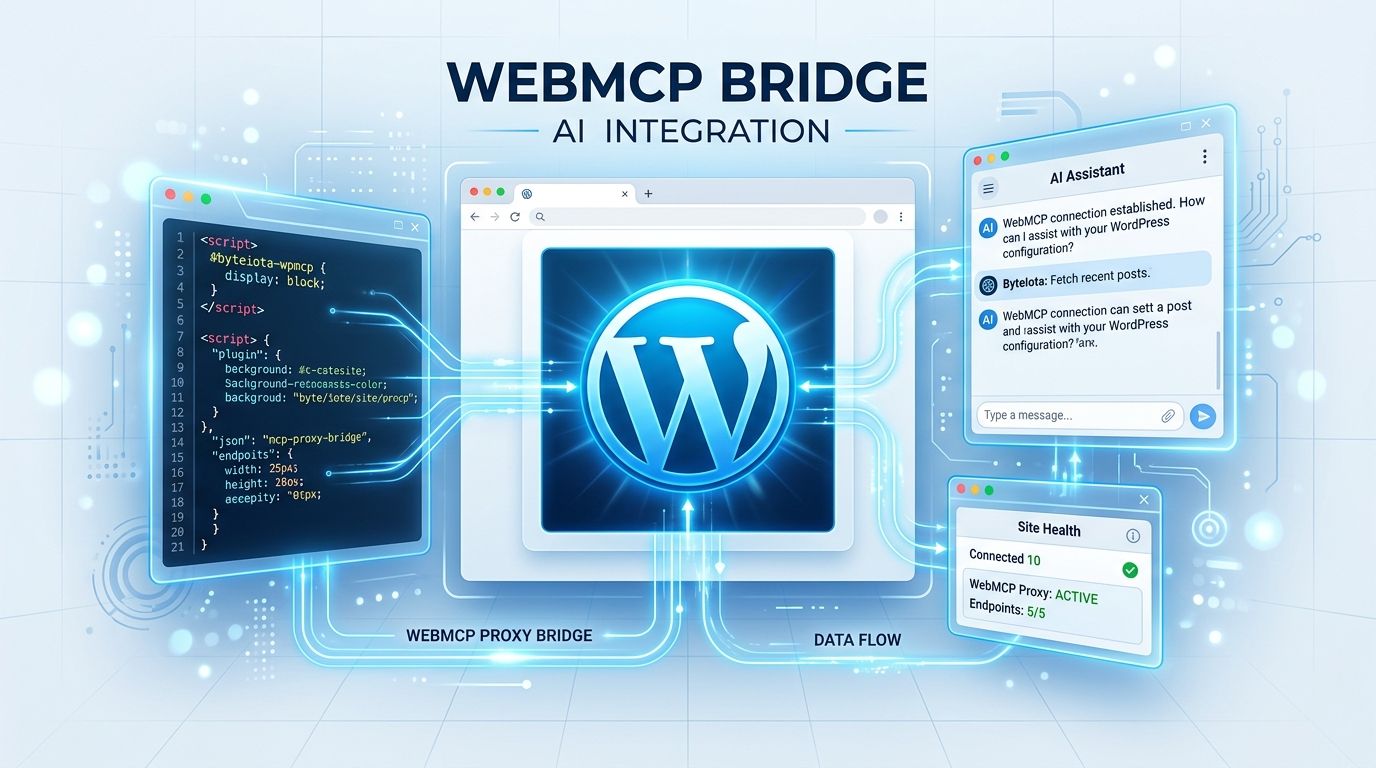
WordPress Playground now lets AI agents operate a full WordPress install — building pages, running PHP, managing files — entirely within a browser tab. The mechanism: a new WebMCP proxy merged on September 3 that bridges WordPress’s iframe boundary, exposing 16 structured tools to any agent on the outer page. No server needed. No data leaves the machine. ChatGPT desktop already supports it.
The Problem Was the Iframe #
WordPress Playground runs a full WordPress instance locally in your browser using PHP compiled to WebAssembly. The catch: WordPress lives inside a nested <iframe>. Plugins could register WebMCP tools inside that iframe, but an AI agent looking at the outer Playground page had no way to see them.
Pull request #4301, merged September 3 by contributor akirk, adds a proxy that closes this gap. When a plugin registers a tool inside WordPress, the proxy carries the tool’s description and input schema up to the outer page. The agent discovers the tool, sends inputs down through the proxy, and the plugin executes the action inside WordPress — results returning along the same path. No separate WebMCP server required.
WebMCP Is Not MCP — The Difference Matters #
Anthropic’s Model Context Protocol connects AI agents to servers, databases, and external APIs via JSON-RPC. WebMCP is different: it’s a browser-native API that lets live web pages expose structured, typed tools to agents through document.modelContext.registerTool(). No DOM scraping. No screenshots. No guessing.
Google’s Chrome team and Microsoft’s Edge team co-developed the proposal. The draft W3C spec published September 15, 2026. It’s currently behind a flag in Chrome Canary 146+, and the spec is still evolving — method names may change, production use isn’t recommended yet. But the direction is settled. The two protocols are complementary: MCP handles external tools and data; WebMCP handles the live, authenticated, in-browser context.
WordPress runs on roughly 43% of the web. Its early adoption of WebMCP means a large fraction of the internet is on a path to becoming structured, agent-addressable. That is not a minor development.
What the 16 Tools Cover — and What You Can Do Right Now #
Playground’s built-in toolset covers four areas: site management, PHP code execution, navigation, and file read/write. Plugins can register additional tools beyond this baseline using the WebMCP Bridge plugin on WordPress.org, or directly through a simple PHP API.
OpenAI has already wired this into the ChatGPT desktop app. Open the built-in browser, go to playground.wordpress.net, and select “Site tools” in the address bar. Use GPT-5.6 Sol or GPT-5.6 Terra — Luna doesn’t support it, and Enterprise/Edu workspaces are excluded for now. The official announcement demo shows an agent assembling a full landing page using Cover, Columns, and Button blocks from a single natural-language prompt. That’s a real WordPress install, running locally, shaped entirely by conversation.
The Local-First Privacy Advantage #
Because Playground runs entirely in the browser, no WordPress data goes to an external server. The AI agent sees only what the page explicitly registers as tools. For agencies handling client sites, or developers uncomfortable with cloud-first AI tooling, this is a meaningful privacy property — not marketing language.
This also makes Playground an ideal sandbox for testing agent workflows before touching a live site. Build in Playground, verify the output, export a blueprint, then deploy. The pattern is repeatable and safe by default.
For plugin developers: read the webmcp-bridge source to understand the registration model. The API is simple. The opportunity to expose your plugin’s functionality to AI agents — search, commerce, navigation, custom post types — is real, and it starts with a few lines of PHP. For theme developers, Playground plus WebMCP is the fastest agent-driven testing path that doesn’t require a staging server.
WebMCP is still experimental. The Chrome flag requirement means this won’t reach most users in a standard browser immediately. But the proxy is merged, the ChatGPT integration is live, and the 16 tools work today. Developers who build familiarity with this now have a clear head start.