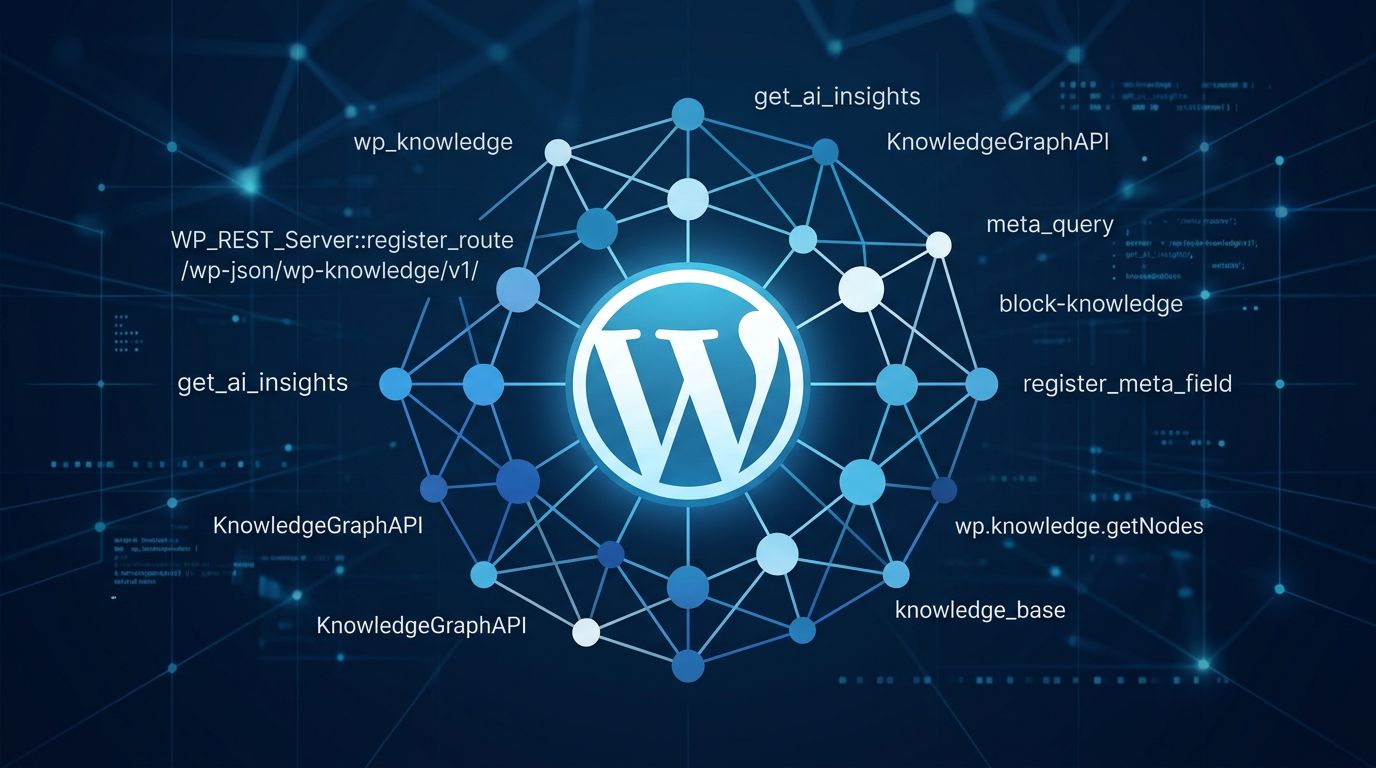
WordPress 7.1 Beta 1 landed on July 15 with a set of AI developer primitives that give the platform its first real answer to a persistent problem: how do AI tools know anything about your site? The answer is a new custom post type, three long-overdue Core Abilities, and streaming support for the AI Client. None of these are end-user features. All of them matter if you build on WordPress.
WordPress Finally Gives AI Tools Something to Read #
The most concrete addition in WordPress 7.1 beta is wp_knowledge
, a new Core custom post type that gives sites a structured home for the context AI tools need to produce useful output. It ships with three knowledge sub-types:
guideline— brand standards, tone of voice, image direction. Pure text, the source of truth for your site’s editorial standards.** memory**— durable context that’s been explicitly saved or approved for future AI sessions.** note**— private freeform working text, not surfaced to AI by default.
The REST endpoint is /wp/v2/knowledge
. Any AI tool, plugin, or WP-CLI script can fetch site guidelines over standard HTTP — no custom implementation required. Writers see these guidelines directly in the editor as an editorial checklist. The same data, the same source of truth, available to any integration that knows to ask for it.
Two design decisions stand out. Autosave is disabled: wp_knowledge
is headless storage with no editor session, but revision history is retained. Zero footprint: no database overhead on sites that never use it. The public capability filter wp_maybe_grant_knowledge_caps
makes it extensible. This is the CMS finally getting structured knowledge management, and the design is disciplined enough to be trusted in production.
Abilities API: The Three Reads That Were Always Missing #
WordPress 7.1 expands the Core Abilities API with three new read-only abilities: core/read-settings
, core/read-content
, and core/read-users
. That might sound underwhelming until you consider what was missing before them.
The Abilities API has been in Core since WordPress 7.0. The MCP Adapter — which bridges those abilities to AI agents via the Model Context Protocol — shipped alongside it. But without Core read abilities, any AI integration built on this stack could call a model without being able to answer basic questions: what posts exist? What’s the front page? Who are the admins? These three abilities close the most embarrassing gap in WordPress’s AI story.
WordPress 7.1 also adds plugin-level execution filtering: plugins can now intercept, log, override, or transform ability execution. The mcp_exposed_abilities
filter controls exactly what surfaces over MCP. If you’re building AI features on WordPress, this is the configuration hook you’ve been waiting for.
AI Client Gets Streaming and Embeddings #
Two new primitives are coming to the Core AI Client in WordPress 7.1. Streaming adds real-time, token-by-token generation responses to the PHP AI Client — the underlying layer beneath the WordPress-specific abstractions. It’s not in the block editor UX yet, but hosts and plugin developers can start building on it now. The AI team’s roadmap post has implementation details.
Embeddings enable semantic and vector search: numerical representations of content that identify related items even when surface text does not match. MySQL and MariaDB both support native vector storage now, and the WordPress AI plugin is running vector search experiments on top of it. WordPress is building its AI layer from primitives up. Streaming and embeddings in Core put real-time AI generation in the block editor within reach for a future release.
Block Editor Improvements Worth Noting #
Block Bindings now support core/list-item
, enabling dynamic data connections in list content without custom code. This closes a gap tracked since the Bindings API launched in WP 6.7. The HTML block gains support for editable nested blocks — useful when AI-generated raw HTML needs to be parsed and edited within the editor. The Block Editor also moves to React 19 in this release. If you maintain custom blocks or editor interfaces, test against React 19 before August.
Community Reaction: Measured Excitement, Real Concerns #
Developer reaction to 7.1’s AI direction has been mixed. Some plugin developers have flagged that the features feel disconnected from immediate user needs. Others have raised concerns about the release cooldown process creating friction for the ecosystem. Jeff Chandler’s reaction to the Classic block deprecation direction — “Holy shit. I didn’t see this coming.” — captures the unease a portion of the community is feeling about the pace of Core’s structural changes.
The WordPress team’s counterposition is worth taking seriously: these are primitives, not end-user features. The AI UX gets built by hosts and plugin developers on top of Core’s foundation. Whether that division of responsibility is the right call is a reasonable debate — but it’s a cleaner model than bolting a chatbot onto the dashboard and calling it AI.
What to Do Before August 19 #
The Beta 1 announcement lists specific areas where the core team wants feedback. If you maintain plugins or themes with custom blocks, AI integrations, or any code touching the Abilities API, the testing window is now. The developer changelog has the full picture. Weekly betas run through the end of July; final release is August 19 at WordCamp US.
If you’re building AI integrations on WordPress, start with the Abilities expansion proposal and the MCP Adapter repo. The three Core read abilities make most AI integrations meaningfully more capable. wp_knowledge
gives you the structured data layer to store what your AI tools should know. Together with streaming in the AI Client, 7.1 is the release that makes WordPress’s AI primitives actually useful in production.