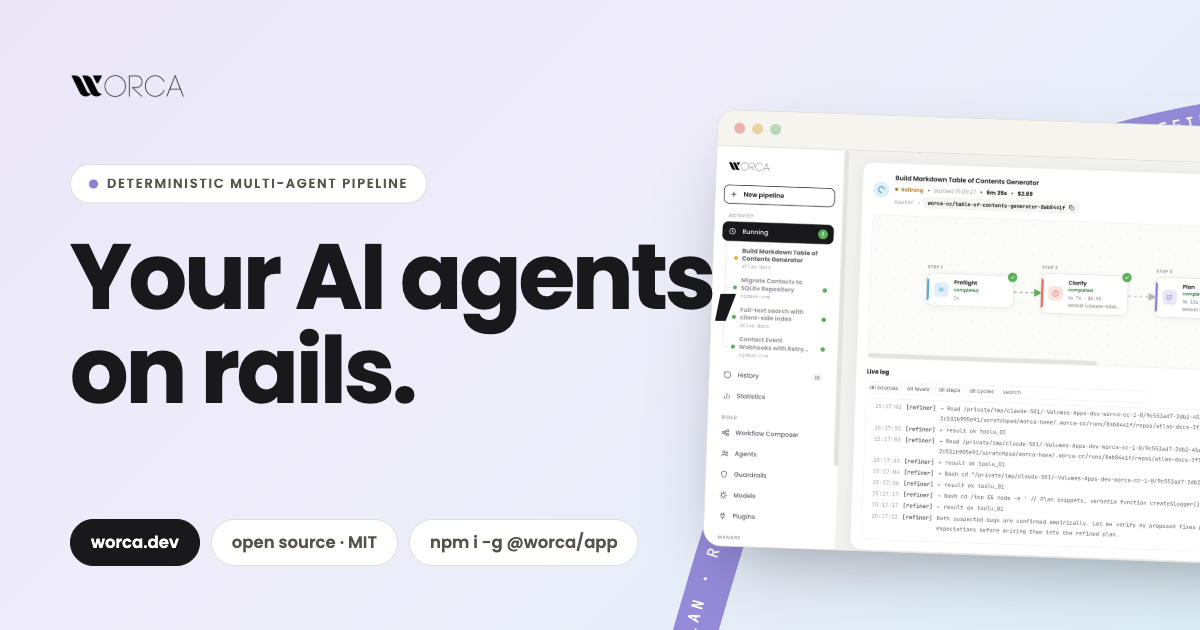
on rails.
Describe the work, get back a reviewed pull request. A deterministic engine runs the agents, loops until the work passes its quality gates, and stops only to ask you what matters.
Describe the work. #
Approve the result.
Agents do the creative work; the engine does the control flow. Pick a workflow, or let Auto build one for the task. Every step, verdict and file is recorded.
Clarify
Hidden decisions become questions before any code is written.
Plan
The planner explores the codebase and writes a concrete plan.
Refine
The refiner rewrites the plan until no major issues remain.
Implement
The implementer follows the approved plan, test first.
Review
The reviewer sends blocking findings back until the diff is clean.
A finished run ends on its own branch, one click from a pull request. See the whole pipeline →
Everything #
a run needs.
Any model, schedules, a record of every run, limits you set outside the agent, and a whole team working in one place.
How it works Workflows you can see and change.
Auto picks the workflow, or build one in the Composer: agents, script cards and bounded loops. Every step files what it wrote.
The pipeline →
Models & costs Any model. Every dollar accounted.
Claude, GitHub Copilot, Ollama or LM Studio on your desk, free OpenRouter models. Caps, budgets, and the hours each run saved.
Models & costs →
Automation Runs that start while you sleep.
Schedule a run for tonight or every weekday, chain runs onto each other's branches, and answer from Slack or Telegram.
Automation →
Ask Worca An assistant that knows your runs.
Ask what the reviewer flagged, attach a screenshot, let it read the docs page, or have it schedule the next run.
Ask Worca →
Teams One Worca for the whole team.
Metrics and a delivery timeline, a team policy kept in git, a shared server behind sign-in, and each person pays with their own key.
Teams →
Security Autonomy, with limits.
Guardrail policies that repo settings can't undo, a disposable container, and agents that never see a model key.
Security →
From your laptop #
to your team's server.
The same Worca everywhere. Start on your own machine and move to a shared server when the team joins, keeping your workflows and history.
One npm install
macOS, Linux or native Windows. npm i -g @worca/app
A disposable Linux box
Agents run inside it, and your home folder isn't mounted. worca container up
One Worca, behind sign-in
Any container host, behind the sign-in you already use. Worca records who started, d and approved each run.
Metrics and policy in git
Spend, a delivery timeline and team caps, stored on branches in your own repo. No extra server.
The rest of #
the toolbox.
Isolated worktrees Each run gets its own git worktree and branch. Your checkout is never touched; parallel runs don't collide.
Runs , they don't die A 500, a rate limit or an expired login s the run with its worktree intact. Resume picks up where it stopped.
Mock mode The whole pipeline runs offline with a deterministic mock: no agents, no tokens. For demos, development and CI.
Plugins & marketplaces Task sources, agents, scripts, skills, workflows, models and chat channels. Each install shows what it adds and asks you first.
Workspaces Group related repos. One run fans out across all of them with a single cross-project review verdict.
One-click PRs A finished run shows its diff and opens a pull request, even from a fork, and reports back to the issue it came from.
Nothing in your repo Run state lives in one SQLite database in your home directory. Your checkout stays clean.
Simple to Expert New installs start with a short sidebar and a Getting started checklist. Switch to Advanced or Expert when you want everything.
Ship work you #
didn't babysit.
One npm install on macOS, Linux or Windows. Or a container, or a shared server for the team.