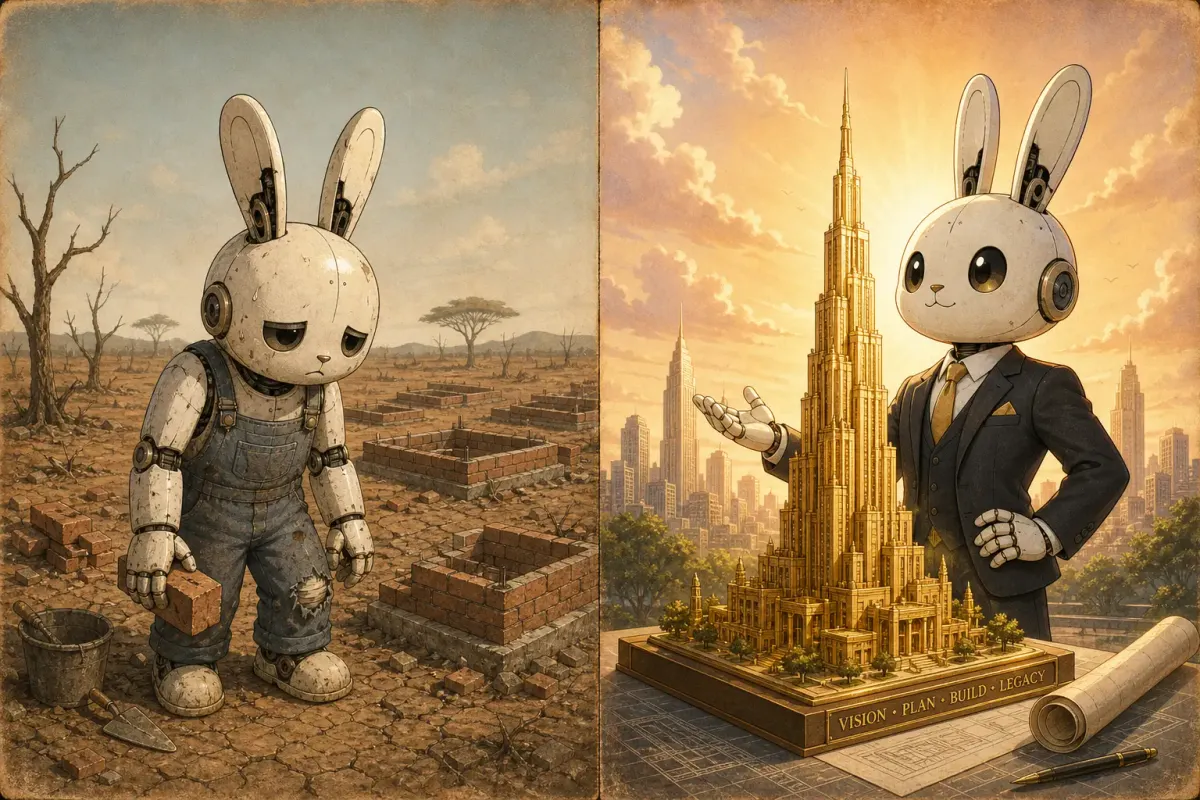
Harness Engineering Give AI a big-picture view, not just what to do right now
Introduction #
Every time a new model drops, what's the first benchmark you see? A pelican riding a bike, or some cute little game the model just built?
When you head over to X or Reddit to see how far AI has come, what you find is a string of posts asking the same question: why did AI help me build another demo instead of a product I can actually maintain and grow?
This is the state of AI coding today. On one side, model capabilities keep leaping forward. On the other, AI still can't seem to ship a real product, one that's commercial-ready and built to evolve over time.
Over the past few months, I've been working hard to fix this. I tested my ideas on massive enterprise-scale projects that would normally take thousands of hours to build. I refined AI workflows, trying to figure out what it actually takes to get AI to produce something meaningful, instead of churning out one useless little toy after another.
In this article, I'll walk you through how I did it and why it works. I hope it gives you some ideas and helps you out.
I've put the relevant source code at the bottom of the article. Feel free to grab it and read through it.
Why AI Only Writes Code Instead of Building Products #
Because AI is not like a human user. AI is essentially nearsighted. Models are trained to focus on completing whatever task is in the current prompt, not on what the user actually wants at a deeper level.
This problem is especially obvious in the Vibe Coding era.
Back then, the big emphasis was on prompt-following ability. You give a prompt, AI does its best to fulfill it, then you look at the result and write another prompt to adjust.
In this loop, since each prompt only gives AI a limited slice of information, AI can only get a limited slice of things done. The first few rounds might go smoothly, and AI might even build something better than you expected.
But as the loop goes on, AI reveals a built-in flaw: it gets too focused on what the current prompt is asking for and slowly loses sight of the goal the user set out with.
Say I want to build a machine learning research platform. After a few iterations, I decide to add a login feature to tighten up data security. That's where things go wrong. Deep in AI's pre-trained instincts, security concerns rank above everything else. So AI dives headfirst into the login feature and starts debating all kinds of permission issues with you.
At that point, AI starts to drift, gradually forgetting what it was originally asked to build. In the end, you get a half-finished machine learning platform that has a permission management system bolted onto it.
Can SDD Frameworks Fix This? #
That's what SDD frameworks like OpenSpec, SpecKit, and AIDLC set out to do. The main idea behind these frameworks is simple: before AI writes a single line of code, have a thorough discussion with you about what you're trying to build, then write it all down in a spec document, and only then let AI code from that spec.
From the standpoint of improving code quality and keeping AI on track, this works really well. Because you've captured your full intent in a document upfront, AI's attention is spread fairly evenly across that document. So it follows the spec closely and doesn't get fixated on any one feature. We solved AI's attention problem during coding. But AI still has an attention problem during the spec-writing phase itself. So new issues show up.
Here's one scenario: you do a thorough job in the requirements-clarification stage. You have a PRD document covering every feature the product needs to ship over the next year, with detailed descriptions of exactly how each feature should work.
You hand that PRD to OpenSpec; it translates it into a spec, and then code gets generated from the spec. What you find, though, is that on the surface AI seems to have implemented every feature, but critical details keep slipping through the cracks. A query has no row limit. An export operation is missing an audit log.
Because no matter how detailed your document is, it can't cover every edge case. And anything tied to your company's specific business logic is especially hard for AI to infer on its own.
Here's another scenario, still tied to AI's lack of long-range thinking. When you start building a machine learning platform, AI asks early on: "Where does the data come from, and how do you measure whether model training is working?" You figure it's the first version, so you say you'll start with Kaggle competition data and use the competition's objective function as the evaluation metric.
At that point, AI's understanding of the project collapses. It redefines what you're building from "a machine learning platform" to "a Kaggle competition tool," and starts designing the tech stack and features around that goal instead.
But what you actually wanted was a platform you could deploy in production, running various models on live data. Those goals never showed up in the early iterations.
You might think, no big deal, you can fill in the gaps later. But we all know that changing already-written code is a lot harder than getting the design right before you start.
Think about it: if the system only needs to run offline, AI will write everything as synchronous code. But to support high-concurrency online inference, you'd need to rewrite all of that as asynchronous code and possibly think about distributed deployment on top of that. Just thinking about the scope of that change is enough to give you a toothache.
And SDD still doesn't change the fact that LLMs lack long-range vision. Once you've built the MVP, AI treats that version's spec as ground truth. Even when you push further in later iterations, AI will default to patching the early version rather than making any directional changes.
How I Fixed This #
My solution is actually pretty direct. When starting a new project, I didn't jump straight into writing a spec document telling AI how to code. Instead, I first put on my product manager hat and had a conversation with AI about why we're building this product, what it should ultimately look like, and what features each phase needs to deliver.
I gave AI an overall picture first. Then I broke the work down into batches of features, and translated those batches into spec documents using an SDD framework for AI to code from.
Why did I approach it this way? It goes back to a few things that stuck with me during my AI coding projects over the past several months. While I was doing secondary development on the AIDLC framework, two things made a strong impression on me.
First, while I was building the scripting engine, the LLM would frequently get pulled into lengthy back-and-forths over small details I casually mentioned, drifting further from the original goal as we talked.
I'd often have to tell AI: "Stop, don't go any further. What I originally wanted was just this one specific feature. Focus on the end goal, not on rehashing all these details right now."
Only by doing that could I pull AI back on track and keep moving forward.
The second was that while the project was underway, I got a lot of feedback and suggestions from readers. I didn't want to dump all of those into the project at once.
Some ideas had to wait because I wanted to build their prerequisite features first, then see how things felt before deciding whether to add more. Others were mutually exclusive, and I wanted to build both versions and pick the better one based on real usage.
So I split all the upcoming work into batches. Each batch had a detailed write-up covering what it should do, its scope, and its goal. I tried to make each batch independently executable, then numbered them in the order they should be implemented. But I didn't start building right away. Instead, I fleshed out the documentation for every batch first and stored it in the project's docs/ directory.
Then, much like writing a PRD, I wrote a document called vision.md. It described the product's vision in detail: what I wanted the product to ultimately become, who the users are, how they'd use it, what's in scope, and what's out of scope. This was to make sure AI wouldn't go nearsighted again, but would instead keep the big picture in view and understand my real intent.
At the same time, just like in the old-school engineering days, I wanted to break the whole development process into milestones. Every so often, something meaningful enough for users to notice would ship, making it easy to collect user feedback and plan the next milestone.
I listed each batch's design document path as an index entry under its corresponding milestone, and wrote all the milestones into a file called roadmap.md.
I also wrote an architecture.md document. It's not really product design, but it lays out the tech stack the project will use and sets some ground rules about what's technically allowed and what isn't. These things don't belong to any single batch, but they need to run through the entire project, so they go in their own file.
I also set up a document called decision.md. It records every decision AI and I made during our conversations: CLI-only interface (no MCP interface), OAuth for authentication instead of username and password, and so on. When it's time to build a feature, AI can look up the conclusion directly from this record instead of diving into the details and causing the project to drift.
Finally, in the project's AGENTS.md document, I stored a brief description and the file path of each of the above documents as an index. That way, when AI is working on a particular batch, it knows exactly where to look for the relevant information.
So, unlike the traditional code-first approach, I use a new document-first approach. Code is fully reduced to just a vehicle for translating the product intent I've recorded in documents into machine language.
With this set of documents, I give AI a global view of AI coding across two dimensions: time and space.
On the time dimension, AI doesn't just know what needs to be done right now. From the moment the first line of code is written, it has a deep understanding of how the product will evolve. This helps AI plan for the right extension points from the start and choose a tech stack that suits future growth.
On the space dimension, this document set uses a pyramid-style, top-down structure to break down your product design intent layer by layer, all the way down to the individual feature nodes delivered to AI for execution.
Unlike spec documents in SDD, which are written by LLMs in a format that's hard for humans to read but easy for coding agents to follow strictly, my document set is designed to capture your product ideas in full.
So it's naturally easy for humans to read. You can quickly understand what AI is going to build and how, then adjust the order of upcoming milestones and batches based on how things are actually going.
How You Can Use This #
I know I just wrote a lot about how I do this, but I'm guessing you're less interested in reading about it and more interested in whether there's something you can just pick up and use.
There is, friend, there is. After using this workflow on the first two projects to prove it worked, I took a shot at writing it up as a SKILL. Following AI's suggestion, I called it the "product design bible," or product-design-bible.
I put a sample project at the end of this article. You can find this SKILL in that project's .agents/skills/ directory. I'll keep updating it based on my own usage.
Compared to other common workflows, the biggest difference with this SKILL is that it doesn't care how you came up with your design. It also doesn't conflict with any SDD framework you're already using in your project. It just acts like an LLM Wiki, takes your product design thinking, and organizes it into documents in a specific way, ready for AI to use later.
Since I already walked through the structure of this document framework above, I won't repeat how the SKILL works. Instead, let me walk you through how I use it with a real project I'm working on.
It's a machine learning platform project. The goal is to find patterns in existing enterprise data and build the right data pipelines and models to serve those patterns online in production.
For fast development, I'm using opencode with the deepseek-v4.1-flash-1017 model and OpenSpec as the SDD framework.
After bringing in the product-design-bible skill, I start the product feature design work. To get AI to help me through it, I bring in the well-known grilling skill, which uses a question-and-answer format to help me work through things I haven't thought about yet.
You could also just use OpenSpec's opsx-explore command directly; the effect is similar. But I find that during the overall product design phase, the grilling skill does a better job of covering all aspects of the product. That way, when I use the skill to write everything into documents, the content ends up more detailed.
Once you feel like the product design conversation with AI is wrapping up, you call product-design-bible to write everything into documents. The skill creates the corresponding documents under the project's docs/ directory, splits the work into multiple batches, and inserts the relevant index entries into AGENTS.md.
But you can't start building yet. If you open the batch documents, you'll find that each one is fairly bare-bones. There isn't enough detail to give OpenSpec what it needs to write a high-quality spec document.
What you do next is pick the batch you want to work on, fire up the opsx-explore command again, and dig into the details of that specific batch.
This is where the product design bible really shows its value. Because opsx-explore requires reading the project's existing documents before making a plan, it automatically pulls in the design bible documents and the relevant batches to understand the full picture of the project. Then it gives you grounded suggestions. You won't see AI getting so focused on the current change that it throws the whole project off course.
From here, the process is pretty straightforward. You use opsx-explore to flesh out the implementation details in the batch document, then use opsx-propose to translate the batch document into a spec document for AI coding reference.
After that, you run the normal opsx-apply and opsx-archive flow, and finally flip the status of the corresponding batch in roadmap.md to "done." One batch development cycle is complete.
You can keep going batch by batch like this. Or you can flesh out all the batches first and then let an agent run through all of them automatically in one go.
Of course, as the project moves forward, you can change the order of any batch, add new batches, or adjust anything else at any time, based on how each milestone turns out, how the product is being used, or what users are saying. product-design-bible will automatically manage the batch index and status.
Conclusion #
That's how I use product-design-bible for product design. The goal is to give a new project a guiding framework before any work begins, so AI understands what I want this project to do, how to do it, where it stands right now, and where it's headed in the future.
With that north star in place, when AI plans out exactly what to build in each batch, it knows the full shape of the project. It knows the current batch is just one part of a much larger thing, not the MVP of the whole project.
And because AI can sense what's coming in future batches, it can plan for extensibility upfront when making architecture decisions, avoiding potential problems down the road.
A lot of my readers ask me: in the AI coding era, with AI generating so much code, how do we make sure the codebase stays high quality?
If you look at the last few articles I've written, you can already see where things are heading. In the not-too-distant future, we'll increasingly use text as the medium through which we program for AI. Only when AI fully understands our intent does it have a real shot at writing the code we're asking for. The programming language itself will sink further into the background, like machine code and C before it, becoming a low-level language for talking directly to machines, something most developers won't need to think about.
That's what I've been doing to make sure AI can build enterprise-level projects instead of churning out demo after demo. I hope what I've shared is useful to you. If you have any thoughts on this, feel free to leave a comment and let's talk.
Thanks for reading and subscribing. I'm Mr. Qian. I focus on applying AI agents in enterprise-level projects. I hope you'll keep following and sharing my future articles.
Further Reading #
Source Code #
Here's the source code for this article. Sign up now to get it for free.