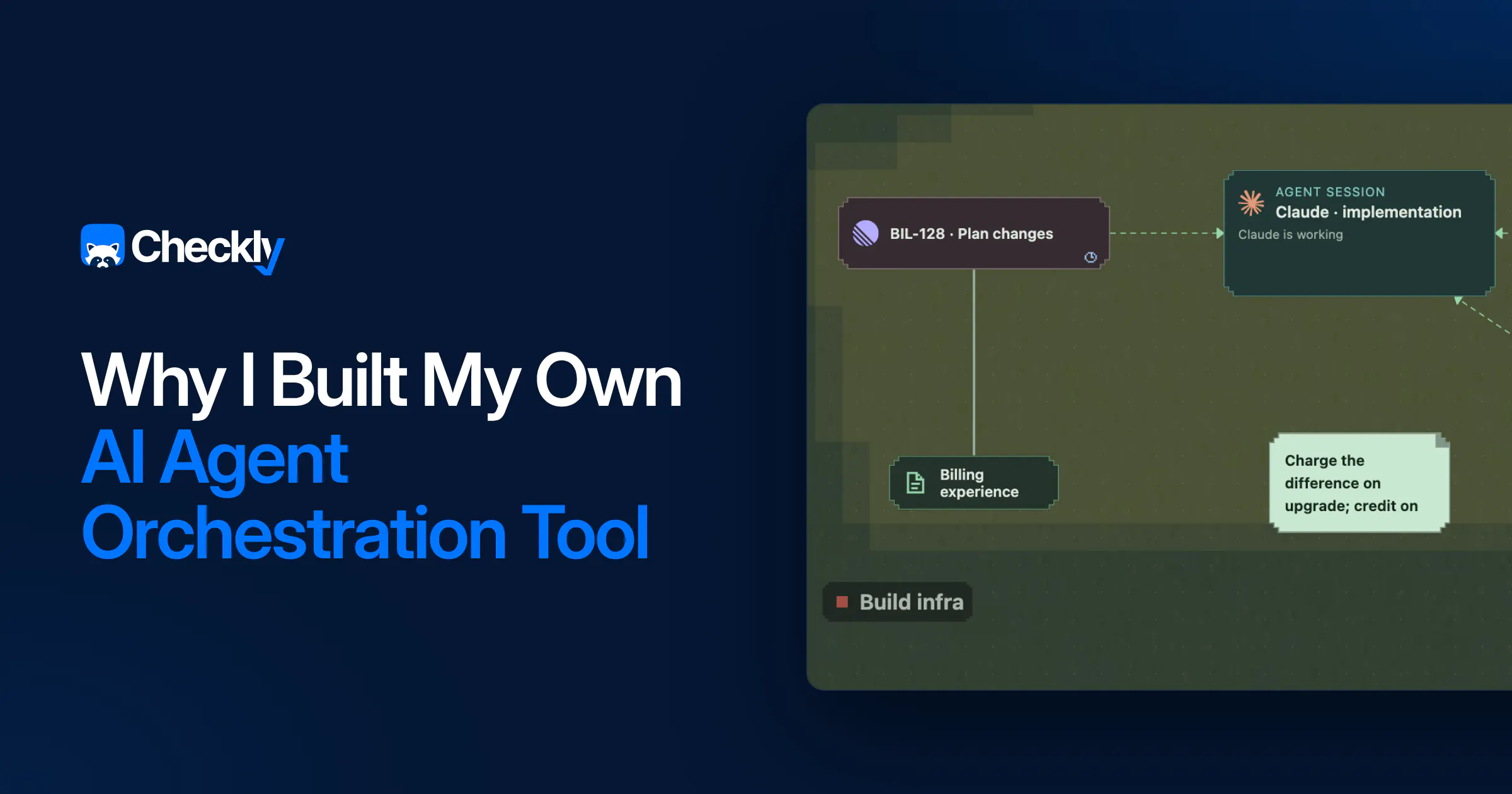
I run a lot of AI coding agents, often around 10 at the same time, and easily 20 if I count subagents. With the tools I had, that meant I forgot about the ones that mattered and never knew when one needed me, so I polled all of them, all day. Coming back to a parked project was draining, because the context was gone.
I dealt with loads of tabs and walls of text.
So I built my own AI agent orchestration tool: a map. It's called Agentic Crafting Table (ACT), it's open source, and a few of my colleagues at Checkly use it now too. Since I started working this way, I merge up to twice as many PRs a week as I did in the six months before, and it doesn't feel like juggling.
I don't need to remember where I was in shipping a feature. The map remembers.
If you want to build your own tooling, I hope this post inspires you and saves you some time.

## [What I tried first](#what-i-tried-first)
I tried the obvious things first.
A terminal multiplexer with one pane per agent works for two agents and stops working at six: every pane looks the same, and answering "is this one waiting on me?" means reading a lot of text.
A chat app per task is nicer to look at, but it has the same problem, and the ticket, the Slack thread and the RFC are still in other windows or buried in the conversation.
I really liked how freeform whiteboard and diagramming apps are, but they had no live view of my agents.
Most of them made me read a wall of text to get context, and none of them kept the relevant information close to the work.
What I actually wanted #
Most AI tooling still lives at the level of the artifact: the editor, the agent, its output.
I didn't need another layer on top of tools that already work, like GitHub for code reviews and Linear for tickets. I wanted something around them.
What I wanted was a layer on top of what I actually do all day: collect supporting information and evidence, manage agents that write code, review code, roll it out and validate it. And I needed the context around all of that to stay easy to reach.
What is Agentic Crafting Table? #
Agentic Crafting Table (ACT) is an open source desktop app that puts all your work on one zoomable map. Every project is its own neighbourhood, and every piece of work is an item on the map: an agent session, a ticket, a note, a PR, a review, a rollout. You link items to show what feeds what.
Agents are plain Claude Code or Codex sessions, started in the project folder. ACT gives them an MCP server, so they can read the map and put their own things on it. And because the session runs inside ACT, the app knows when an agent stops or asks a question. That's what ends up in the "Needs me" panel: one list of everything that is waiting on me, like agent questions, review findings, and failed rollouts.
Two rules guide the design:
- One item in focus at a time. Everything else stays visible on the map as context, not in another tab.
- Agents can change everything on the map. If a big project needs to go on the map, an agent puts it there, and I can start right away.
How I ship a feature with ACT #
Here is what a normal day of feature development looks like for me now.
1. Start with context
It starts with a Slack thread, a ticket, some meeting notes or just a to-do. And an agent. I link the context to the agent on the map, so it has what it needs.
2. Write the spec with the agent
I do the spec in the agent session. Sometimes we use Claude artifacts, sometimes I link a Notion page.
3. Let the agent build
When the spec is done, I tell the agent to implement it and then forget about it. I move on with my day and maybe get a few other features going.
When the agent is done, I get a notification. By then it has put everything it produced on the map, including the PR, and has started reviews in Claude and Codex for me.
4. Review
ACT can start agent reviews on every PR by default. It shows me the findings so I can pick what needs fixing, and my picks go straight back to the agent that wrote the code. On larger PRs, I sometimes run a few of these review rounds before I read the code myself on GitHub.
Some PRs are very large, so for those I use the "Explain architecture" skill, which is part of ACT and, in reality, just a very short prompt. It produces visual Claude artifacts that explain, at a high level, what the PR is about.
5. Roll out and validate
Every rollout is AI-assisted. The pipeline itself is still our normal GitHub Actions at Checkly; ACT watches it, merges when the PR is ready, and approves the gates.
Before each gate, ACT starts an agent that reads the code, takes a baseline reading, and checks the metrics configured for that service. It also reuses whatever testing strategy you have defined for agents in that repo. The agent links the dashboards that back up its verdict, and it gets my attention if something is wrong. If I need to talk to a validation agent, I can put it on the map.
For small changes that are safe to roll out, there is also Auto Deploy, where a passed validation in one environment starts the next stage on its own.

### [6. Archive](#6-archive)
When the feature is live, I send the whole chain to "the undermap", an archive under the map where I can get all of this context back if I need it.
How I built it #
I explained the project to Claude the way I'd explain it to a colleague: the problem, the map idea, what I wanted to see on it. Then I asked for a full prototype, not a plan.
The prototype was wrong. Which is fine, that's what it's for. It is so much easier to say "no, the agent goes here and the ticket feeds into it" while dragging things around in a broken UI than to write that down in a spec up front.
We iterated until the prototype did one thing: show my agent sessions on a canvas and tell me which ones had stopped. That was the proof of concept, and it already fixed the polling.
Every big feature since has gone through the same loop: describe it, get a prototype, poke at it, iterate, keep what survives. I didn't prototype the small things. A badge here, a shortcut there, a new item type: I gave those to subagents in one go and let them land on the board while I did something else. Use it for a day, then keep it or throw it away.
What's under the hood #
At its core, ACT is an Electron app, written in TypeScript with a React UI. The map is built on React Flow, with my own zoom levels, outlines, and item views on top.
All the data lives on your machine. A background workspace service is the only thing that writes to the database, which is plain SQLite, and it keeps running when the window is closed. A separate supervisor process owns the terminals (xterm.js and node-pty) and records their output, so sessions keep running and keep their scrollback when the app restarts.
The agents' way in is MCP. Each agent session gets its own small MCP server that forwards to the workspace service, so agents never touch the database. Through it, an agent reads the map, adds items and links, and gets the context of whatever I connected to it. Claude Code and Codex run as their real CLIs, with all the config you have set up. ACT only listens for their status. Tokens for GitHub and other providers stay in the OS credential store.
Make it fit your workflow #
How I ship is not how everyone ships, which is why everything in ACT can be extended: you can add any item you want through the plugin system. Tell an agent "I want Figma in ACT" (or Teams, or DeepSeek) and point it at the plugin docs.
Have a workflow you only want inside your company? Put the plugin in a private repo and share it with your team.
What I learned #
One of the real benefits of AI is that I can build the tooling I actually want. But a vibecoded tool is not a polished one: performance can drop on big maps, and some concepts are not finished. The undermap, for example, started as an "archive", and I still don't know if it's a place you go back to or a bin.
What I'd do differently:
- Get other people on it earlier. I used it alone for weeks, but as soon as I gave everyone at Checkly access, they added features I would never have come up with and fixed bugs I did not see.
- Settings over discussions. I had a clear vision, but other people have other workflows, and ACT needs to adapt to each of them instead of dictating one. Now I let people add the features they want and make them optional.
- Write the design rules down where agents can read them. "One focus, context on the map" was in my head from day one, but I only wrote it down after a few features had drifted away from it.
A few people at Checkly use ACT now, with workflows that look nothing like mine. A good part of the repo is theirs:
- shiini2 : the Projects panel, keyboard shortcuts everywhere, update-and-restart from inside the app, Claude artifacts that open right on the map
- MegaMaddin : light mode, GitHub issues as map items, GitHub image attachments shown inline on PRs
- timohuovinen : Windows and Linux support, the proper Codex integration, edge attention and the radial menu, agent sessions that follow /fork and /resume
At Checkly, we build monitoring that tells you when something breaks, so you don't have to keep checking. ACT comes from the same idea: don't make me watch everything, tell me when something needs me.
ACT is open source. If your workflow needs an item that isn't there, add it and open a PR: github.com/pelzerim/agentic-crafting-table. And if ACT is not how your brain works, vibecode your own. How I work might be very different from how you work, and now each of us can quickly build what fits.
More from Checkly engineering: We Let AI Agents Rewrite a 92M-Message-a-Day Service in Go. Zero Incidents.