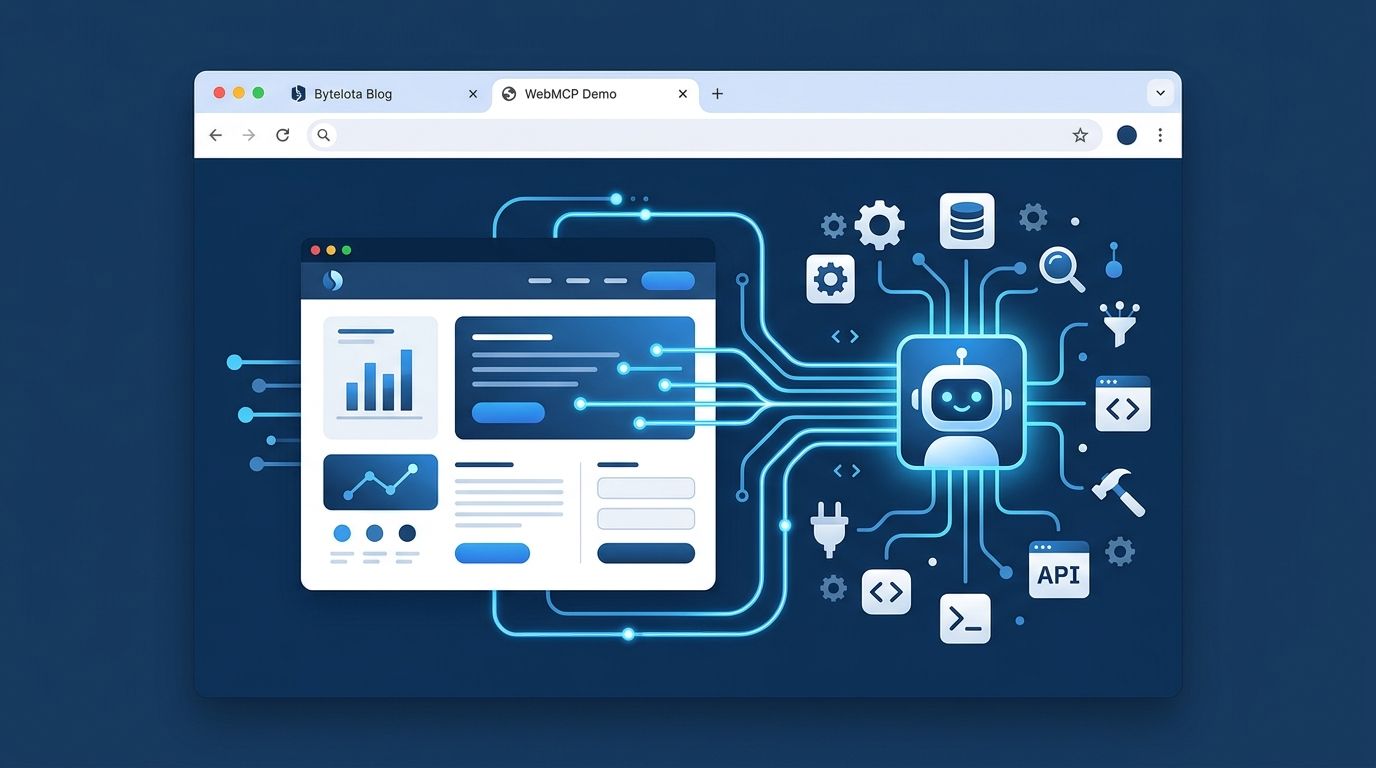
Chrome 149 just opened the WebMCP origin trial, and if you build websites for a living, this one is worth understanding before your competitors do. WebMCP is a browser-native API that lets AI agents call your site’s JavaScript functions directly — no DOM scraping, no screenshot parsing, no brittle CSS selectors failing on your next redesign. Google and Microsoft co-authored the spec. Expedia, Shopify, Etsy, and Target are already in the trial. The question is whether you should be too.
What WebMCP Actually Is #
WebMCP sits on navigator.modelContext
— a new browser API that lets you register named JavaScript functions as “tools.” An AI agent running in the browser discovers these tools, reads their descriptions and input schemas, and can invoke them on the user’s behalf — with explicit user authorization at each step.
That’s the important part: an agent cannot silently fire your tools. The browser mediates the call. The user authorizes the action. Your tool runs. This is what separates WebMCP from the chaotic world of agents that grab the DOM and hope your button labels haven’t changed.
The current spec covers tools only — no MCP resources, no prompts, no sampling primitives. It is also distinct from Anthropic’s Model Context Protocol (MCP), which handles server-side tools over HTTP or stdio. Think of them as complementary: WebMCP handles what the user can do in their browser session; MCP handles what your backend can provide. The Chrome documentation covers the comparison in detail. You’ll likely want both.
The Benchmark Numbers #
Benchmarks get oversold constantly, so take these with appropriate skepticism — but the WindTunnel numbers are hard to ignore. The open-source WindTunnel benchmark ran 49 tasks across 8 real websites with 16 agent configurations.
| Metric | WebMCP agents | DOM + vision agents |
|---|---|---|
| Tasks solved | 98% | Benchmark-dependent |
| Median task time | 6.8 seconds | 29.3 seconds |
| Cost per session | $1.48 | $49.87 |
| Token consumption | 12.5x fewer | Baseline |
The cost difference is the number worth highlighting: a 33x gap driven almost entirely by token count. WebMCP-equipped agents don’t parse page screenshots or navigate DOM trees to figure out what they can do — they read a schema and call a function. This is not incremental. It’s a different interaction class.
How to Register a Tool #
The API is simpler than you’d expect. Call navigator.modelContext.registerTool()
with a name, a description the agent will read, a JSON Schema input schema, and an async execute function:
navigator.modelContext.registerTool({
  name: 'search_inventory',
  description: 'Search product inventory by keyword or category',
  inputSchema: {
    type: 'object',
    properties: {
      query: {
        type: 'string',
        description: 'Search term or keyword'
      }
    },
    required: ['query']
  },
  async execute(args) {
    const results = await fetchInventory(args.query);
    return {
      content: [{ type: 'text', text: JSON.stringify(results) }]
    };
  }
});
Two implementation paths exist: the imperative JavaScript API above, and a declarative approach using HTML form annotations for existing forms. For React, register in a useEffect
and return the unregister call as your cleanup function.
To test locally: go to chrome://flags/#enable-webmcp-testing
, enable the flag, and relaunch Chrome. For production deployment with real users, register for the origin trial at the Chrome for Developers origin trial page to get a token for your response headers.
Who Is Already In #
Google named nine companies at I/O 2026 as origin trial participants: Expedia, Booking.com, Shopify, Credit Karma, TurboTax, Redfin, Etsy, Instacart, and Target. The common thread is transactional flows — search, checkout, reservation, financial application. These are exactly the workflows where DOM-scraping agents fail most visibly and where the 33x cost reduction has the clearest business case.
On the open-source side, over 15,000 GitHub repositories include WebMCP-related code as of July 2026. Most of those are experiments, but that kind of developer attention tends to self-fulfill.
Should You Join the Trial Now? #
Be honest about what WebMCP is today: a Chrome-and-Gemini story. Chrome holds roughly 65% of the desktop browser market, so the reach is not nothing. Microsoft co-authored the spec and reportedly ships it behind a flag in Edge. Firefox and Safari have no public commitment and no timeline.
The consumer-side gap is real too. Gemini in Chrome calling WebMCP tools for real users in stable Chrome has not shipped yet. You can implement tools today that no production agent will call for months.
The practical verdict: if you build e-commerce, SaaS, or any site with transactional workflows, joining the origin trial is a low-effort, low-risk experiment with real positioning value. The implementation cost is modest — you’re writing a few tool registrations on top of functionality you already have. You’ll be ahead when stable Chrome ships and agents start actually calling these tools.
If you need cross-browser support today, wait. The WebMCP spec is still a W3C Community Group draft — not a formal working group standard. Firefox and Safari are watching, not implementing.
WebMCP is the right idea with most of the right architecture. Chrome 149 is the right time to start learning it — just not the right time to bet your infrastructure on it.