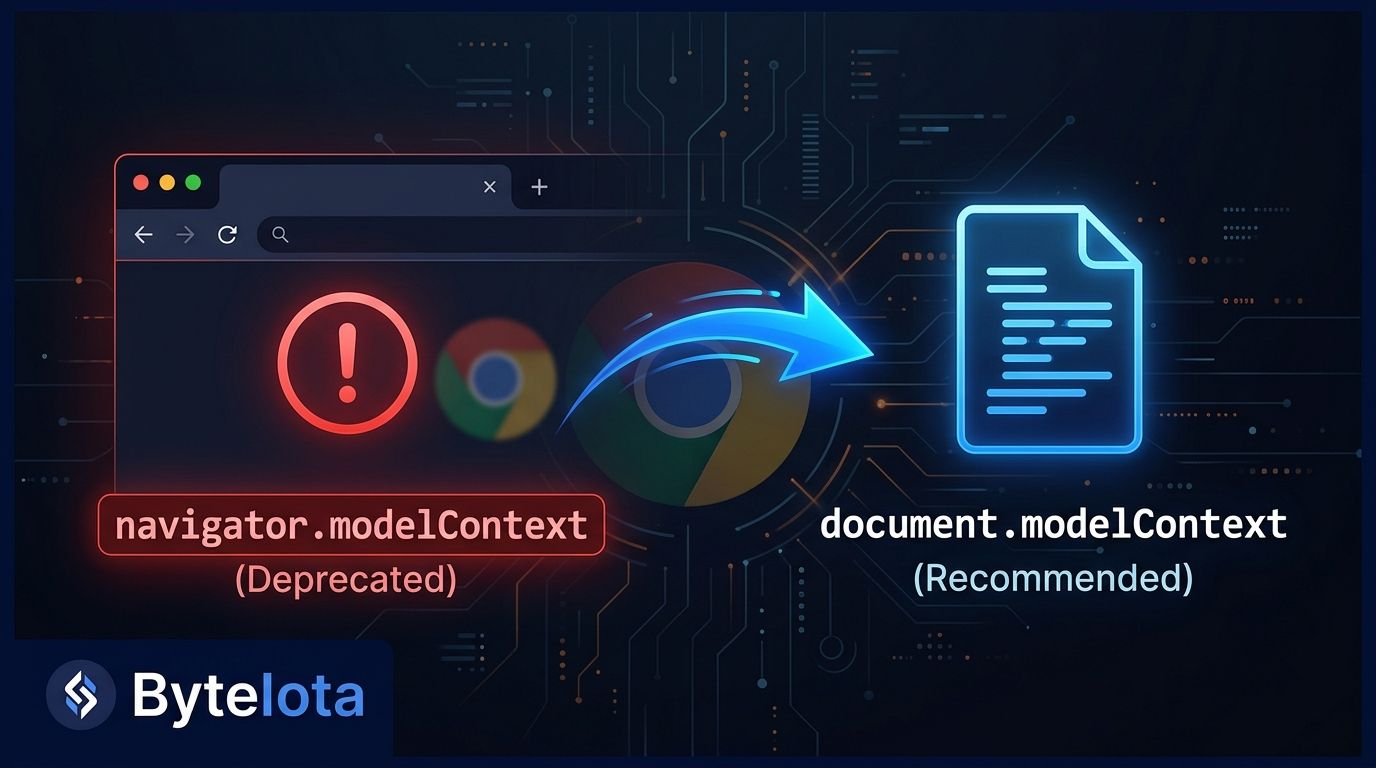
Chrome 150 shipped this week, and if you are already using WebMCP, you have probably already seen this in your console: navigator.modelContext is deprecated. Use document.modelContext instead.
The fix is one line. The reason it changed is worth understanding — and the polyfill clock is ticking.
What Changed in Chrome 150 #
Chrome 150 deprecates navigator.modelContext
and moves WebMCP’s primary API to document.modelContext
. The old location stays as a backward-compatible alias for now, so nothing breaks immediately — but you get the console warning on every page load, and the @mcp-b/webmcp-polyfill has announced it is removing the Navigator alias in its next major release.
The migration itself is one line:
// Before — works in Chrome 150 but logs a deprecation warning
await navigator.modelContext.registerTool({ ... });

// After — canonical form in Chrome 150+
await document.modelContext.registerTool({ ... });
If you need to support both old and new while the ecosystem catches up, use the safe feature-detection pattern:
const modelContext = document.modelContext ?? navigator.modelContext;
if (modelContext) {
  await modelContext.registerTool({ ... });
}
Why Chrome Moved the API #
This was not an arbitrary rename. The W3C Web ML Community Group moved the spec in May 2026, and the rationale is sound: tools registered with WebMCP belong to a specific page, not the browser session. navigator
is browser-global — navigator.language
, navigator.userAgent
, navigator.clipboard
are all context-free. document
is scoped to the current page, which is the correct container for tools that live and die with a given page load.
It is the kind of spec decision that seems minor until you think about it, and then it is obviously correct. An agent tool that calls your checkout function should not be reachable from a different tab’s context. document
enforces that boundary at the browser level.
Two Ways to Register Tools (Both Updated) #
WebMCP supports two implementation paths. Both now use document.modelContext
.
Imperative API (JavaScript)
Register tools programmatically with a name, description, JSON Schema for inputs, and an execute function:
await document.modelContext.registerTool({
  name: 'search_catalog',
  description: 'Search the product catalog by keyword',
  inputSchema: {
    type: 'object',
    properties: {
      query: { type: 'string', description: 'Search term' }
    },
    required: ['query']
  },
  execute: async ({ query }) => {
    const results = await fetchProducts(query);
    return results;
  }
});
For sensitive tools, add security hints: readOnlyHint: true
for non-mutating operations, untrustedContentHint: true
for tools that handle user-supplied data. Cross-origin iframes need the allow="tools"
Permissions Policy header to access the parent page’s tools.
Declarative API (HTML)
If your agent interactions map to standard HTML forms, annotate them instead of writing registration code:
<form toolname="search_catalog"
      tooldescription="Search product catalog by keyword"
      toolautosubmit="true">
  <input name="query" type="text" />
  <button type="submit">Search</button>
</form>
The browser synthesizes the tool schema from the form fields automatically. If most of your agent interactions are form submissions, start here — there is no JavaScript to write.
Cloudflare’s Zero-Code Option
Cloudflare’s WebMCP developer preview injects a bridge script at the edge via HTMLRewriter — no origin code changes required. Enable it in the dashboard under Agent Readiness > Labs, and Cloudflare injects the bridge, composes tool packs, and registers them with document.modelContext
on every page load. The bridge runs in the visitor’s browser using their existing authenticated session.
Where WebMCP Actually Stands Right Now #
This week’s timing is not coincidental. OpenAI, Google Chrome, Cloudflare, Shopify, Vercel, and Netlify launched a $35,000 WebMCP hackathon on August 25 that runs through September 3. Every AI developer team is looking at WebMCP this week, and the Chrome 150 deprecation lands right in the middle of it.
The two confirmed production deployments so far: Shopify enabled WebMCP on August 5 across all Liquid storefronts — catalog search, cart management, checkout, and policy lookup exposed as callable tools with nothing installed on the merchant side. Cloudflare shipped its developer preview on August 6. Early implementers report roughly 90% fewer tokens consumed compared to screen-scraping, because agents call typed functions instead of navigating a DOM.
The honest picture: outside these deployments and a handful of demos, production adoption is close to zero. Chrome is the only browser with support (origin trial, Chrome 149–156). Firefox and Safari have no public timeline. The big company logos Google shows are stated intent, not confirmed production. That will change — but set expectations accordingly.
What to Do Today #
- Replace
navigator.modelContext
withdocument.modelContext
across your codebase - Use the
document.modelContext ?? navigator.modelContext
feature-detection pattern for safe backward compatibility - Watch the next major release of
@mcp-b/webmcp-polyfill
— it drops the Navigator alias - Test locally with the
chrome://flags/#enable-webmcp-testing
flag - Add the Model Context Tool Inspector extension to verify your tools register correctly
- If you are on Cloudflare, the dashboard switchis the fastest on-ramp
The move to document
is the right architectural call. The migration takes five minutes. Do it before the polyfill forces your hand.