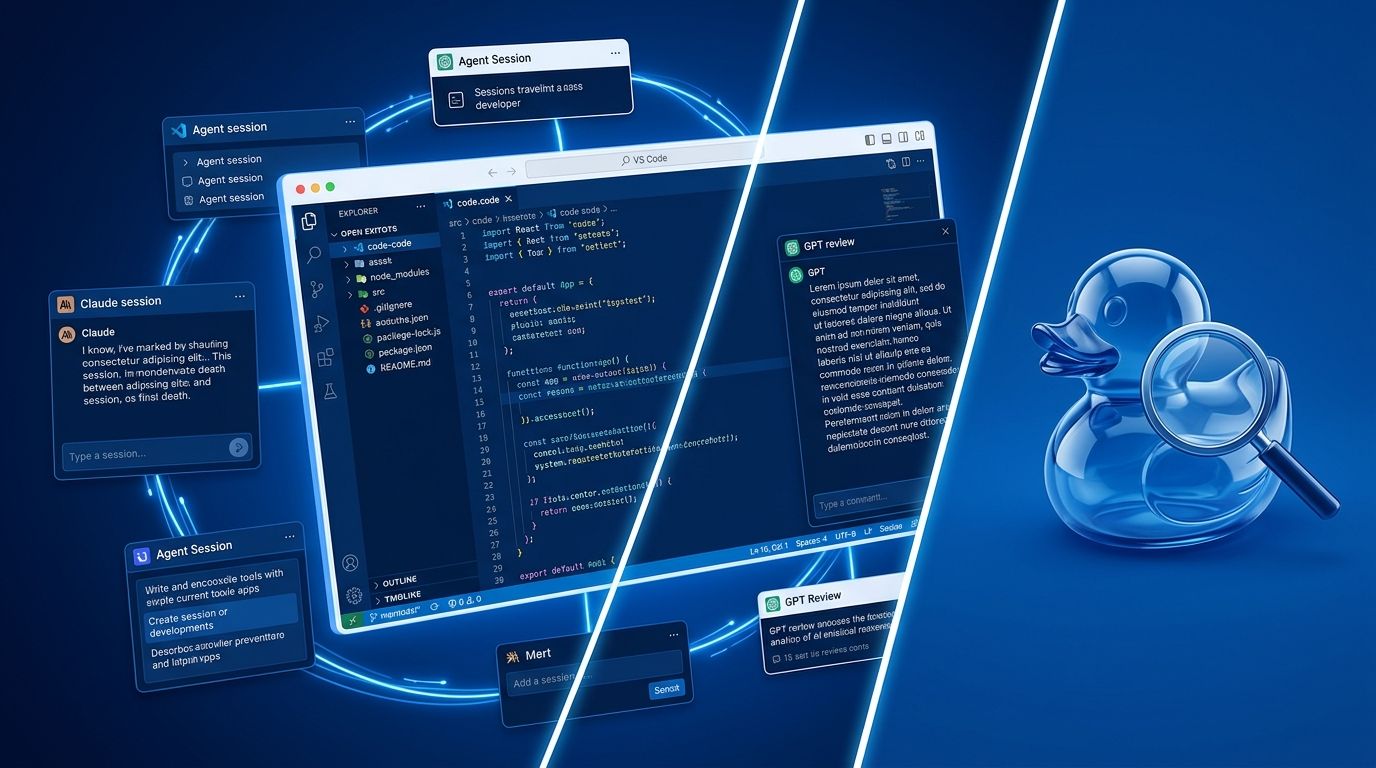
VS Code 1.135 shipped August 26 with three changes worth understanding. Agent sessions now outlive editor windows and follow you across apps. A second AI model quietly reviews your primary agent’s work at the right moments. And the token counter in the footer finally shows you which model is burning which budget. Taken together, this is the release where VS Code stops being an editor that runs agents and starts being an agent runtime that happens to include an editor.
Agent Host Protocol: Your Session Is Now Infrastructure #
The Agent Host Protocol (AHP) is the most significant change in 1.135, even if it’s the least visible. Agents now run in a dedicated process separate from the editor — meaning closing a window no longer kills your session. The same session connects to multiple VS Code windows simultaneously. It keeps running when no window is open. And if you want to run the host on a remote machine and connect from wherever, the protocol supports that too.
AHP uses JSON-RPC with an immutable, Redux-like state tree. Clients apply changes optimistically and reconcile when the server echoes back — sequence numbers prevent out-of-order delivery. The spec is published and open at microsoft.github.io/agent-host-protocol.
That last part matters more than the feature itself. Cursor, OpenCode, Kiro, and any other agent-aware tool can implement AHP. If they do, “start a session in one tool, continue it in another” stops being a VS Code-specific capability and becomes a shared infrastructure layer. Whether the ecosystem actually converges on it is a different question — but the protocol is there and it’s open.
External Agent Sessions: Context Follows You #
Built on the Agent Host, external sessions let you resume recent Copilot or Claude conversations started in other apps — the GitHub Copilot app, Copilot CLI, ChatGPT, Claude Cowork — directly in VS Code. By default, the Sessions panel shows your two most recently modified external sessions. The chat.agentSessions.showExternal
setting controls how many appear.
Two things to know before you get excited: viewing external sessions is available to all users; continuing them requires a Copilot subscription. And the practical benefit is real: developers who sketch plans in the Copilot app or start a task in Claude Cowork can now hand that context to VS Code without re-establishing everything from scratch.
Rubber Duck: Two Models Are Better Than One #
Rubber Duck is the headline feature, and it earns the attention. Type /rubber-duck
in a Copilot agent host session to get a second opinion from a different model family. When Claude is orchestrating, GPT-5.4 does the reviewing. When one model has been staring at the same code for 40 steps, another model catches what it missed.
The activation logic is deliberate. Rubber Duck doesn’t run after every agent action — that would create noise. It runs automatically after plan drafts, after complex implementations, and after test generation (before execution). It also triggers reactively when the primary agent hits a loop or stalls. You can also invoke it manually at any point.
The benchmark results are notable. Claude Sonnet 4.6 paired with GPT-5.4 as Rubber Duck closed 74.7% of the performance gap between Sonnet and Opus on SWE-Bench Pro. On hard problems spanning three or more files with 70 or more steps, the pairing scored 3.8–4.8% higher than Sonnet alone. In internal testing, it caught schedulers exiting early, dictionary key overwrites silently discarding data, and Redis key references broken across files — the kind of bugs that compound and surface hours later.
The caveats: it’s experimental, there’s no published pricing, and running two models means more tokens consumed. Check the new token footer if you’re managing spend. For high-stakes refactors or complex multi-file tasks, the tradeoff looks favorable.
Token Tracking: Know What You’re Spending #
The redesigned response footer shows a per-model token breakdown — input, cached input, and output — when you hover. In multi-model sessions where Rubber Duck is active, you can now see exactly how much each model is consuming per turn. Long overdue for anyone managing API spend or debugging runaway costs in agent sessions.
Quick Reference #
Settings added or changed in 1.135:
chat.agentSessions.showExternal
— number of external sessions shown (default: 2)sessions.layout.singlePaneDetailPanel
— single-pane agents window (default: true)chat.stickyScroll.enabled
— keeps current prompt visible while scrolling (experimental)
One thing that didn’t change as expected: sandboxing for the local agent harness rolled back from a 50% gradual rollout to opt-in only. Microsoft deprioritized it to ship the Agent Host and Copilot SDK infrastructure. It’s still available in settings — it just won’t be on by default anytime soon.
How to Get VS Code 1.135 #
VS Code 1.135 is available now. Go to Help > Check for Updates or download from code.visualstudio.com. The full release notes cover additional editor improvements, notebook updates, and accessibility changes beyond what’s covered here.