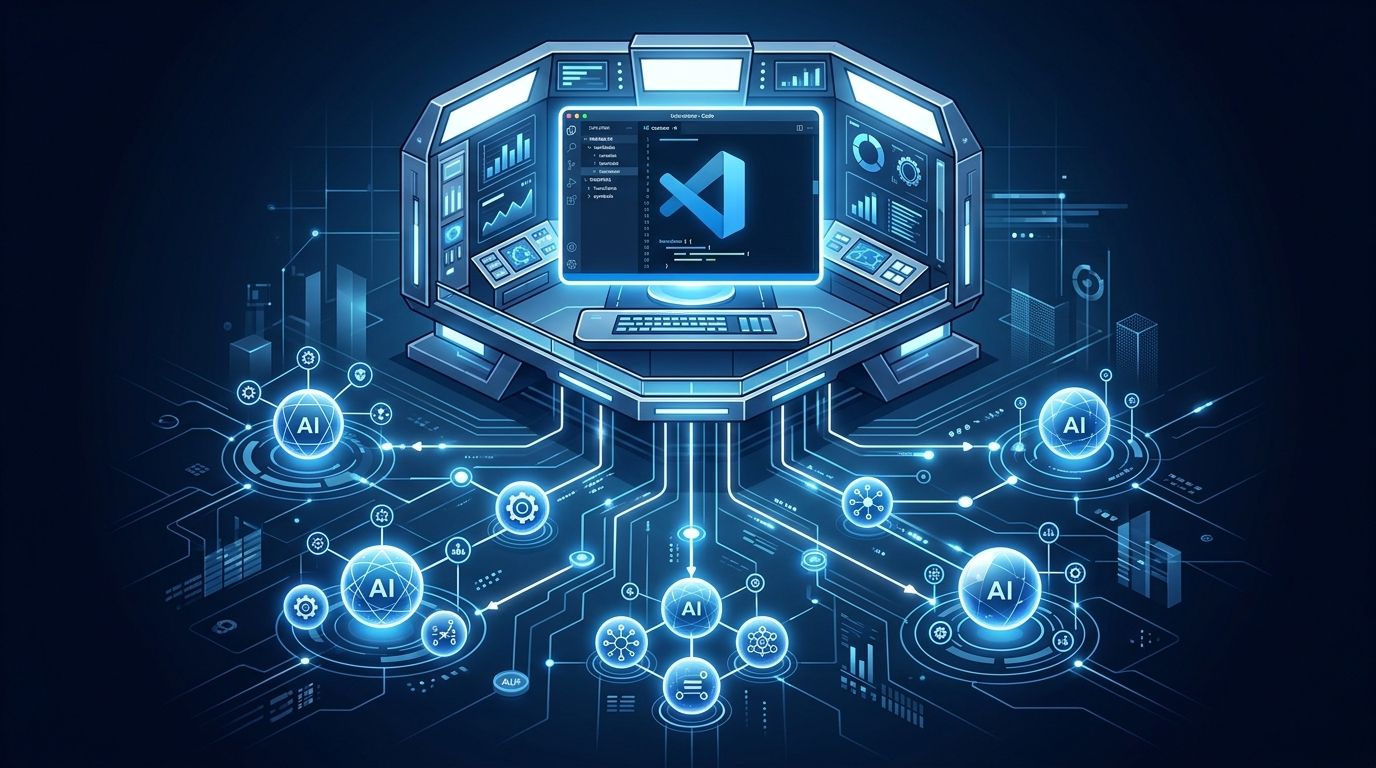
VS Code 1.132 shipped August 5 and the headline feature is easy to miss if you’re skimming changelog bullet points. The Agent Host Protocol is now stable. That’s not a performance tweak or a UI polish — it’s a structural shift in how VS Code relates to the AI agents running inside it. Microsoft has quietly stopped building a better AI assistant for your editor and started building the layer that all AI assistants run on top of.
What the Agent Host Actually Does #
The Agent Host Protocol runs Copilot, Claude, and Codex in a dedicated process, completely isolated from the VS Code extension host. Before this, a crashed or hung Copilot SDK could freeze your editor tabs. Now it can’t. The two processes are separate. That alone is worth upgrading for.
But the isolation is only part of the story. Multiple VS Code windows can now connect to the same agent session simultaneously. The session lives in its own process, so any window you open sees the same conversation, the same in-progress code changes, and the same live status. You can also run the agent host remotely over SSH or a dev tunnel — which means teams can share a single agent session across machines — or launch it standalone with code agent host
.
The admin policy angle is worth flagging: Microsoft removed the ChatAgentHostEnabled
fleet policy in 1.132. IT departments that previously used it to centrally disable the agent host across an organization no longer can. Individual developers can still opt out with chat.agentHost.enabled
, but the message is clear — Microsoft treats the agent host as a permanent fixture, not an opt-in experiment.
The Three Features That Change Your Daily Workflow #
Side chats (/btw). Type /btw
in the chat input and a parallel conversation opens alongside your active agent turn. It shares the primary chat’s full context and prompt cache, so you can ask a question — or spin up a different agent — without interrupting whatever the main agent is doing. This matters if you’re running long-horizon tasks. Previously, you either stopped the agent to ask a question, or you opened a separate chat with no context and got a useless answer. Now you branch the conversation. The primary agent keeps working.
Live status pills. The Agents window now shows four real-time status indicators above the chat input: Changes, Previews, Subagents, and Browsers. These update as the agent works. If you’re running a task that involves multiple subagents hitting multiple files and a website or two, you now have continuous visibility without interrupting the agent to ask where it is. It’s a small UI addition that removes a lot of anxiety from multi-step agent workflows.
Browser element annotations. Hit ⌥⌘C on Mac (Ctrl+Alt+C on Windows/Linux) to enter annotation mode in the integrated browser. Select elements on the page, add comments, send to chat. No more “the button in the top right — no, the other one.” For anyone building web UIs with AI help, this is the fix for one of the most persistent friction points: describing visual layouts in text is slow and imprecise. Pinning comments to actual page elements is not. Check the VS Code 1.132 release notes for the full list of keyboard shortcuts and configuration options.
On-Device Dictation: The Privacy Win Nobody’s Talking About #
VS Code 1.132 also introduces multilingual on-device dictation powered by Nemotron 3.5. The interesting part isn’t multilingual support — it’s that audio stays on-device and the model is shell-aware. Say “git commit dash m hello world” and you get git commit -m "Hello World"
. The model understands terminal syntax well enough to clean up spoken commands into executable ones. Supported on Windows, macOS Apple Silicon, and Linux (glibc 2.34+). For developers working in regulated environments where audio data can’t leave the machine, this is actually significant.
The Bigger Picture: VS Code Is Making a Platform Bet #
Seventy percent of engineers now use two to four AI tools simultaneously. The editor that wins is the one those tools run inside — or the one that coordinates them. VS Code is betting it can be both. The Agent Host Protocol is open, which means third-party agents beyond Copilot, Claude, and Codex can eventually implement support. That’s a different play than Cursor’s approach (native AI integration, proprietary, $20/month). According to a 2026 comparison of VS Code and Cursor, both tools are converging fast, but VS Code’s open protocol gives it a structural advantage as the agent ecosystem expands. VS Code is aiming to become the standard orchestration layer, not just a better participant in the AI coding space.
Whether that bet pays off depends on whether AHP reaches 1.0 and how many agent harnesses adopt it. For now, 1.132 is the first version where the vision is clearly visible. Your editor stopped being a place agents work and started being what supervises them.
Upgrade now. Run code --version
to check your current version, then enable the agent host if you haven’t already. Start with /btw
on your next long-running task — it’s the fastest way to see what this release actually changes.