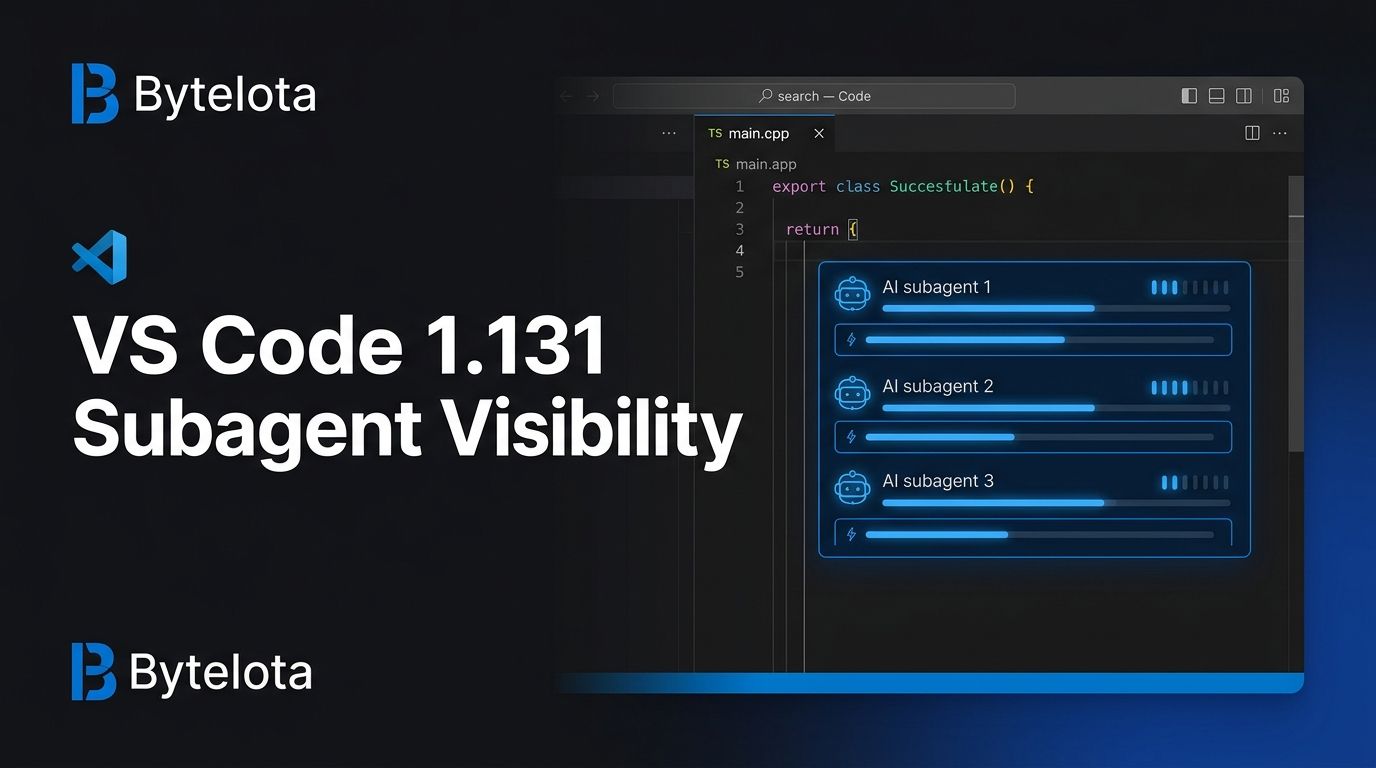
VS Code 1.131 shipped on July 29 with a feature that should have existed the moment multi-agent workflows became a real thing: you can now see what your subagents are doing without opening their conversations. That sounds like a minor UX tweak. It isn’t. It’s the difference between flying blind and having a dashboard.
What’s New in VS Code 1.131 #
Three features headline this release, and they are not equal. One of them matters a lot more than the others.
Subagent Status Visibility
If you run multi-agent sessions in VS Code — Claude Code, GitHub Copilot agents, Codex — you know the friction: your parent agent spawns a subagent to handle a task, and then you have no idea what that subagent is actually doing unless you click into its conversation. You break your flow to check its progress. Then you break it again. And again. VS Code 1.131 fixes this. The Agents window now shows a live status indicator for each running subagent directly in the parent chat: which model it’s using, how long it’s been running, and what tool it’s currently calling. No context switching required. If you do want to dig in, clicking the indicator opens the subagent as a read-only peer chat alongside the parent — both visible at once.
This is the most important AI developer ergonomics fix Microsoft has shipped this year. Subagent observability was the biggest unaddressed pain point in multi-agent development, and the VS Code team has been quietly building toward it: 1.129 moved agent sessions into a dedicated process, 1.130 reduced approval interruptions, and 1.131 closes the visibility gap. It’s a deliberate three-release cadence, not a collection of random features.
Built-In Dictation With Offline Nemotron
VS Code 1.131 ships native voice dictation across chat inputs, the text editor, and the terminal — no Speech extension required. It uses Microsoft’s offline Nemotron model, which means audio stays on your device. That is the right default. Privacy-first voice input is the only kind developers will actually trust.
To enable it, set dictation.enabled
to true
in your settings. Two optional settings worth knowing:
dictation.showTranscript
— shows a live transcript overlay as you speakdictation.experimental.llmCleanup
— lets Copilot clean up the transcript, removing filler words and adding punctuation
The feature is experimental and available on Windows, Linux, and Apple Silicon Macs. It’s useful for dictating architecture docs, writing long chat prompts, or keeping your hands free when you’re deep in flow state and don’t want to switch to the keyboard.
Hybrid Markdown Editor
The third feature is experimental and aimed squarely at agent-driven documentation workflows. The new hybrid Markdown editor lets you view and edit Markdown files in the Agents window while also adding agent-actionable comments — inline instructions that agents can act on directly.
Enable it by setting workbench.editor.markdownDefaultEditorInAgentsWindow
to true
. Switch between the traditional text editor and the Markdown view with “Reopen editor with” from any Markdown file. The multi-agent development blog post from February gives useful context on where Microsoft sees this heading.
This is Microsoft formalizing something developers have been doing ad hoc for a year: using documentation files as agent instructions. The CLAUDE.md pattern, the Copilot instructions file, the custom agent system prompts — all of that is converging. The hybrid Markdown editor is the first time VS Code treats it as a first-class concept rather than a workaround.
Also in 1.131: Python Environments at 100% #
The Python Environments extension has now reached 100% rollout for all VS Code Stable and Insiders users. If your Python projects have been launching faster lately, this is why. Nothing to configure; it’s already on. See the official subagent documentation if you want to understand the full agent session model this builds on.
How to Update #
VS Code 1.131 rolls out gradually. To get it now, open VS Code, go to Help > Check for Updates, and install when prompted. All three experimental features require explicit opt-in via settings — nothing is enabled by default. The full release notes cover every change in this release.
The subagent status indicator requires no configuration. If you use multi-agent sessions, it will be there the next time you run one. That’s the point: the most important feature in this release ships on by default, because observability shouldn’t be optional.