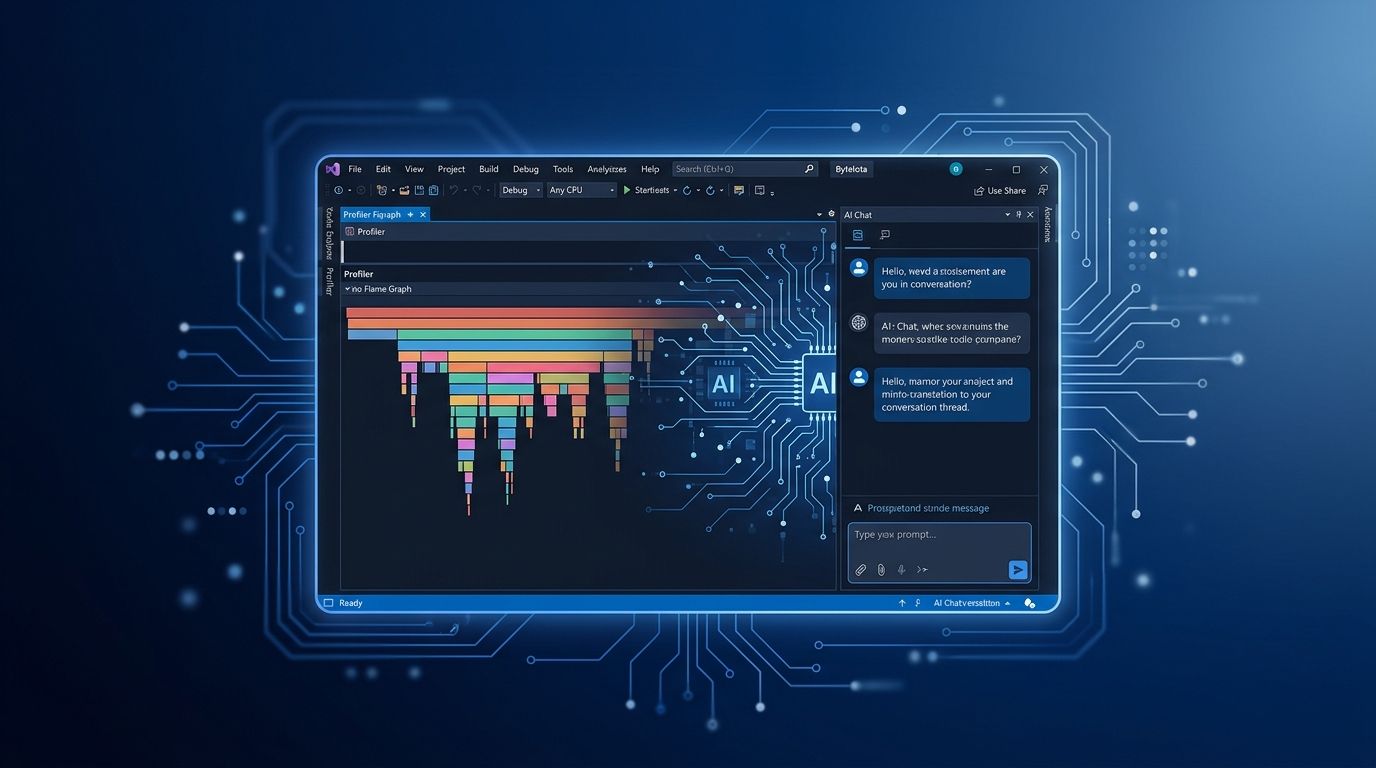
Visual Studio 2026 v18.10.0 landed on September 8 — and most coverage led with the Profiler Agent demo and the “40% faster load times” headline. That’s fine as far as it goes. What got buried: Bring Your Own Key just went live in preview, it has a silent breaking change that will quietly break any team that had BYOK configured, and the companion security release patches three remote code execution vulnerabilities in DiaSymReader.Native. This update deserves a closer read than most.
BYOK Is Live — and It Will Break Your Current Setup #
Bring Your Own Key has been the most requested feature from enterprise teams and developers who already pay for OpenAI or Anthropic API access directly. In 18.10, it’s finally in preview — and it supports Microsoft Foundry, OpenAI, Anthropic, Ollama, and custom OpenAI-compatible endpoints. Critically, it works without a GitHub Copilot subscription.
Here’s the problem: the BYOK implementation was rebuilt on the new Agent (Preview), which is powered by the GitHub Copilot SDK. The old Ask mode and old Agent mode BYOK configurations are gone. If your team had Ollama or a custom endpoint configured, those entries need to be re-added. There’s no migration wizard and no obvious error message — your configuration just stops working after the update.
Setup in 18.10:
- Open the Chat panel
- Open the model picker → select “Add a model” or “Manage Models”
- Connect to your provider (Anthropic, OpenAI, Foundry, or Ollama)
- Start working in Agent Mode
For teams with data sovereignty requirements or those running their own model deployments, this is the most strategically important change in this release. The cost argument is real too: teams that have been paying for GitHub Copilot just to get IDE AI integration can now evaluate whether a direct API connection to their preferred provider is cheaper for their usage patterns.
The Profiler Agent Closes the Loop #
Most IDE AI features are pattern-matching dressed up as intelligence. The Copilot Profiler Agent is different because it automates the full optimization cycle, not just the diagnosis step.
You invoke it with @Profiler in Copilot Chat. Ask it to benchmark a specific method, and it generates BenchmarkDotNet benchmarks styled to match your existing repository code, runs them, analyzes the output, proposes a fix, and reruns to validate the improvement — without you having to interpret a flamegraph.
The CsvHelper case study Microsoft published is worth examining: the agent reduced delegate invocations from 40,000 to 10,000 for a 10,000-record write operation by replacing separate delegate calls with a single compiled Expression.Block. The result was a 24% improvement in profiler runs (about 15% in the staged PR). That’s from a single prompt. Roberto Perez at Redis reported similar results: “The Profiler Agent immediately highlighted the bottlenecks and guided me to faster performance.”
C++ developers get this too, via a unit test profiling workflow rather than standalone benchmarks. The agent discovers tests that exercise performance-critical paths, runs them under the profiler, and surfaces targeted suggestions. Debug-time PerfTips now link directly to the Profiler Agent, so you can click an inline performance signal mid-debugging session and get immediate analysis without leaving your current context.
Patch First: Three RCEs in DiaSymReader.Native #
Buried beneath the feature announcements: v18.9.3 shipped alongside 18.10.0 on September 8 with 10 CVE patches. Three are remote code execution vulnerabilities in DiaSymReader.Native — the component Visual Studio uses to read PDB debug symbols.
- **CVE-2026-77906:** Malformed PDB COFF COMDAT RCE
- **CVE-2026-77907:** Unchecked COFF relocation (4-byte out-of-bounds write)
- **CVE-2026-69522:** Oversized memcpy RCE
These are exploitable via malformed PDB files — relevant to any developer who opens debug symbols from external or untrusted sources. Update to 18.10.0 (which includes the security fixes) or 18.9.3 if you’re staying on the 18.9.x line. Don’t skip this in the name of “waiting for the feature release to stabilize.”
The Daily Driver Updates Worth Knowing #
Performance first: Microsoft reports ~50% fewer UI freezes and ~40% faster solution load times versus VS 2022. One developer reported a 2GB solution in 3.7 seconds. These are independently confirmed, not just marketing claims. The caveat: memory consumption has climbed to 8.2GB for medium-sized projects, which the community has noticed.
Git Agent now lets you explore pull requests directly in chat with navigable links to comments and files, and you can connect MCP servers for GitHub and Azure DevOps context — useful for teams running custom tooling or internal git platforms. Inline Branch Highlighting adds red/green color coding to && and || operators in if conditions during debugging, showing which operand caused short-circuit evaluation. It’s a minor addition that makes complex boolean debugging significantly less tedious.
Adaptive Paste automatically adjusts pasted code to match project conventions — variable naming, formatting, sometimes translating between languages. Podman containers are now supported alongside Docker in Attach to Process, with no additional configuration required.
The Honest Take #
VS 2026 18.10 is worth installing if you’re in the Windows .NET ecosystem. The performance improvements are real. The Profiler Agent is the most genuinely useful AI feature in any IDE this year. BYOK is a legitimate cost-saving opportunity for enterprise teams, but read the breaking change notes before you update.
What to ignore: the social coding features (Code Karma, status updates), and the 47 theme options Microsoft is apparently proud of. What to watch: memory consumption at 8.2GB for medium projects is a legitimate concern, and extension compatibility — ReSharper and Live Share have reported instability in Insider builds.
The full release notes are unusually readable for Microsoft documentation. Worth 20 minutes before you hit Update. Download VS 2026 at visualstudio.microsoft.com/downloads.