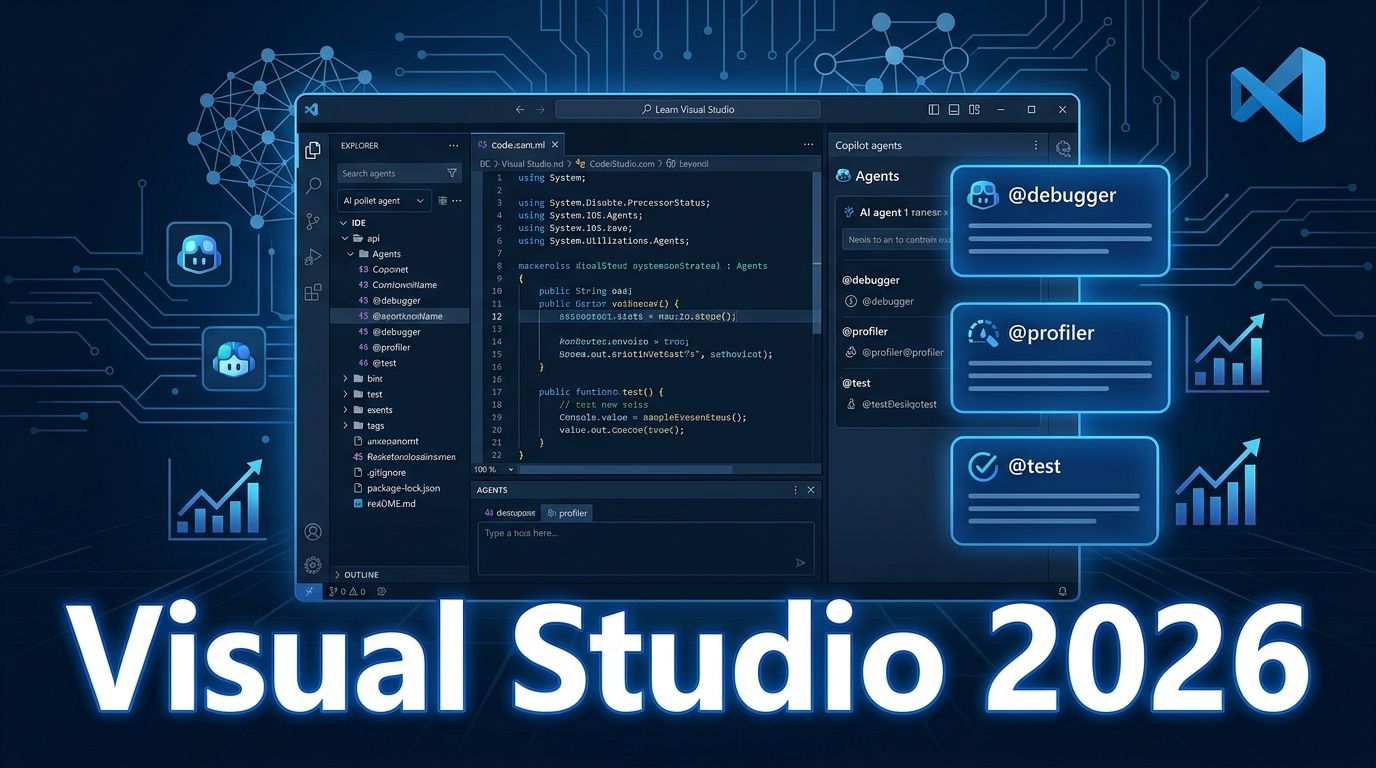
Visual Studio 2026 went GA on September 15. Microsoft calls it the first “Intelligent Developer Environment” — which sounds like marketing until you look at what shipped: five dedicated Copilot agents wired into native IDE tooling, BYOK support so you can use your own models without a GitHub Copilot subscription, and hard performance gains over VS 2022. Visual Studio 2026 has a real case for upgrading, and that case isn’t just AI hype.
Five Copilot Agents — With Access to Runtime Data #
The headline feature in Visual Studio 2026 isn’t Copilot Chat getting smarter — it’s five named agents, each integrated with VS’s native tooling: profiler data, debugger state, test runner output. These agents don’t just read your source code. They observe what your code actually does.
- @debugger : Runs your code against live runtime behavior and suggests fixes backed by real telemetry — not static analysis guesses.
- @profiler : Right-click any .NET test, select “Profile with Copilot.” Captures CPU and instrumentation data, proposes optimizations, writes benchmarks to validate them, and re-runs to confirm improvement.
- @test : Generates unit tests that match your actual testing framework — NUnit, MSTest, or xUnit. Framework-aware, not generic boilerplate.
- @modernize : A three-stage migration workflow (assess → plan → execute) for .NET and C++ upgrades. You approve each step before it proceeds.
- Plan : A project-level planning agent for broader agentic tasks across a codebase.
You can also define custom agents as .agent.md files in your repository and connect them to external data via MCP. VS 2026 is the first Microsoft IDE with a documented agent extension model, which pairs well with Copilot’s broader agent ecosystem.
The runtime data integration is the real differentiator. Generic chat tools work from source. These agents work from profiler traces and live debugger state. The official Copilot agents documentation covers the full list of invocation methods and agent capabilities.
BYOK: Your Models, Your Costs, Your Compliance #
BYOK (Bring Your Own Key) in Visual Studio 2026 lets you use all AI features without a GitHub Copilot subscription. Connect your own provider — Microsoft Foundry, OpenAI, Anthropic, Ollama, or a custom endpoint — and VS routes inference there instead. Available in preview across Community, Professional, and Enterprise editions, enabled by default. No GitHub sign-in required.
Three real use cases: cost — self-hosted or org-approved models can be significantly cheaper than per-seat Copilot pricing at scale; compliance — regulated industries (healthcare, finance, defense) often can’t send code to third-party providers; flexibility — teams already standardized on a model don’t need a parallel Copilot subscription just to get AI features in the IDE.
Reading between the lines: this is Microsoft’s direct response to Cursor and other tools that have pulled developers away, partly through model flexibility. VS 2026 removes the Copilot lock-in. The BYOM announcement post has the full technical setup guide.
Performance: The Numbers That Justify an Upgrade #
Visual Studio 2026 ships with measurable performance improvements over VS 2022 — specific enough to be credible:
- UI hangs reduced by 50%+
- Solution load times 40%+ faster
- Memory usage ~30% lower for comparable workloads
- Debug launch times up to 30% faster
The benchmark: a large solution that took 14 seconds to reach a usable state in VS 2022 now loads in 9 seconds. That’s a 35% improvement on a task most developers run several times a day. The gains come from moving operations off the UI thread and deferring non-critical services until after startup — standard optimization, but well executed.
Ready for .NET 11 and C# 15 #
Visual Studio 2026 is the supported IDE for .NET 11 RC1 (shipped September 8, go-live support through October 13). C# 15 is the default language version for .NET 11 projects, bringing union types, closed class hierarchies, collection expression arguments, and extension indexers. The MSVC Build Tools September 2026 update covers the native compiler side of this toolchain refresh. .NET 11 GA arrives at .NET Conf 2026 starting November 10.
Should You Upgrade? #
If you’re on VS 2022 and work in large codebases, the performance improvements alone justify the upgrade — 50% fewer UI hangs is time you get back every day. If you’re evaluating GitHub Copilot costs, BYOK gives you a reason to reconsider what you’re paying for. For teams with compliance requirements, BYOK may already be a requirement, not an option. The Copilot agents are the most novel part: not because they’re smarter than standalone AI tools, but because they have access to the right data at the right time. An agent that reads your profiler trace before suggesting optimizations outperforms one that reads your source and guesses. That’s the upgrade story for Visual Studio 2026. Full release notes are on the Visual Studio Blog.