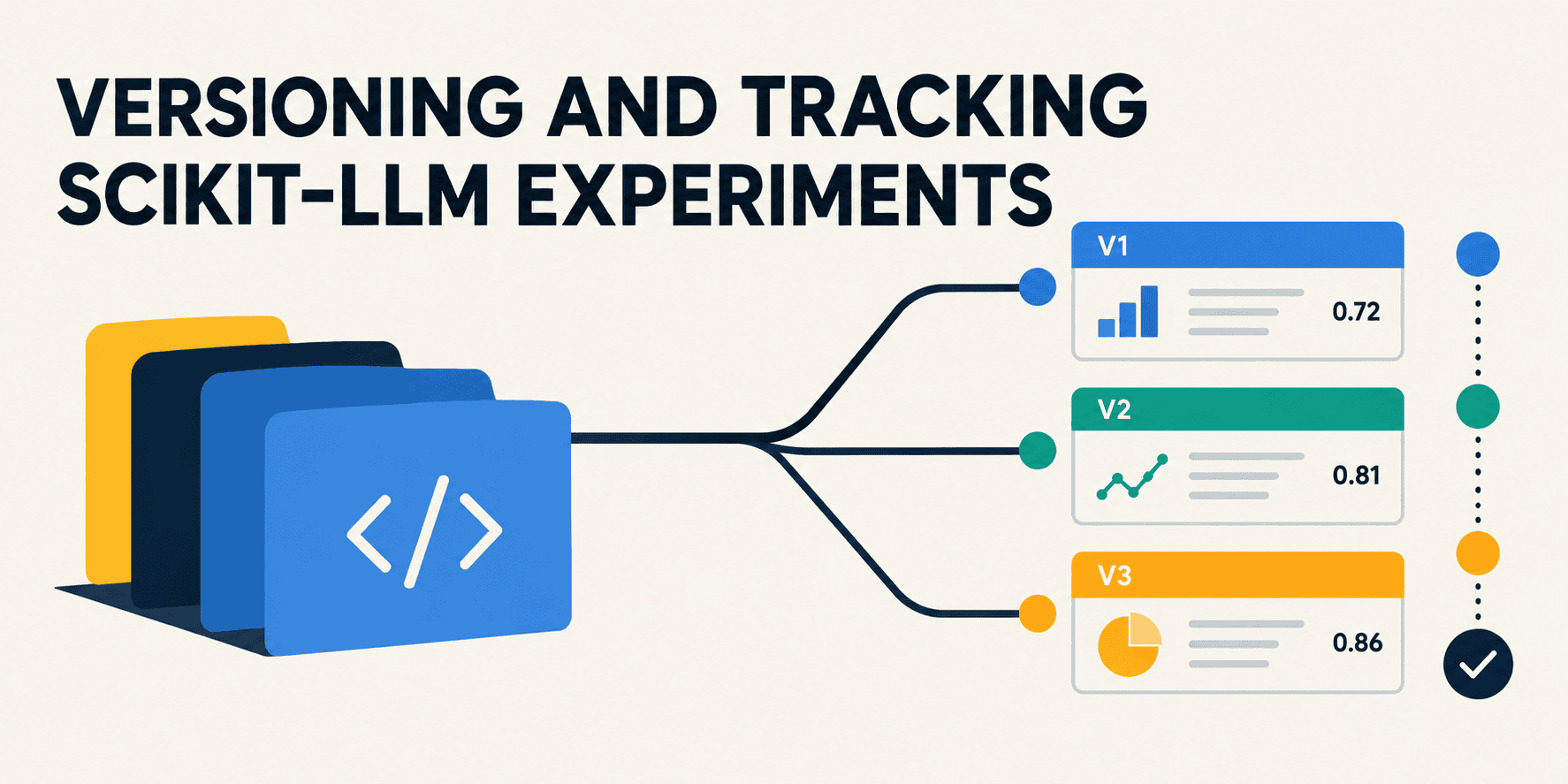
In this article, you will learn how to build, track, compare, and register scikit-learn pipelines that integrate large language models using Scikit-LLM and MLflow.
Topics we will cover include:
- How to configure Scikit-LLM and MLflow to support local large language model execution and experiment tracking.
- How to log multiple pipeline versions across different large language model backends and compare them using MLflow’s tracking API.
- How to promote the best-performing pipeline from a tracked experiment into MLflow’s Model Registry for deployment.
Introduction #
Registering, versioning, and comparing scikit-learn-like pipelines that integrate large language models (LLMs) can be made easy with the aid of two cornerstone tools: the Scikit-LLM library and MLflow, an open-source framework for managing the end-to-end lifecycle of machine learning projects.
This article demonstrates the steps to build, log, compare, and register scikit-learn pipelines revolving around LLMs using Scikit-LLM and MLflow. The code shown and described in detail below is designed with the primary purpose of ensuring model versioning and reproducibility across LLM backend updates — a frequent process in real settings that can quickly escalate.
Setup and Initial Configurations #
If you haven’t done so before, or if you are running this code on a cloud-based notebook like Google Colab, the first step is to install the key libraries you will need:
pip install "scikit-llm[gpt4all]" mlflow

1

pip install "scikit-llm[gpt4all]" mlflow
Make sure to use the extra option in brackets when installing scikit-llm to avoid compatibility issues.
Now, we initialize the configuration of Scikit-LLM with dummy credentials that enable local gpt4all model execution. Meanwhile, the MLflow model registry —the key resource where models will be versioned— relies on a database backend, which is also configured in the code below. Moreover, we initialize an MLflow tracking experiment named "Scikit-LLM-Versioning". Lastly, we define a small labeled dataset for zero-shot classification (more about this LLM-driven form of classification task here).
import mlflow
import mlflow.sklearn
from sklearn.pipeline import Pipeline
from skllm.config import SKLLMConfig
from skllm.models.gpt.classification.zero_shot import ZeroShotGPTClassifier

SKLLMConfig.set_openai_key("local-execution-key")
SKLLMConfig.set_openai_org("local-execution-org")

mlflow.set_tracking_uri("sqlite:///mlflow.db")
mlflow.set_experiment("Scikit-LLM-Versioning")

X_train = [
    "The application crashed immediately.",
    "Absolutely wonderful support team!",
    "It works fine but is a bit slow."
]
y_train = ["bug", "praise", "feedback"]

123456789101112131415161718192021

import mlflowimport mlflow.sklearnfrom sklearn.pipeline import Pipelinefrom skllm.config import SKLLMConfigfrom skllm.models.gpt.classification.zero_shot import ZeroShotGPTClassifier # 1. Dummy keys required by Scikit-LLM for local gpt4all executionSKLLMConfig.set_openai_key("local-execution-key")SKLLMConfig.set_openai_org("local-execution-org") # 2. Database backend required for the MLflow Model Registrymlflow.set_tracking_uri("sqlite:///mlflow.db")mlflow.set_experiment("Scikit-LLM-Versioning") # Sample dataset for zero-shot classificationX_train = [    "The application crashed immediately.",     "Absolutely wonderful support team!",     "It works fine but is a bit slow."]y_train = ["bug", "praise", "feedback"]
Logging the Baseline and Upgraded Pipelines #
This is where the real fun starts. We initialize a baseline pipeline that trains a zero-shot classification model using a lightweight pre-trained LLM.
The with block that follows, named after the Orca Mini model selected, enables tracking of the LLM backend type and the model file string as environment parameters, thereby fostering reproducibility. A "cloudpickle" serialization format (a variant of the classic pickle, or .pkl for short, used in smaller machine learning models) is used to log the pipeline. Understanding this block is key to leveraging LLM versioning in MLflow for subsequent experiment tracking. Once execution completes, it outputs a unique MLflow run ID.
LLM_V1 = "gpt4all::orca-mini-3k-71m-q4_0.gguf"

pipeline_v1 = Pipeline([
    ('llm_classifier', ZeroShotGPTClassifier(model=LLM_V1))
])

with mlflow.start_run(run_name="Baseline_Orca_Mini") as run_v1:
    mlflow.log_param("llm_backend", "gpt4all")
    mlflow.log_param("llm_model_file", LLM_V1)

    pipeline_v1.fit(X_train, y_train)

    mlflow.sklearn.log_model(
        pipeline_v1,
        "model",
        serialization_format="cloudpickle"
    )

    print(f"V1 Logged - Run ID: {run_v1.info.run_id}")

1234567891011121314151617181920

LLM_V1 = "gpt4all::orca-mini-3k-71m-q4_0.gguf" pipeline_v1 = Pipeline([    ('llm_classifier', ZeroShotGPTClassifier(model=LLM_V1))]) with mlflow.start_run(run_name="Baseline_Orca_Mini") as run_v1:    mlflow.log_param("llm_backend", "gpt4all")    mlflow.log_param("llm_model_file", LLM_V1)     pipeline_v1.fit(X_train, y_train)     # Override strict skops type checking with cloudpickle    mlflow.sklearn.log_model(        pipeline_v1,        "model",        serialization_format="cloudpickle"    )     print(f"V1 Logged - Run ID: {run_v1.info.run_id}")
Output excerpt:
V1 Logged - Run ID: 0852aaec23364725b433f09973a3d911

1

V1 Logged - Run ID: 0852aaec23364725b433f09973a3d911
Next, let’s suppose we create a secondary, upgraded pipeline based on a heavier LLM to demonstrate MLflow’s model-swapping capabilities. Specifically, we now target "gpt4all::ggml-model-gpt4all-falcon-q4_0.bin", which makes for a realistic backend upgrade. The code below isolates this new pipeline inside a separate MLflow run named "Upgraded_Falcon". Everything else is done just as before: pipeline parameterization, model fitting, and logging —just in a distinct MLflow run, yielding a new unique ID.
LLM_V2 = "gpt4all::ggml-model-gpt4all-falcon-q4_0.bin"

pipeline_v2 = Pipeline([
    ('llm_classifier', ZeroShotGPTClassifier(model=LLM_V2))
])

with mlflow.start_run(run_name="Upgraded_Falcon") as run_v2:
    mlflow.log_param("llm_backend", "gpt4all")
    mlflow.log_param("llm_model_file", LLM_V2)

    pipeline_v2.fit(X_train, y_train)

    mlflow.sklearn.log_model(
        pipeline_v2,
        "model",
        serialization_format="cloudpickle"
    )

    print(f"V2 Logged - Run ID: {run_v2.info.run_id}")

1234567891011121314151617181920

LLM_V2 = "gpt4all::ggml-model-gpt4all-falcon-q4_0.bin" pipeline_v2 = Pipeline([    ('llm_classifier', ZeroShotGPTClassifier(model=LLM_V2))]) with mlflow.start_run(run_name="Upgraded_Falcon") as run_v2:    mlflow.log_param("llm_backend", "gpt4all")    mlflow.log_param("llm_model_file", LLM_V2)     pipeline_v2.fit(X_train, y_train)     # Override strict skops type checking with cloudpickle    mlflow.sklearn.log_model(        pipeline_v2,        "model",        serialization_format="cloudpickle"    )     print(f"V2 Logged - Run ID: {run_v2.info.run_id}")
Output excerpt:
V2 Logged - Run ID: ee892572d0a641f89201c33479b98746

1

V2 Logged - Run ID: ee892572d0a641f89201c33479b98746
Auditing, Comparing, and Registering Models #
Now that we have multiple logged pipeline versions, we invoke the MLflow search API to extract the full versioning experiment and display it as a pandas DataFrame. Note that key auditing columns have been separated for clarity: run ID, MLflow run name, local LLM parameter, and execution status. For a realistic touch, the results below (based on previous runs leading to the final code included in this article) show historical audit information from several executions — displaying not only MLflow tracking of FINISHED pipelines but also early FAILED attempts.
experiment = mlflow.get_experiment_by_name("Scikit-LLM-Versioning")
runs_df = mlflow.search_runs(experiment.experiment_id)

comparison_df = runs_df[['run_id', 'tags.mlflow.runName', 'params.llm_model_file', 'status']]

print("Experiment Tracking Audit:")
display(comparison_df)

1234567

experiment = mlflow.get_experiment_by_name("Scikit-LLM-Versioning")runs_df = mlflow.search_runs(experiment.experiment_id) comparison_df = runs_df[['run_id', 'tags.mlflow.runName', 'params.llm_model_file', 'status']] print("Experiment Tracking Audit:")display(comparison_df)
run_id tags.mlflow.runName                                params.llm_model_file    status
0  ee892572d0a641f89201c33479b98746     Upgraded_Falcon          gpt4all::ggml-model-gpt4all-falcon-q4_0.bin  FINISHED
1  0852aaec23364725b433f09973a3d911  Baseline_Orca_Mini                  gpt4all::orca-mini-3k-71m-q4_0.gguf  FINISHED
2  68781001dec14e0cbe46e71cf38e92c4     Upgraded_Falcon          gpt4all::ggml-model-gpt4all-falcon-q4_0.bin  FINISHED
3  37e6011d2cca4e43a0a426cb936582e6  Baseline_Orca_Mini                  gpt4all::orca-mini-3k-71m-q4_0.gguf  FINISHED
4  5ccd7e21a74a4fcc8a01633231417b28  Baseline_Orca_Mini                  gpt4all::orca-mini-3k-71m-q4_0.gguf    FAILED

123456

run_id tags.mlflow.runName                                params.llm_model_file    status0  ee892572d0a641f89201c33479b98746     Upgraded_Falcon          gpt4all::ggml-model-gpt4all-falcon-q4_0.bin  FINISHED1  0852aaec23364725b433f09973a3d911  Baseline_Orca_Mini                  gpt4all::orca-mini-3k-71m-q4_0.gguf  FINISHED2  68781001dec14e0cbe46e71cf38e92c4     Upgraded_Falcon          gpt4all::ggml-model-gpt4all-falcon-q4_0.bin  FINISHED3  37e6011d2cca4e43a0a426cb936582e6  Baseline_Orca_Mini                  gpt4all::orca-mini-3k-71m-q4_0.gguf  FINISHED4  5ccd7e21a74a4fcc8a01633231417b28  Baseline_Orca_Mini                  gpt4all::orca-mini-3k-71m-q4_0.gguf    FAILED
Note that if you run the provided code and all cells execute without errors, you may see a shorter list — ideally containing only two logged runs associated with the two pipelines, both with FINISHED status.
To wrap up, let’s shift from logged to registered. In other words, let’s see how to extract the optimal execution run and promote (formally register) its associated model into MLflow’s Model Registry. The code searches the DataFrame to find the first run matching the "Upgraded_Falcon" label and secures its run ID. This target pipeline is then registered in the backend database, officially recorded as Version 1.
best_run_id = runs_df[runs_df['tags.mlflow.runName'] == 'Upgraded_Falcon'].iloc[0]['run_id']
model_uri = f"runs:/{best_run_id}/model"

registered_model = mlflow.register_model(
    model_uri=model_uri,
    name="Production_ZeroShot_Classifier"
)

print(f"Successfully registered model '{registered_model.name}'")
print(f"Current Registry Version: {registered_model.version}")

12345678910

best_run_id = runs_df[runs_df['tags.mlflow.runName'] == 'Upgraded_Falcon'].iloc[0]['run_id']model_uri = f"runs:/{best_run_id}/model" registered_model = mlflow.register_model(    model_uri=model_uri,    name="Production_ZeroShot_Classifier") print(f"Successfully registered model '{registered_model.name}'")print(f"Current Registry Version: {registered_model.version}")
Output:
Successfully registered model 'Production_ZeroShot_Classifier'
Current Registry Version: 1

12

Successfully registered model 'Production_ZeroShot_Classifier'Current Registry Version: 1
We just performed a hardcoded, manual model selection, but what if you want to find and register the one with the best performance — for instance, the highest accuracy? You could do something like this before calling mlflow.register_model():
best_runs_df = mlflow.search_runs(
    experiment_ids=[experiment.experiment_id],
    order_by=["metrics.accuracy DESC"]
)

metric_winner_id = best_runs_df.iloc[0]
print(metric_winner_id)

123456789
Output:
run_id                                      0605f300074a4d91b1e3438348d157f1
experiment_id                                                              1
status                                                              FINISHED
artifact_uri               /content/mlruns/1/0605f300074a4d91b1e3438348d1...
start_time                                  2026-08-29 14:53:18.182000+00:00
end_time                                    2026-08-29 14:53:22.007000+00:00
params.llm_model_file            gpt4all::ggml-model-gpt4all-falcon-q4_0.bin
params.llm_backend                                                   gpt4all
tags.mlflow.source.name             fileId=1GM67JQ61d3Y7eibN63YS6Udjt5qxf14x
tags.mlflow.runName                                          Upgraded_Falcon
tags.mlflow.user                                                        root
tags.mlflow.source.type                                             NOTEBOOK

123456789101112

run_id                                      0605f300074a4d91b1e3438348d157f1experiment_id                                                              1status                                                              FINISHEDartifact_uri               /content/mlruns/1/0605f300074a4d91b1e3438348d1...start_time                                  2026-08-29 14:53:18.182000+00:00end_time                                    2026-08-29 14:53:22.007000+00:00params.llm_model_file            gpt4all::ggml-model-gpt4all-falcon-q4_0.binparams.llm_backend                                                   gpt4alltags.mlflow.source.name             fileId=1GM67JQ61d3Y7eibN63YS6Udjt5qxf14xtags.mlflow.runName                                          Upgraded_Falcontags.mlflow.user                                                        roottags.mlflow.source.type                                             NOTEBOOK
Wrapping Up #
The two-step (logging and registering) workflow for LLM pipeline versioning introduced in this article is designed to prevent your official model registry from becoming cluttered with failed attempts, messy code excerpts, or inferior test runs that led nowhere. The tracking table displaying logged versions is used to compare a set of rough drafts, publishing only the final “winner(s)” to the registry database for deployment or active use.