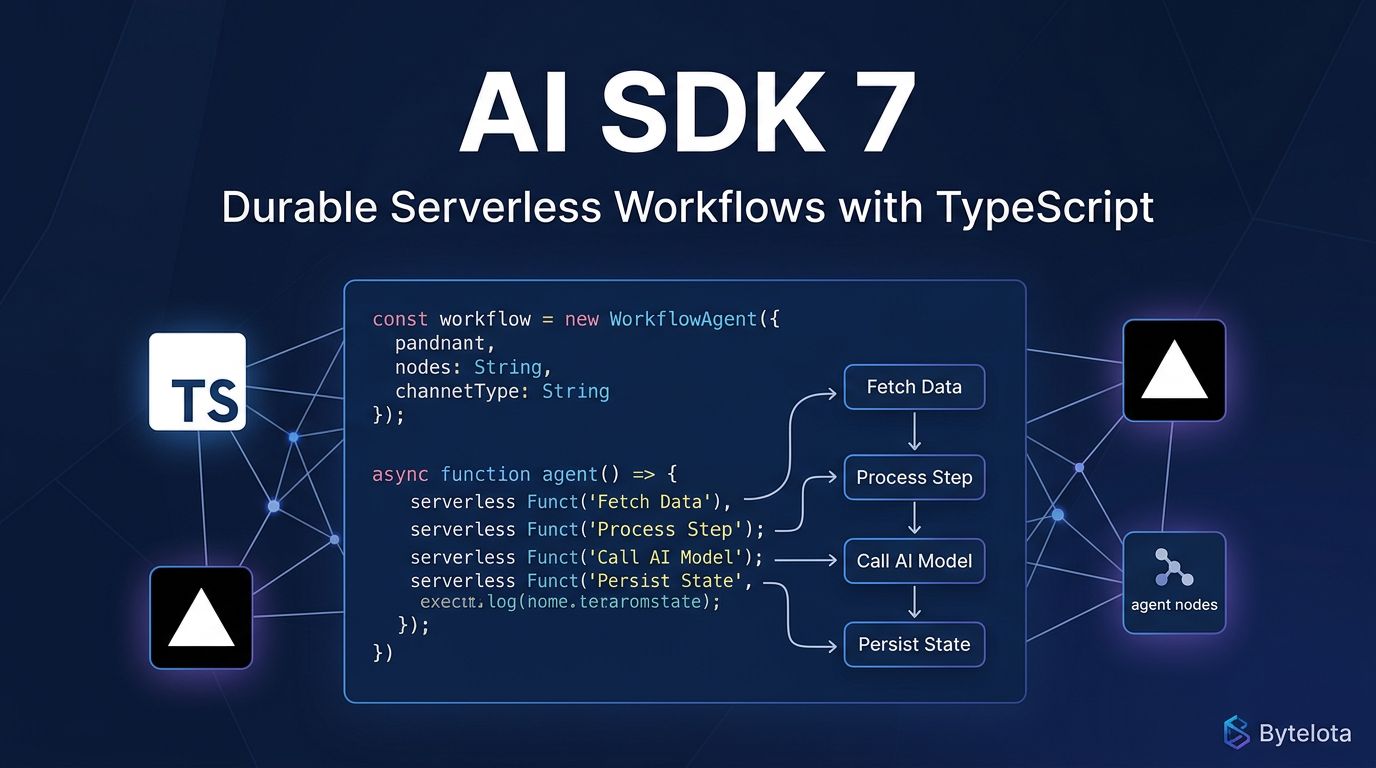
Vercel shipped AI SDK 7 on June 25, and it draws a hard line under the chat-wrapper era. The release doesn’t add another model provider or polish the streaming API — it solves a problem that has been quietly killing production AI agents for two years: the moment your serverless function times out or a deploy lands mid-task, the agent’s progress vanishes. Vercel AI SDK 7 fixes that at the platform level.
The In-Memory Problem, Finally Fixed #
Every agent framework running on serverless infrastructure has the same silent flaw. Your ToolLoopAgent runs entirely in memory. If the process crashes, the deployment restarts, or a user closes their browser at the wrong moment, all context is gone — the agent starts over, or worse, it doesn’t start at all.
SDK 7’s answer is WorkflowAgent
. It runs inside Vercel Workflows, where each tool execution becomes a durable step with automatic retries and recorded inputs and outputs. If anything interrupts the run, the system replays deterministically from the last completed step rather than from scratch. The mechanism is a single TypeScript directive: mark a function with "use workflow"
and the compiler handles the rest, turning each step into an isolated API route.
The streaming story is equally practical. getWritable()
returns a persistent stream that survives disconnections. A user can close their browser, reopen it ten minutes later, and reconnect to an agent that never stopped working. That is a qualitatively different kind of reliability than anything the previous SDK offered.
One Interface for All Your Agent CLIs #
The second headline feature is less dramatic but equally overdue. Most teams running AI agents in production have ended up with three or four different CLI-based runtimes — Claude Code for complex refactors, Codex for quick generation, OpenCode for open-source workflows — each wrapped in a custom adapter that no one fully understands. SDK 7 introduces HarnessAgent
to collapse that sprawl.
HarnessAgent wraps Claude Code, OpenAI Codex, Deep Agents, OpenCode, and Pi behind the same .generate()
and .stream()
interface the rest of the SDK uses. Swap harnesses without touching your integration layer. One caveat: Codex currently does not support built-in tool approval requests and requires permissionMode: 'allow-all'
— worth factoring into any risk assessment.
Tool Approvals and Telemetry: The Operations Layer #
SDK 7 ships the two things that distinguish a production agent from a demo: policy-controlled tool approvals and stable observability.
Approvals can be set at the call or agent level, with four modes: auto-approve, auto-deny, require user confirmation, or delegate to a typed approval function for conditional logic. For high-stakes workflows, HMAC-signed approvals prevent forged tokens from bypassing the policy. The SDK revalidates tool inputs before resuming after a delayed approval — closing the window where an approval could be replayed against different inputs.
Telemetry graduates from experimental to stable in this release. The SDK emits OpenTelemetry spans per step, per tool call, and per model invocation. Token-level attributes — uncached input tokens, reasoning token counts — are available but off by default, which is the right call for teams who don’t want to pay the logging overhead until they need it. Langfuse and Sentry both integrate out of the box.
Upgrading from AI SDK 6 #
The migration is lighter than a major version bump suggests. Two breaking changes to know: the system
option for system instructions is now instructions
, and experimental_prepareStep
is removed in favor of prepareStep
. If you have persisted { role: 'system' }
messages in older chat histories, set allowSystemInMessages: true
to preserve backward compatibility.
npx @ai-sdk/codemod v7
That command handles most of the mechanical changes automatically. The official migration guide covers what the codemod doesn’t touch.
The Lock-In Question #
The criticism worth taking seriously: AI SDK 7 is most powerful when you’re fully inside the Vercel ecosystem. WorkflowAgent requires Vercel Workflows. The observability story integrates tightly with Vercel’s dashboard. The best experience assumes Next.js, AI Gateway, Vercel Sandbox, and Vercel Observability working together. That’s coherence — and coherence in infrastructure always comes with gravity.
The counter-argument is practical: for the large share of TypeScript developers already on Vercel and Next.js, this eliminates the orchestration gap that has been the biggest reliability problem in production AI agents. Temporal and Inngest solve the same durability problem but require separate infrastructure. SDK 7 solves it where the code already runs. That trade-off is honest, and for most teams in the Vercel ecosystem, it resolves clearly in SDK 7’s favor.
The full changelog covers realtime voice additions and provider-level file support, which didn’t make the headline but are worth reading if your agents handle audio or multi-modal inputs. The harness documentation has setup guides for each supported CLI runtime.