Audio to text
Feed it MP3, WAV, M4A, FLAC, OGG, AAC or OPUS and read the words with a timestamp on every line. Good for podcasts, voice memos, calls and dictation.
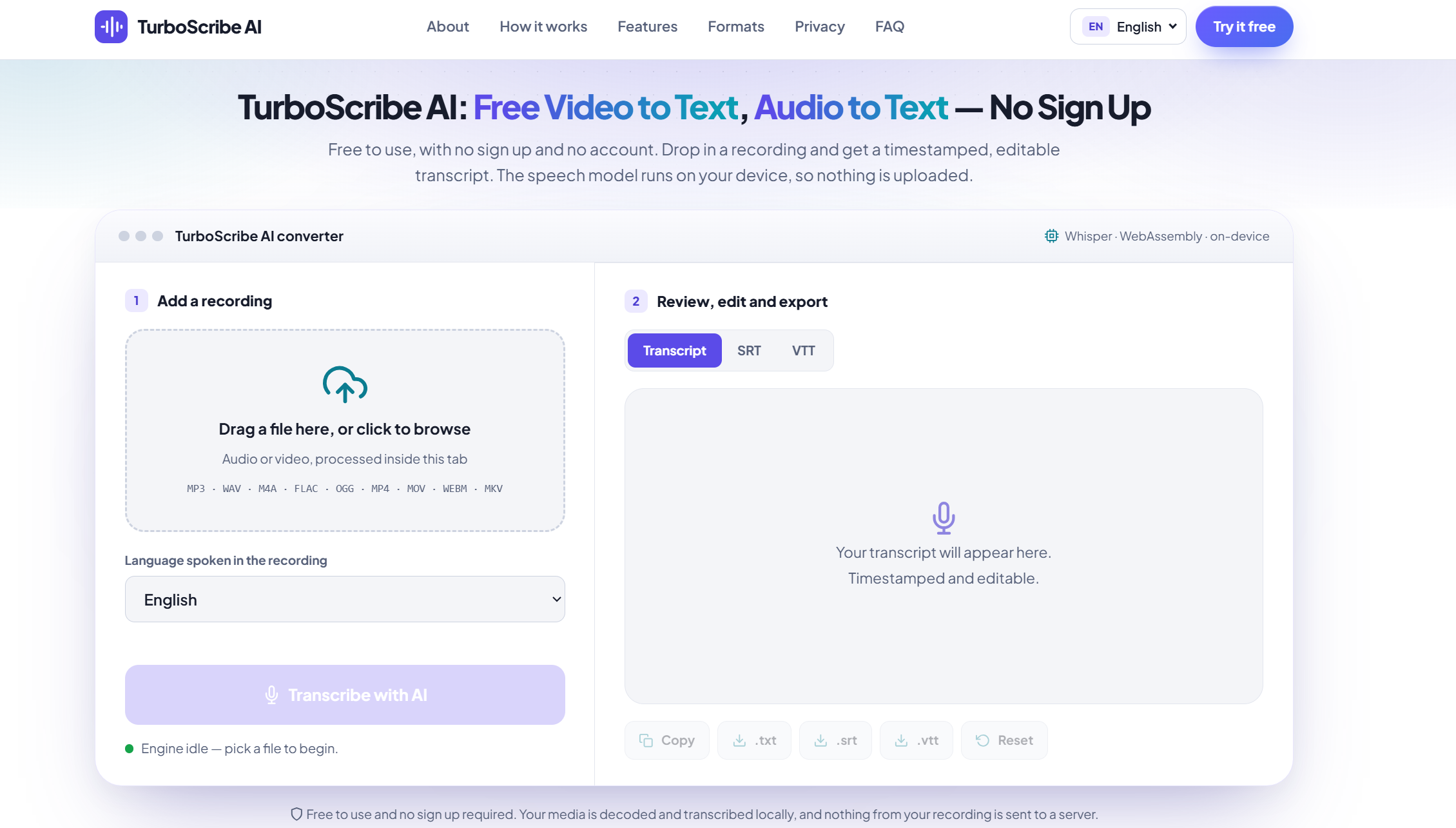
Free to use, with no sign up and no account. Drop in a recording and get a timestamped, editable transcript. The speech model runs on your device, so nothing is uploaded.
Free to use and no sign up required. Your media is decoded and transcribed locally, and nothing from your recording is sent to a server.
About TurboScribe AI
TurboScribe AI is a free tool that listens to a recording and writes down what was said, with a timestamp for every line. There is no sign up and no account: open the page, add a file and start.
No account, email address or credit card is ever asked for.
A compact Whisper model runs in your browser, so your file is never uploaded.
Fix any line in the page, then save the result as TXT, SRT or VTT.
Most online transcription services send your file to a remote server, ask you to register and charge by the minute. TurboScribe AI works differently: it loads the model into your browser once and runs it locally, so there is no upload and no meter running. It is built for clear, everyday recordings such as calls, lectures, interviews and voice notes, and it is honest about its limits, which you can read in the accuracy section.
Last updated
How it works
No installation and no settings maze. Here is the whole workflow for converting a video or audio file to text.
Drag a video or audio file into the converter, or click the drop area to pick one from your computer or phone.
English is preselected. Choose another spoken language, or use Auto-detect when you are not sure.
The first run downloads the speech model (about 39 MB) and caches it. Text then appears piece by piece as the file is processed.
Correct names and numbers in the transcript, then copy it or download TXT, SRT or VTT.
Features
Everything in TurboScribe AI is free to use and works without an account. One page, one job: turn speech into text you can actually use.
MP4, MOV, WEBM, MKV and AVI work as well. TurboScribe AI pulls out the audio track first, so you never have to convert the video yourself.
The same timed segments export as SRT or VTT captions for video editors and web players.
Click into the transcript and fix a name or figure before you export. Your edits are what get copied or saved as TXT.
Big recordings are read in ten-minute segments and transcribed in 30-second pieces, so memory use stays modest.
Supported formats
If your file plays in a normal media player, there is a good chance TurboScribe AI can read it.
Typical sources: podcast episodes, phone voice memos, studio and field recorders, and downloaded interviews.
Typical sources: screen recordings, meeting captures, iPhone clips, OBS recordings and social videos.
Export
Pick the file that matches what you plan to do next. All three come from the same transcript.
Clean running text for notes, articles, emails, summaries and search.
Welcome back to the weekly
planning call. Let's start with
what shipped last week.
The common caption format for YouTube, Premiere Pro, DaVinci Resolve and most editors.
1
00:00:00,000 --> 00:00:03,200
Welcome back to the weekly
planning call.
The caption format used by HTML5 video players and many web platforms.
WEBVTT

00:00:00.000 --> 00:00:03.200
Welcome back to the weekly
planning call.
Privacy
When you press Transcribe, the browser decodes your audio and a WebAssembly build of the Whisper model turns speech into text on your own processor.
What is downloaded? Only the speech model and a few helper libraries, fetched from public CDNs and cached by your browser. Because the work happens in the tab, closing or re it stops a transcription in progress, so keep it open until the bar reaches 100%.
Accuracy
The recording matters more than any setting. These habits give the biggest improvement.
Music, traffic and room echo cause most errors. Record close to the speaker when you can.
Overlapping speech is hard for every speech model, large or small.
Choosing the spoken language is more dependable than Auto-detect on short or noisy clips.
Brands, places and figures are where edits are needed most often. Use the editor before exporting.
More memory keeps recordings over an hour steady and avoids slowdowns on phones.
Leave the page open until progress hits 100% so the browser does not the work.
Current limits: TurboScribe AI uses a compact model chosen for browsers. It does not label speakers, does not translate, and is less accurate than large server models on difficult audio.
Languages
Select the language of the recording in the converter. English is the most dependable; other languages work with accuracy that varies by language and audio quality.
Use cases
FAQ
Short answers about cost, privacy, formats and limits. Still unsure? Try a short clip in the converter.
TurboScribe AI is a free web tool that converts video and audio recordings into text. A compact Whisper speech model runs inside your browser, so the transcript is produced on your own device instead of on a remote server.
Yes, it is free and there is no sign up. You do not need an account, an email address or a credit card. Because your own device does the processing, there is no per-minute cost to pass on to you.
No. The file is read, decoded and transcribed inside the browser tab. The only things downloaded are the speech model and a few helper libraries from public CDNs. Your audio and video stay on your device.
The first run downloads the speech model, roughly 39 MB, plus the audio tools used for video files. Your browser caches them, so later runs start much faster.
Audio: MP3, WAV, M4A, FLAC, OGG, AAC and OPUS. Video: MP4, MOV, WEBM, MKV and AVI. For video files the audio track is extracted automatically before transcription.
Yes. Every transcript is made of timed segments, so you can download it as an SRT or VTT subtitle file as well as plain TXT.
Not at the moment. TurboScribe AI transcribes what is said in the language you choose. It does not add speaker names and it does not translate into another language.
There is no upload limit because nothing is uploaded. Large files are read from disk in ten-minute segments and transcribed in 30-second pieces to keep memory use low. Long recordings take longer, and the speed depends on your device.
Recent versions of Chrome, Edge, Firefox and Safari that support WebAssembly. Phones and tablets work for short clips, while a desktop or laptop with more memory is better for long recordings.
Accuracy is best on clear speech from one person, especially in English. Background noise, overlapping voices and heavy accents reduce it, so proofread names and numbers in the built-in editor before you export.