GRAPH_RECURSION_LIMIT means your LangGraph StateGraph reached its maximum number of steps before hitting a stop condition. For ai engineering teams, the key distinction is whether the graph contains an accidental cycle or has a complex path that naturally requires more steps.
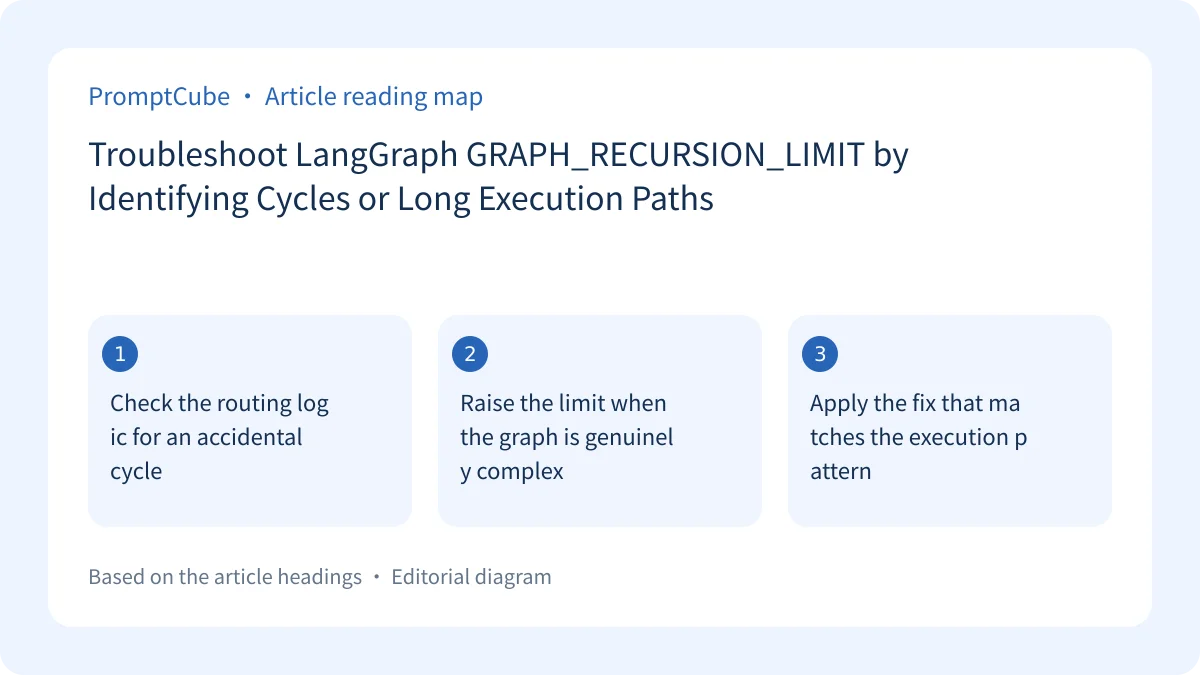
Check the routing logic for an accidental cycle #
The LangGraph documentation identifies an infinite loop as a common cause. A cycle can occur when two nodes route back and forth indefinitely:
builder.add_node("a", ...)
builder.add_node("b", ...)
builder.add_edge("a", "b")
builder.add_edge("b", "a")
If you are not expecting the graph to pass through many iterations, review its routing logic for this kind of cycle. The appropriate next step is to correct the loop rather than simply allowing the graph to run longer.
Raise the limit when the graph is genuinely complex #
If the graph is complex and naturally follows a long execution path, pass a higher recursion_limit value in the configuration used to invoke it:
graph.invoke({...}, {"recursion_limit": 1000})
The source presents 1000 as an example of a higher limit, not as a universal setting. The supplied documentation does not state a numeric default recursion limit, so the appropriate value must be selected according to the graph’s expected path rather than copied mechanically.
Apply the fix that matches the execution pattern #
Start by deciding whether many iterations are expected. For an unexpected loop, fix the graph logic first. For a complex graph with a naturally long path, adjust the invocation configuration as shown above. The documentation supports these two distinct responses but does not diagnose a particular graph without inspecting its routes and expected execution length.
Next MIT Transit Lab is building an AI hub to fix transit data silos →
All Replies (0) #
Want a live back-and-forth? Join the global AI chat room — login to talk.
No replies yet — be the first!