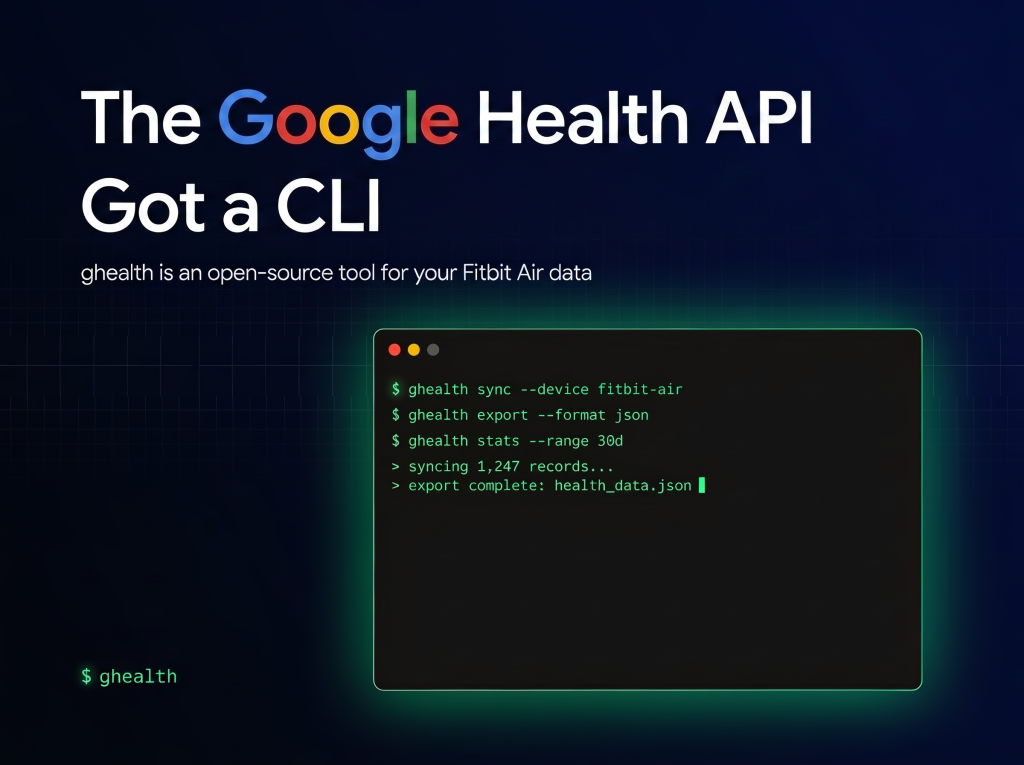
The ** Google Health API **is the official successor to the Fitbit Web API. It targets the Google Health API v4 and moves developers onto Google OAuth 2.0. Now an open-source CLI command-line tool called
ghealth
wraps that API for terminals and AI agents.The tool is a single Go binary under the Apache 2.0 license. It exposes 40 verified data types as structured JSON. That design lets you pipe sleep, heart rate, and step data into an agent’s context.
What is ghealth?
ghealth
is a wrapper over the Google Health API v4. You build it from source with go build -o ghealth .
. It ships as one self-contained binary.
The tool is explicitly agent-first. Every command returns simplified JSON with a stable shape. It also provides deterministic exit codes, a --dry-run
flag, and a --raw
flag.
The repository ships two Agent Skills as SKILL.md
files. One covers auth, setup, and global flags. The other documents all 40 data types, operations, patterns, and gotchas. Agents install them with npx skills add
.
The CLI lives under the Google-Health-API
GitHub organization. That organization also hosts long-standing Fitbit open-source repositories.
The Data Surface: 40 Verified Types
The 40 types cover most Fitbit and Pixel Watch signals. Examples include steps
, heart-rate
, sleep
, weight
, oxygen-saturation
, and heart-rate-variability
. Clinical types like electrocardiogram
require the ecg.readonly
scope.
Each type supports a subset of operations. Common ones are list
, rollup
, daily-rollup
, and reconcile
. Writable types (exercise
, sleep
, weight
, body-fat
, height
) add create
, update
, and delete
.
The reconcile
operation merges overlapping data points from multiple sources. That mirrors the Reconciled Stream in the v4 API.
Sleep is a good example for pattern analysis. The default list
returns a summary. Adding --detail
returns stage-by-stage data (awake, deep, REM). That helps you spot patterns week over week.
Setup: What Actually Happens
Setup runs through one command: ghealth setup
. A wizard walks you through the GCP project and OAuth. You create a Desktop-type OAuth client in the Google Cloud Console.
You bring your own OAuth credentials. The tool holds no shared key. Files are written under ~/.config/ghealth/
with file mode 0600. Tokens refresh automatically.
All Google Health API scopes are classified as Restricted. Google requires a privacy and security review for production access. For personal use, you authorize your own project against your own account. The API returns data from Fitbit, Pixel Watch, and connected third-party sources.
The headless flow uses PKCE with an S256 challenge. It also validates a random state
parameter on completion.
Hands-On: Commands and Output
Reading data is consistent across types. Every read returns an object with rows under dataPoints
.
ghealth data heart-rate list --from today --limit 10

ghealth data steps daily-rollup --from 2026-03-22 --to 2026-03-29

ghealth data sleep list --limit 5 --detail
Step totals return aggregated JSON:
{
  "dataPoints": [
    {"date": "2026-03-28", "countSum": "9037"},
    {"date": "2026-03-27", "countSum": "2408"}
  ]
}
Output is simplified by default. Use --raw
for the original API response. Use --format csv
or --format table
for other shapes. The -o
flag writes a file and prints a schema preview.
Pagination is lossless. A large list
returns a nextPageToken
. You pass it back with --page-token
to fetch the next page.
Use Cases With Examples
Feed sleep patterns into an agent: Pull several nights with--detail
. Pipe the JSON into a Claude Code or Codex session. Ask the agent to summarize deep-sleep trends over the week.Load workouts into pandas: Runghealth data exercise export-tcx --id <id> --output ride.csv --as csv
. Each row is one trackpoint with heart rate and GPS. Then runpd.read_csv
on the file.Build a resting heart-rate view: Querydaily-resting-heart-rate
over 30 days. Emit CSV with--format csv
. Chart it in a notebook or a dashboard.
How ghealth Compares
The table below sets ghealth
against the raw API and two other CLIs. The other two CLIs both self-identify as unofficial.
| Attribute | ghealth (this CLI) | Google Health API v4 (direct REST) | rudrankriyam/Google-Health-CLI | googlehealth-cli (npm) |
|---|---|---|---|---|
| Install | git clone + go build |
None; call HTTP/gRPC yourself | Build from Go source | npm i -g googlehealth-cli |
| Language | Go, single binary | Any | Go | Node.js |
| Auth | Your own OAuth client, PKCE S256 | Google OAuth 2.0 | Your own OAuth client | Your own OAuth client |
| Agent output | Simplified JSON, exit codes, SKILL.md |
Raw JSON / gRPC | Predictable JSON | Stable --json envelope |
| Data types | 40 verified against live API | Full v4 surface | Tracks documented v4 surface | Subset of types |
| Official status | No; community, in Google-Health-API org | Yes; Google | No; states unofficial | No; states unaffiliated |
For raw control, the direct REST API is the ground truth. For terminal and agent use, ghealth
reduces auth and formatting boilerplate.
Interactive Explainer
Check out the ** Repo**.
Also, feel free to follow us on
and don’t forget to join ourTwitter
and Subscribe to
150k+ML SubReddit. Wait! are you on telegram?
now you can join us on telegram as well.Need to partner with us for promoting your GitHub Repo OR Hugging Face Page OR Product Release OR Webinar etc.? Connect with us
Michal Sutter is a data science professional with a Master of Science in Data Science from the University of Padova. With a solid foundation in statistical analysis, machine learning, and data engineering, Michal excels at transforming complex datasets into actionable insights.
- Michal Sutter
- Michal Sutter
- Michal Sutter
- Michal Sutter
- Michal Sutter
- Michal Sutter