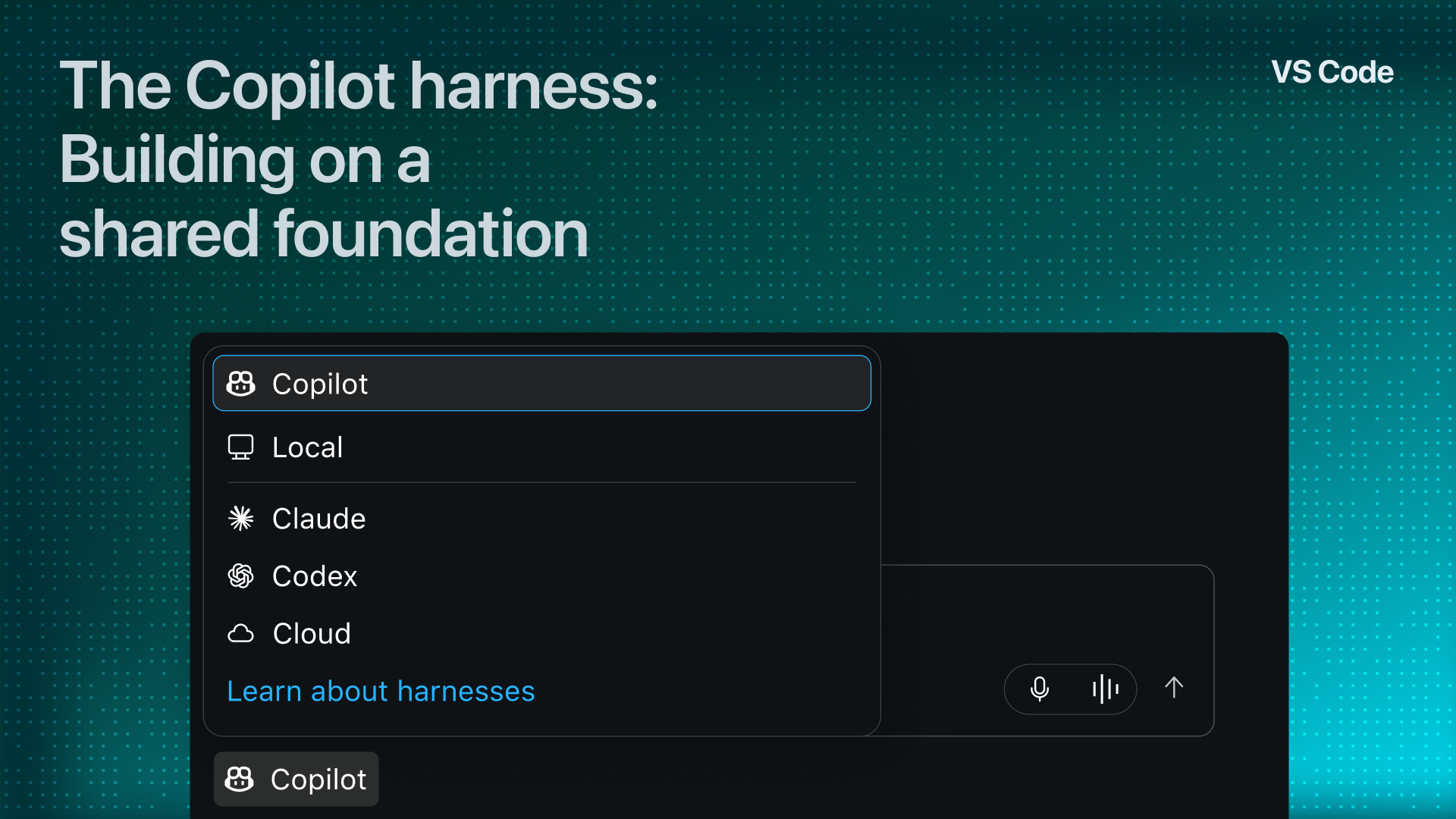
The Copilot harness, built on the Copilot SDK, is now the default for new agent sessions in VS Code. Our goal is to keep the capabilities you love from VS Code's original, editor-specific Local harness and add the benefits of a runtime shared across Copilot products. By sharing fixes and optimizations instead of repeating work on separate harnesses, we can deliver improvements faster and focus more on important bugs, workflow gaps, and new capabilities.
Over the last several months, we've progressively rolled out the Copilot harness as the default, while monitoring data and user feedback at every stage to improve the experience. The Local harness is now deprecated and remains available during a three-month transition period before removal in February 2027 (unless your organization restricts its use).
TL;DR #
- Efficiency and reliability gains: We assess both aspects through everyday VS Code workflows and controlled evaluations:
- In one online Business/Enterprise rollout comparison, the group defaulting to the Copilot harness used 14.2% fewer tokens per active device than those on the Local harness, with9.6% lower estimated processing cost .
- In offline side-by-side VS Code evaluations, the Copilot harness had fewer errors and interruptions during long coding tasks than the Local harness.
- On repeatable tasks with the same model, published benchmarks found comparable task completion with fewer tokens in most tested configurations versus model-provider harnesses. They evaluated Copilot CLI, which shares the runtime VS Code integrates through the Copilot SDK.
- In one online Business/Enterprise rollout comparison, the group defaulting to the Copilot harness used
- Capabilities beyond the Local harness: The shared foundation enables features and protections beyond what the Local harness supports:
  - [Copilot Fusion](https://code.visualstudio.com/docs/agent-customization/language-models#_use-copilot-fusion) for multi-model work.
  - [Copilot runtime-enforced enterprise permission and sandbox policies](https://code.visualstudio.com/docs/enterprise/manage-ai-settings) .
- Agent Host sessions remain active after their project window closes, while VS Code remains running.
- Your workflow and transition: - For local projects, the Copilot harness still runs on your machine in VS Code.
  - [What we've shipped based on your feedback](#__improvements-shaped-by-your-feedback) .
  - [What's in progress or may need your attention](#__migration-guidance-and-work-underway) below.
Why one shared harness #
An agent harness supplies context and tools, coordinates actions such as edits and tests, and returns results to the model.
We first built the Local harness for interactive coding before a shared Copilot harness was available. That work shaped how you review agent edits and use tools supplied by VS Code extensions and MCP servers. We continually refined the harness with model providers and your feedback.
The Copilot harness uses the Copilot SDK to combine VS Code's supported editor integrations with the runtime shared by Copilot CLI, the GitHub Copilot app, and other Microsoft products. The runtime is included in VS Code and works with existing Copilot plans.
Fixes or optimizations to that shared runtime benefit VS Code and other Copilot clients. This provides a more consistent experience across clients, and leaves more engineering time for VS Code-specific features, fixes, and workflow improvements.
What the data shows #
We expanded the rollout of the Copilot harness as the default over several months, starting internally, then across Copilot plans, VS Code Insiders and Stable, and editor and Agents-window workflows. At each step, we reviewed key metrics alongside your feedback, and then used those findings to improve the product and plan further experiments.
We combine online evaluations, which show how the harness performs as people really work in VS Code, with offline evaluations, which run realistic development tasks under repeatable conditions. These offline evaluations include VS Code-specific comparisons and shared-runtime benchmarks. We'll next look at what these measurements tell us about efficiency, reliability, and task outcomes, then turn to how your feedback has shaped the experience.
Real online workflows: the VS Code rollout
Efficiency and processing cost
Across the Stable Business and Enterprise rollout stages we analyzed, estimates consistently pointed toward lower processing cost per active device with the Copilot harness as the default.
One analysis followed Copilot Business and Enterprise users on VS Code Stable in October. New chats defaulted to the Copilot harness in one group and the Local harness in the other. The reduction in estimated processing cost per active device was statistically significant. These group averages describe resource use across varied day-to-day work, not repeated runs of the same task or how much work was completed:
| Rollout measurement | Change with the Copilot harness as the default |
|---|---|
| Tokens used per active device | 14.2% fewer |
| Model requests per active device | 7.7% fewer |
| Estimated processing cost per active device | 9.6% lower |
| Estimated processing cost per model request | 2.3% lower |
Note: Estimated processing cost is the cost of the AI model work behind an agent's requests: processing context and generating responses. We estimate it from token usage, accounting for the model used and cached input, with the same model-specific rates applied to both groups. The calculation uses model-usage data rather than billing records (it doesn't report the AI credits charged).
Quality and responsiveness
To gauge and improve quality, we tracked signals such as successful turn completion, errors, cancellations, and latency. Breaking these down by categories, like first requests versus follow-up requests, revealed different opportunities.
For example, sampled results from first requests have shown room to improve latency. We're continuing to work on that initial wait. Earlier improvements include changes in VS Code version 1.143 that reduced delays caused by MCP servers that didn't finish their tools. Responsiveness matters when you return to earlier conversations, too. 1.145 improved reopening and browsing long chats, including rendering terminal output as you reveal it.
Offline evaluations: reliability and task outcomes
Comparing the Copilot and Local harnesses
We ran offline evaluations comparing the Copilot and Local harnesses in VS Code, matching the task, model, and reasoning effort in each comparison. Across our evaluation suites, repeated runs over multiple days produced 12,845 side-by-side comparisons.
We ran 112 long coding tasks from the DeepSWE benchmark across seven models. Each task was a multi-part feature request in an open-source project, such as adding standards-based deprecation headers to FastAPI.
These runs showed fewer errors, fewer hangs or crashes, and higher task completion with the Copilot harness. The table shows overall results across the seven tested models:
| Result | Local harness | Copilot harness |
|---|---|---|
| Runs ending in an error | 5.3% | 1.9% |
| Runs that hung or crashed | 3.1% | 0.2% |
| Task completion, counting errors as incomplete | 54.8% | 61.2% |
A session that stalls partway through a task can mean investigating what happened, restarting, and waiting again. That's why we measure errors, hangs, and crashes alongside task completion.
Evaluating the shared runtime
As another example, our published evaluation of the shared Copilot harness compared Copilot CLI with model-provider harnesses using the same models and tasks. VS Code's Copilot harness uses that same runtime through the Copilot SDK, so the findings can guide improvements in VS Code too.
Findings included:
- Token efficiency: The Copilot harness used fewer tokens across most tested configurations.
- Task resolution: Task completion was broadly comparable with the model-provider harnesses. This is important since lower token consumption is useful only when the agent still gets the work done.
Improvements shaped by your feedback #
Thank you for taking the time to share your experiences and workflows - it has helped us prioritize a variety of improvements. Here are a few of the themes we heard most often:
Ask: explore without edits
- What we heard: It can be helpful to have a dedicated read-only option to understand code and discuss an approach before making changes.
- What shipped:Ask returned as a built-in agent in 1.142 . Select** Ask** in the agent picker to explore a question without making code changes.
Keep and Undo: review incrementally
- What we heard: Depending on the task, you may want to review individual edits as an agent works, rather than accepting everything at once.
- What shipped:Keep and Undo for files and individual changes shipped in 1.144 , so you can review edits as the agent works. This required new work since the Local harness's edit tools applied changes through VS Code's editor. The Copilot harness writes edits directly to disk from a separate Agent Host process, sowe rebuilt edit tracking and review support .
Migration guidance and work underway #
We've been actively working to make the transition to the Copilot harness as smooth as possible. You may not need to change your workflow very much to use the new harness, and as described above, we continue to actively ship improvements based on your feedback.
Where some workflows may require updates to your setup, we aim to update our documentation and in-product guidance to help you identify any steps to take.
Our transition guide on moving to the Copilot harness is a great starting point to explore what changes. Below are a few areas to check based on themes we've heard most often, including where your organization's administrator may need to help.
Customizations: review what needs to migrate
Switching harnesses doesn't automatically migrate every customization. For example, recurring prompt files may need conversion to skills.
As another example, chat participants need adaptation. The Chat Participant API predates VS Code's agent loops, and today, custom agents, skills, and tools let integrations contribute directly to the agent's workflow instead. Participant authors can use the participant migration guide.
In VS Code, you can use command Chat: Open Customizations, select Migrations, and review detected items that may need your action. The harness transition guide's full checklist covers hooks, MCP setup and authentication, file locations, and other compatibility checks.
BYOK and locally served models
BYOK and locally served models remain options in supported local setups. Use Chat: Manage Language Models and the BYOK guide to configure your provider.
We're actively working toward remote BYOK support with the Copilot harness for SSH, WSL, and Dev Containers before the Local harness is fully retired.
Organization rollouts and enterprise benefits
The Copilot harness supports additional runtime-managed controls that the Local harness can't enforce, including:
-
Managed permissions to block prohibited agent operations and control which approval levels developers can use.
-
Managed sandboxing to set file-system and network boundaries for agent commands. Your administrator may need to coordinate some of the transition with required integrations and security policies. The organization rollout guide provides more information.
Keep shaping what comes next #
We'd love your feedback as we continue improving the efficiency, performance, and effectiveness of agents in VS Code. Please continue to use (or switch over to) the Copilot harness, and tell us what's working well and what would make the Copilot harness more useful for your workflows. Please share a suggestion or report an issue. Thank you for helping us improve.
Happy coding! 💙