Strata is the ultimate analytics harness for your non-technical business users. Its governed semantic layers ensures your LLMs don’t go off the rails. Until now, trying it meant talking to us first. Today you can run the whole thing on your laptop in about a minute.
Or, just run this:
curl -fsSL https://strata.do/server/install.sh | bash
What you get out of the box #
The image is self-contained. It starts a bundled PostgreSQL instance, generates its own encryption secrets on first boot, and persists both to the strata_data volume. There is no config file to write and no environment to set up.
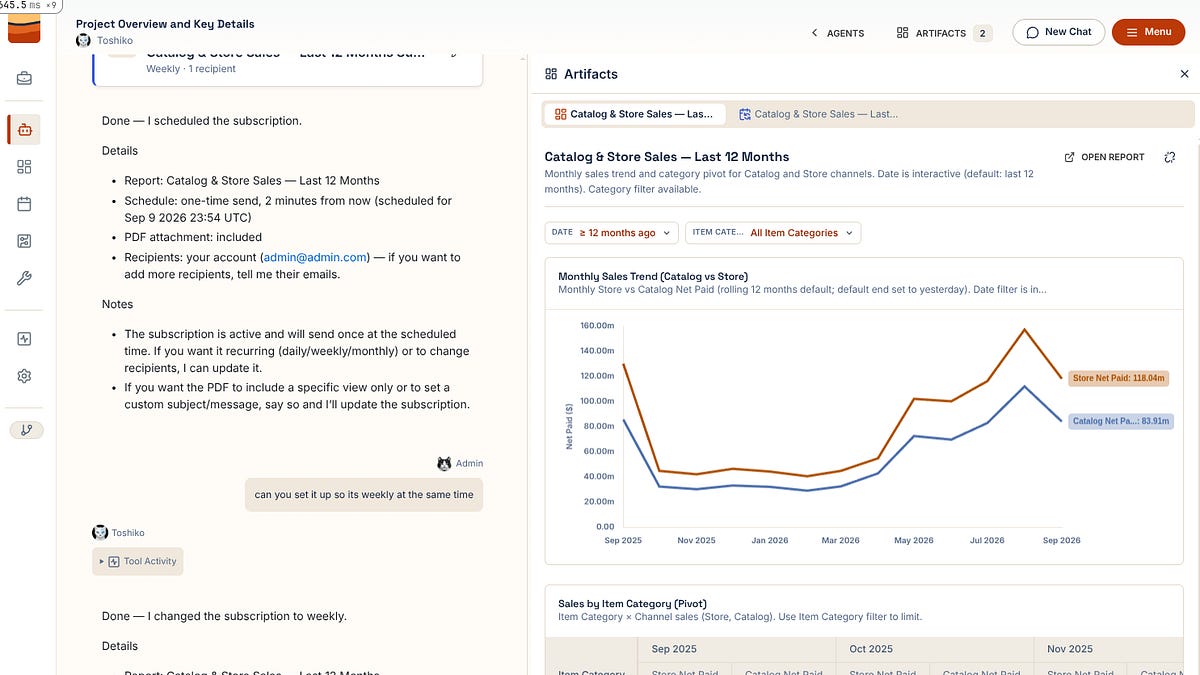
It also ships with a complete sample project already deployed: a TPC-DS retail model backed by DuckDB, so it needs no warehouse connection. Sign in and you have a semantic model, reports, and an AI agent to explore immediately.
That matters because Strata’s core claim is easier to test than to explain. Ask the agent a question that mixes measures from different fact tables at different grains. Most tools will join the facts and hand you a confident, wrong number. Strata aggregates each fact to the common grain and stitches the results, and when a combination is semantically invalid it refuses before anything executes and tells you why. There is no path to a wrong answer. The sample project is a good place to try to break that.
Going further #
Install the CLI and launch your own project:
curl -fsSL https://strata.do/cli/install.sh | bash
Beyond the laptop #
The single-container image is built for evaluation and demos. For real deployments the same image runs as Docker Compose services through a guided installer script, on a VM you control, or on AWS ECS with Express Mode. All of those paths are in the self-hosting guide at https://strata.do/docs.
Run it, break it, tell us what you find.