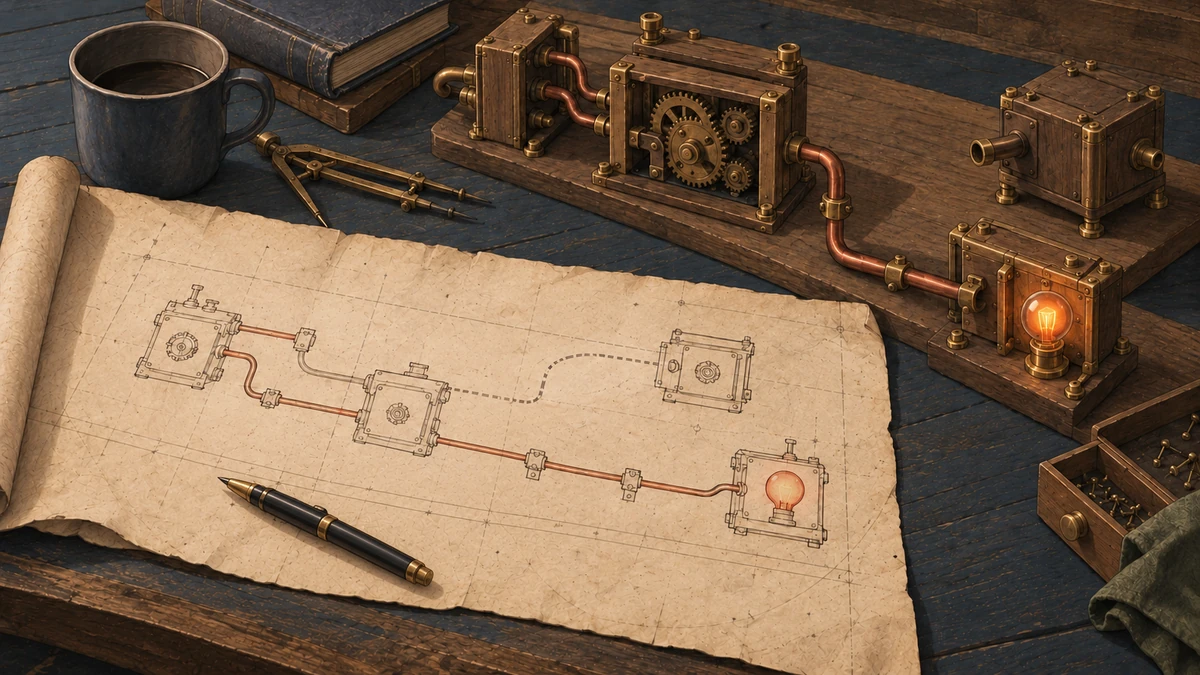
Give each new session a useful starting point, with a compact project index, source pointers and a runnable example. A fresh Claude Code session has to find the code relevant to your task. Exploratory searches and unrelated file reads can fill its context along the way. A saved project map gives it a useful place to start.
I built Codebase Mapper to give the next session a route through the repo: a compact index, the relevant project docs, and the source files those docs point to. The initial mapping still involves inspecting the project. The saved docs carry that knowledge into later sessions, so they can begin with the parts that matter to the work.
Here’s how to set it up and follow that route in a small booking service. The downloadable project includes the map, source and recorded session answers. I also left an old, valid copy of the request code in place, which makes the source check at the end of the route concrete.
Start With the Map #
In Claude Code, open the project you want to map and run the commands from the Mapper setup guide:
/plugin marketplace add Eigenwise/eigenwise-toolshed
/plugin install codebase-mapper@eigenwise-toolshed --scope project
Reload plugins or start a new Claude Code session, then ask:
Map this codebase for future sessions.
Claude inspects the project and writes its map under .claude/.codebase-info/. The mapping skill normally commits those docs and their .map-state.json file. If you want to review them before a commit, add “Do not commit anything” to your request.
Open .claude/.codebase-info/INDEX.md to see what it created. The index gives a short project overview and links to focused documents. The document set depends on the project: an HTTP service might need entry points, architecture and onboarding; a larger application may also need database, module or integration docs. The mapping skill keeps the index compact and uses concrete source paths in the detailed docs.
In the example’s B folder, which contains the refreshed map, INDEX links to three documents:
entry-points.md: the startup command, request routes and source functions.architecture.md: the server, request handler and booking store.onboarding.md: starting the service, running checks and adding a route.
For a question about POST /v1/bookings, begin with entry-points.md. Read architecture.md if you need the component relationships. You have a route into the code:
.claude/.codebase-info/INDEX.md
  → entry-points.md
  → package.json and src/http/server.cjs
  → src/http/booking-app.cjs
  → src/booking-store.cjs
The index is supplied automatically when a new session starts. The startup hook asks the agent to read the relevant map docs; the detailed docs aren’t all pasted into its starting context. That lets the task determine which parts it opens next.
The map narrows where to look. The source confirms how those files connect. Follow the imports or registrations before editing, and explain any disagreement with the map. After code changes, Mapper asks Claude to assess whether the docs need updating. You can also ask directly:
Update the codebase map for the changes in this session.
The booking example shows why that final source check matters.
Two Files, the Same Code #
The service accepts a guest name and party size, creates a booking, and lets you retrieve it by ID. Its request code originally lived in src/http/app.cjs.
I copied that code to src/http/booking-app.cjs and changed the server to load the new file. Then I left the original in place. Both files contained identical code and exported the same function.
The map was a set of saved Markdown documents under .claude/.codebase-info/, describing the project’s entry points and architecture. The outdated version still named app.cjs. Following it wouldn’t cause a missing-file error: the old module could still be imported and called. It simply wasn’t used by the service started with npm start.
Follow the App’s Startup #
Start with the command that runs the app. In this project, package.json says:
"start": "node src/http/server.cjs"
Open that server file and you find:
const { createApp } = require('./booking-app.cjs');
The server passes createApp() to Node’s HTTP server. That function returns the code handling incoming requests, so a new booking follows this path:
npm start
  → src/http/server.cjs
  → createApp() in src/http/booking-app.cjs
  → POST /v1/bookings
  → createBookingStore().add in src/booking-store.cjs
The final step adds the booking to this example’s in-memory store. The old app.cjs isn’t in the chain. Searching for the function name alone wouldn’t distinguish the two copies; the server’s import does.
The recorded startup check also found the old file absent from Node’s loaded-module cache, while a separate import confirmed it was still callable. The source change and recorded checks show both.
Ask Claude to Show the Connections #
This is the exact prompt I gave both sessions:
Where does the running handler for POST /v1/bookings live when this project is started with npm start, and which source establishes that? Use the existing codebase map to orient yourself, then trace the request from the project startup to the handler and store. Report the exact files and symbols you read and the source evidence for the active path. All files are read-only. Do not modify files or run commands. Use Read tools for relevant source files so the trace records what you inspected.
For your own project, replace POST /v1/bookings and npm start with the operation and startup command you’re investigating. If you don’t have a saved map, replace the second sentence with: “Trace the request from the project startup to the handler and store.” A button click, scheduled job or command-line operation will have a different starting point, but you still want the answer to connect that starting point to the code that does the work.
Check the cited connections before approving a change. The answer should show the startup command, the imports or registrations it follows, and the function reached by your request. Open those lines yourself. A filename that looks right is not enough to establish that connection.
What Happened in the Two Sessions #
Both sessions named src/http/booking-app.cjs. The session with the old map also pointed out its conflicting reference to src/http/app.cjs; the session with the current map confirmed that it agreed with the source. Their complete answers and ordered source reads show what they inspected.
Both sessions used the same seven source-and-map reads and one Glob. This pair didn’t measure reduced exploration or a smaller context.
They did have help. The prompt explicitly requested a startup trace, and both checkouts had the Git summary “Relocate running handler and retain compatible prior module”. Both answers referred to it. This was one guided pair, which tells us what happened with those clues available, not how often Claude would catch this during an ordinary coding task.
The sessions were read-only, so the old map was identified but wasn’t repaired. The comparison ran on 11 October with Claude Code 2.1.296, Sonnet 5.5 and Codebase Mapper 2.15.10, using historical Toolshed revision 0140ec1. The verification record has the exact versions and hashes.
Try the Project #
Use Download ZIP on the public example, then extract it. Open a terminal in the folder containing unpack.mjs and snapshots.json. With Node.js 22 or later, run:
node unpack.mjs
You’ll get A and B folders containing the same app. A has the outdated map; B has the current one. The script refuses to overwrite either folder if it already exists.
Open A/.claude/.codebase-info/entry-points.md, then A/package.json and A/src/http/server.cjs. Follow the server’s import and compare it with the corresponding map in B. You can also open either folder in Claude Code and adapt the prompt above, then check the answer against those files.
From either folder, run:
npm test
You should see four passing HTTP tests: the health route, creating and retrieving a booking, rejecting an invalid party size, and returning 404 for an unknown booking. All four passed before and after each original session and in independent reconstructions of the published files, with the test files unchanged.
The download restores the source, maps and HTTP tests. It doesn’t recreate the original Git history or authenticated Claude sessions; their source reads and answers are included separately.
If your team uses Claude Code in an existing application, I can help set up a useful project map, keep the context focused on your work, and build source checks into your code review process. Through Eigenwise, I adapt that workflow to your repository and the changes your team is making. Tell me what you’re working on and where you’re getting stuck.