Sahana Vijaya Prasad
July 02, 2026
6 min read
July 02, 2026
6 min read
Cut code review time & bugs by 50%
Most installed AI app on GitHub and GitLab
Free 14-day trial
Tens of thousands of developers trust CodeRabbit to review their pull requests, across millions of PRs a week. Every review draws on dozens of context points that CodeRabbit assembles behind the scenes. Until now, a CodeRabbit comment showed you the finding. The reason behind it stayed hidden.
You can see the context behind any comment when it’s available, and drop that source if it isn't relevant to your repository.
Start with the comment itself. When CodeRabbit reviews a pull request, it writes inline comments on the changed lines, the way a human reviewer would. Each comment points at a specific span of code and explains what it noticed, often with a suggested fix. A single review can leave multiple comments.
Before this update, a comment stated the finding and stopped there. You could read what CodeRabbit flagged, but the context that prompted it stayed out of view. If a comment looked wrong, your options were to accept it or dismiss it. The latter left the underlying context untouched, so the same comment could return on your next pull request.
Now each comment carries a Source line that names the context behind it, and the two settings pages let you open that context and change it. When a comment looks wrong, you trace it to the exact guideline or linked repository, then remove the guideline or disable the repository. It stops surfacing in the reviews that follow, and over time the feedback matches how your team actually works.
The source also changes how you weigh a comment while you read it. A note that leaned on a linter reads differently from one drawn from a coding guideline or a linked repository. The source tells you what each comment stands on, so you can judge it faster.
Three new views are where all of that happens. Code guidelines and Open a repository, go to Settings, and select Code guidelines under Contextual understanding. The page lists every coding guideline CodeRabbit applied in that repository's most recent review.
CodeRabbit reads these rules from guideline files already in your repo, such as AGENTS.md, CLAUDE.md, and .cursorrules. The docs list every file type it detects automatically. Each row shows the guideline, the path it covers, and the file it came from, so you can tell which file each rule came from. Search the list, filter by file, export it to CSV, or open a row to read the full text.
To stop a rule from applying, delete it. Remove one guideline from its detail panel, or select several and clear them together. The change takes effect on the next review and applies going forward. Your original file in the repo stays untouched. You are adjusting what CodeRabbit uses, not editing your code.
The second view under Contextual understanding is Auto-linked repositories. CodeRabbit finds other repositories in your organization that this one depends on and reads them as context during reviews, which lets it catch breaking changes and downstream impact.
Each linked repository shows its name, its enabled status, and an instructions summary: what the repository is, how this repo uses it, and when CodeRabbit should look at it during a review. CodeRabbit writes that summary from your architecture, your declared dependencies, and your import graph.
When a repository is irrelevant, disable it and CodeRabbit leaves it out of reviews. To switch the whole feature on or off, use the Automatic Repository Linking toggle on the Knowledge Base tab. Auto-linked repositories are available on Pro Plus and Enterprise plans.
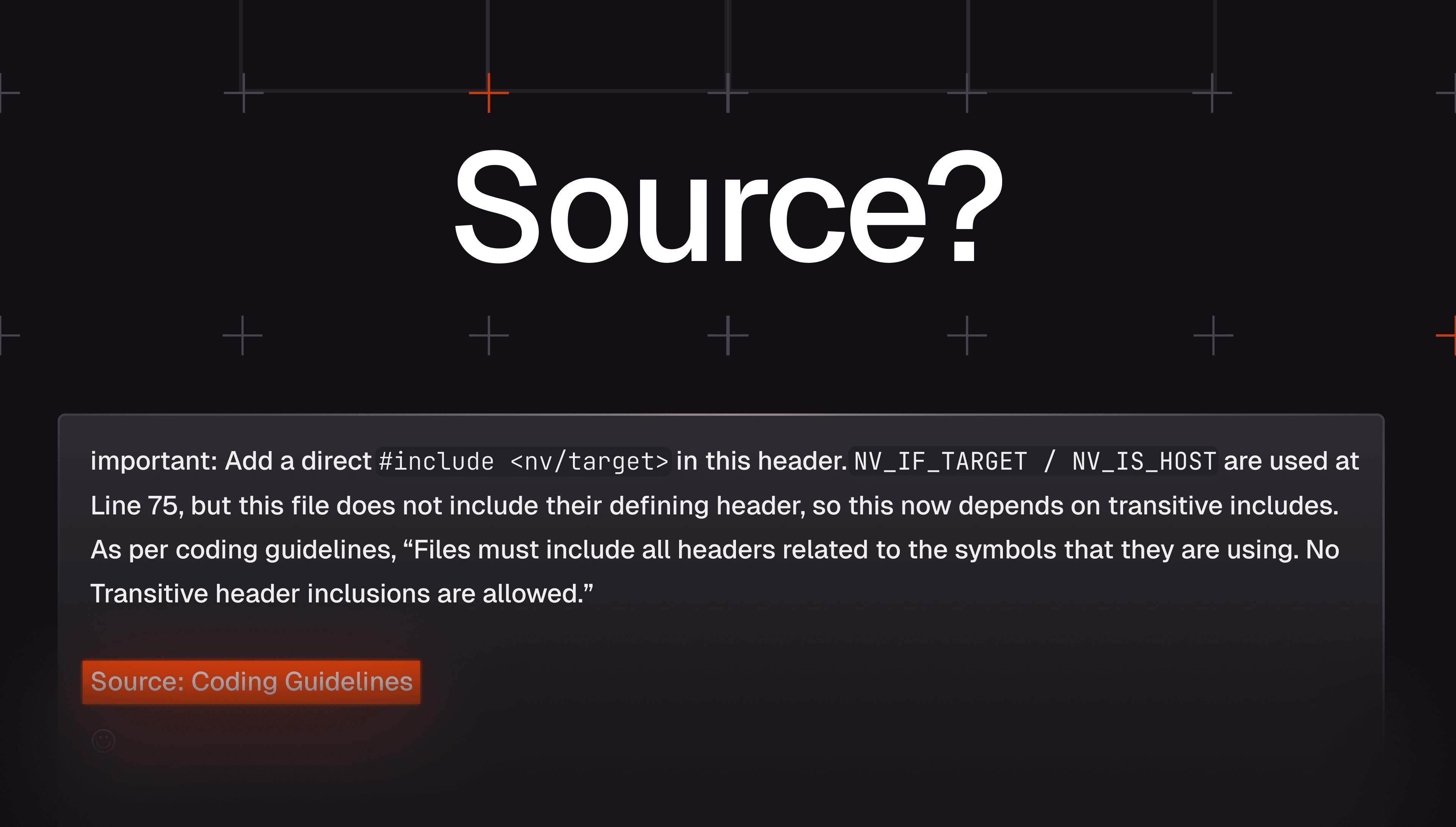
The last piece sits on the comments themselves. At the bottom of each inline comment, a Source line names the context behind it:
Sources: Linters/SAST tools, Coding guidelines
Seven sources are possible: Coding guidelines, Path instructions, Learnings, MCP tools, Linked repositories, Linters/SAST tools, and Pipeline failures. A comment can list more than one.
The Source line explains the comment. It carries no claim that anything is broken, and it has no bearing on the comment's severity or on whether you need to act.
This is where the three views connect. When a Source line points to Coding guidelines or Linked repositories and a comment looks off, open the matching settings page, find the exact context behind it, and delete the guideline or disable the repository.
These views surface part of the context behind a review, and there is much more underneath. For every pull request, CodeRabbit clones the repository and builds a fresh picture of how the change connects across files, functions, APIs, and dependencies. It layers in the surrounding engineering context: PR descriptions, linked issues from tools like Jira and Linear, repository knowledge, path-specific instructions, architecture standards, past PRs, and your team's learnings. Signals from linters, SAST tools, and MCP-connected systems join in when they bear on the change.
CodeRabbit already did that work on every review; what is new is that you can see it and steer it. A Source line tells you what a comment stood on. The Code guidelines page lets you drop a rule that misfired. Auto-linked repositories let you set which repositories CodeRabbit reads. The review stops being guesswork and becomes something you shape. Open CodeRabbit and take a look.