Did the change work?
Apple’s and Google’s own numbers, before and after every listing change.
Winch tracks your keywords in 175 countries on the App Store and Google Play, rewrites your listing in every language and draws your store art. Ask its agent in plain words and watch it drive Winch for you.
Runs on the AI you already pay for
Your Claude Pro or Max plan through Claude Code, your ChatGPT plan through Codex, an OpenRouter key, or a model running locally in Ollama. No AI credits to buy from Winch and no second bill.
The agent
The agent sees everything Winch keeps, from ranks and rivals to reviews and earlier conversations. It searches, tracks keywords, drafts listings, draws store art and plans new apps, and answers with numbers you can check.
Turn on Act in the message box and watch the agent drive Winch: its cursor goes where it works and taps what it opens, and a warm edge says it's driving. It keeps driving as you move around; Stop ends the turn.
Ask what moved. The agent runs today's searches with Keywords on screen, each row marked as it's checked.
The keyword that matters, its history and the apps above you, on the screen it's reading.
Listing options scored on real searches, laid out for you to choose. Nothing reaches the store until you confirm.
Every job has a command, any app or document comes in with @, and ⌘K reaches all of Winch and both stores from anywhere, without the mouse.
Keywords
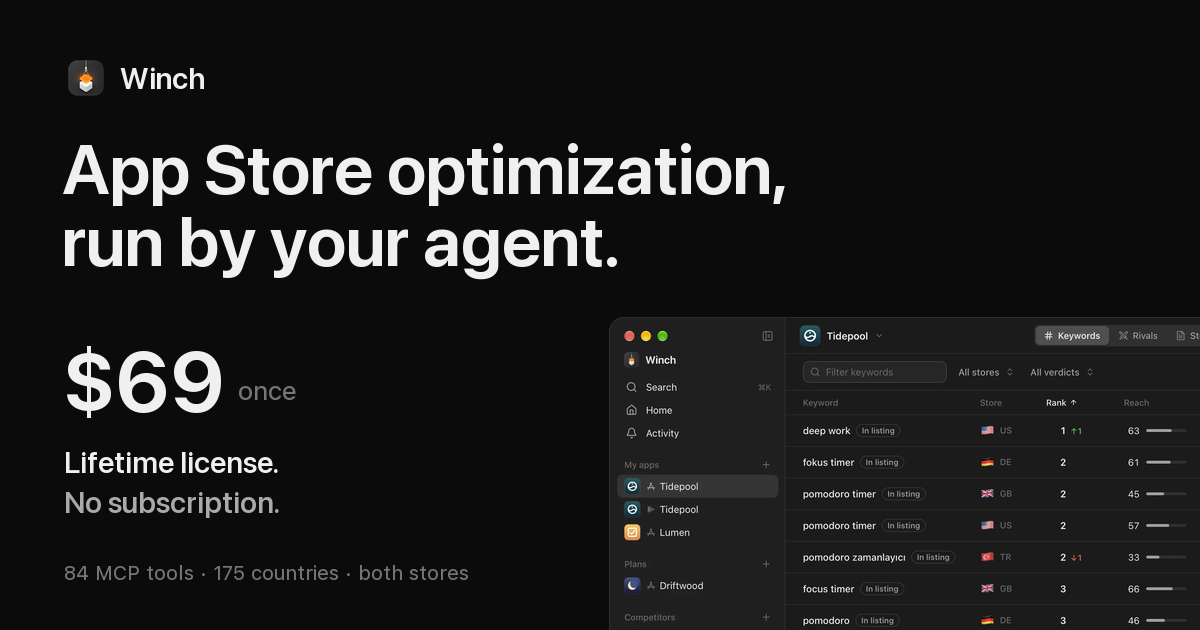
Winch searches both stores for you, in every country you sell in, and turns it into one board: where you rank and where it's heading, how many people each search reaches, how hard it is to win, and what to do next.
The apps above yours on your own searches, in every country, and every name, subtitle and version change of the ones you watch. Type /competitors and the agent finds them.
MCP
All 84 tools as an MCP server for Claude Code, Codex, Cursor and any other client. It works with the app closed, and anything it starts shows live in the window.
$claude mcp add winch -- /Applications/Winch.app/Contents/MacOS/Winch --mcp
84 tools, one for every job in Winch. The five that write to a store ask first, and the in-app agent never gets them.
Also from a terminal: Winch --ask "Which keywords did I lose this week?"
Store page
Optimize writes your name, subtitle and keywords several ways and shows which one reaches the most people. Choose one, and every other language is written from it.
Every option shows what it gains over today's listing.
The space left in every language a store reads, and the words you've used twice.
You see the before and after first. Nothing is ever submitted for review.
Store art
Point the Studio at your app's screenshots. Your AI captions and translates them, and Winch draws every size both stores take, in seconds, in your look.
Reviews
Winch reads your new reviews every day and sorts them into themes. When a fix doesn't hold, the theme comes back, and your team hears it in GitHub and Slack.
GitHub and Slack once you connect them in Settings. The agent opens issues and posts only if you allow it.
And the rest of the job
Check a name on both stores, find keywords you can win and draft the listing, before the app exists.
What moved and why, the week’s reviews, what rivals did, and three things to do. Waiting on Home.
Yours
Everything Winch learns stays on your Mac. No telemetry, no tracking, no account to create.
App Store Connect and Play Console with your own keys. AI through the tools you already pay for. Winch has no model of its own and keeps no copy of your prompts.
Listings, store art, the category, review replies and analytics requests each wait for your confirmation. The agent is never even offered them.
Pricing
$69 once
The first 100 licenses. Then $89.
A one-time license for the whole app, activated on your Macs with a key. It works offline too, and nothing you make is ever lost.
Already have a key? Manage your licenses The one you already pay for. Claude Code with your Claude Pro or Max plan, Codex with your ChatGPT plan, OpenCode, a local Ollama model, or an OpenRouter key. Winch finds them on your Mac and runs them for you. It has no model of its own and sells no AI credits.
No. Ranks, reach, difficulty, rivals, public listings and reviews all come from the stores' public pages. Connecting your account adds your own listings, reviews with replies, the store's numbers in Results, the Ship checklist and writing back.
Reach is how many people a search reaches. Difficulty is how hard its top 10 is to beat.
Yes. Add any app by its link or name, or let Winch suggest the ones that outrank you. You see its ranks next to yours, and every change it makes to its listing.
Yes. Ranks, listings, store art, reviews and the store's own numbers all work for Google Play apps too, side by side with the App Store.
Any Mac with macOS 13 or later, Apple Silicon or Intel. Windows isn’t supported yet.