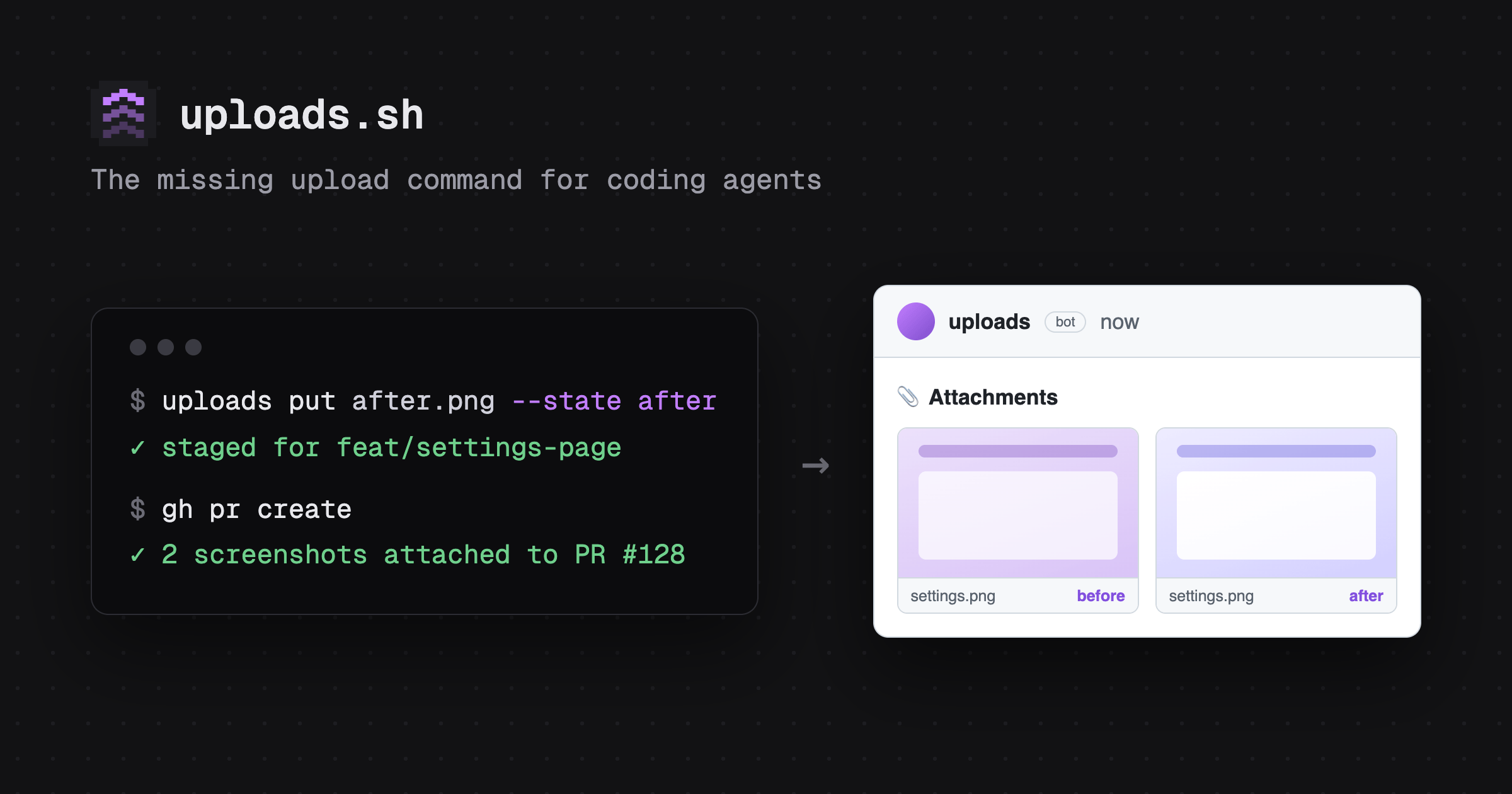
GitHub has no real way for an agent to show their work. Capture screenshots as you go — they're staged for the branch automatically — and by the time the PR opens, it's already furnished with one tidy comment.
$ uploads put ./after.png
└─▶ your PR opens already furnished:
📎 Attachments
# tag it, find it later #
Every upload can carry custom tags — add your own with --meta
, and uploads find
brings it all back. Use it to organize visuals from specific parts of your app, form factor, etc.
$ uploads put ./settings.png --meta path=/account/settings
MARKDOWN: 
$ uploads find path=/settings
gh/you/app/pull/123/settings.webp path=/account/settings
gh/you/app/pull/456/redesign.webp path=/settings
# what else it does #
stage as you go
A plain upload on a branch stages automatically — no extra flag needed. A staged view (uploads staged
) shows what's queued and whether it'll auto-attach, and re-running it later updates the same comment instead of adding a new one. Promotion never breaks a URL you've already embedded.
device frames
Wrap a raw screenshot in device chrome — phone, browser, or a specific iPhone — with --frame
.
one-shot screenshots
uploads screenshot <url>
captures and hosts in one step, with both local and remote browser support.
shareable galleries
Group uploads into a gallery that can live across multiple PRs — one link for the whole set that shows linked issues and pull requests.
# get set up #
Set up with your agent
▸ paste the prompt into your coding agent — or read the [full guide](https://uploads.sh/github-screenshots).

[sign in with GitHub](https://uploads.sh/login)free to start in the cloud · open source to self-host