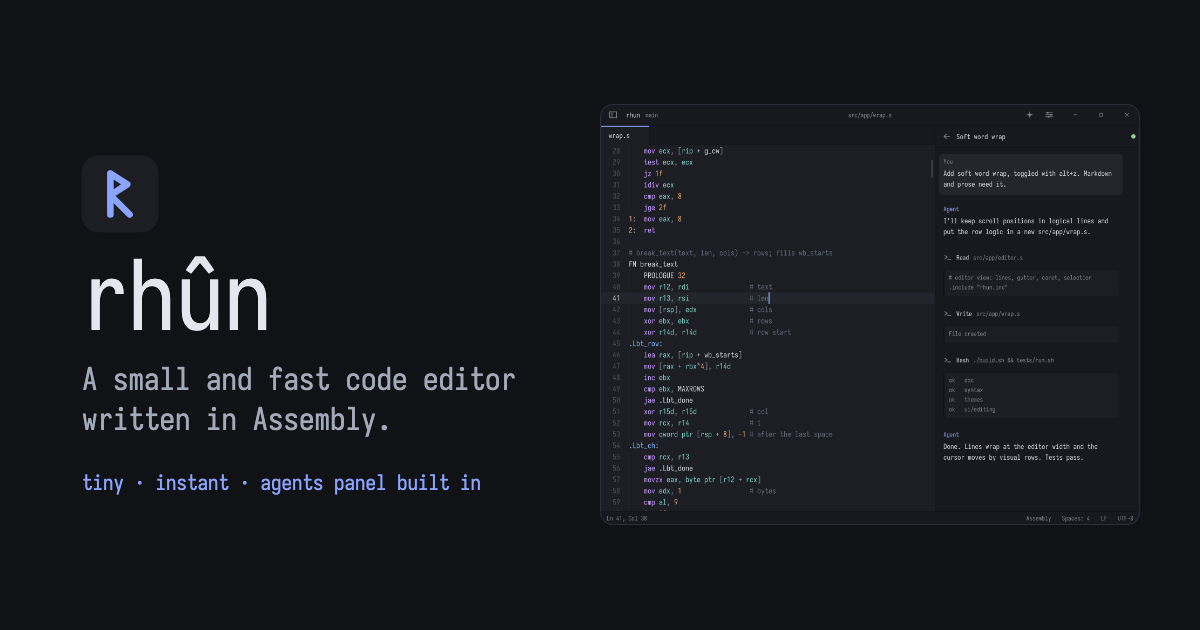
AI does the heavy lifting. Keep your code editor light.
A small, fast code editor. Written in assembly.
Explore rhun #
Tabs, syntax highlighting, fuzzy search, and optional Vim mode.
Run builds, shell commands, and coding agents beside your code.
Review diffs, stage changes, and commit. Draft messages with local open-weight models or Claude Code and Codex using your existing subscriptions. AI is optional.
Follow your project’s Claude Code and Codex sessions as they work.
Choose from 39 light and dark themes. Preview a few here.
Rhun Dark
6 OF 39 THEMES Terminal install · Linux & macOS
curl -fsSL https://github.com/vshvedov/rhun/releases/latest/download/install.sh | sh
Windows: Download the ZIP, extract it, and open rhun.exe.
source & further reading
rhun.app — original article