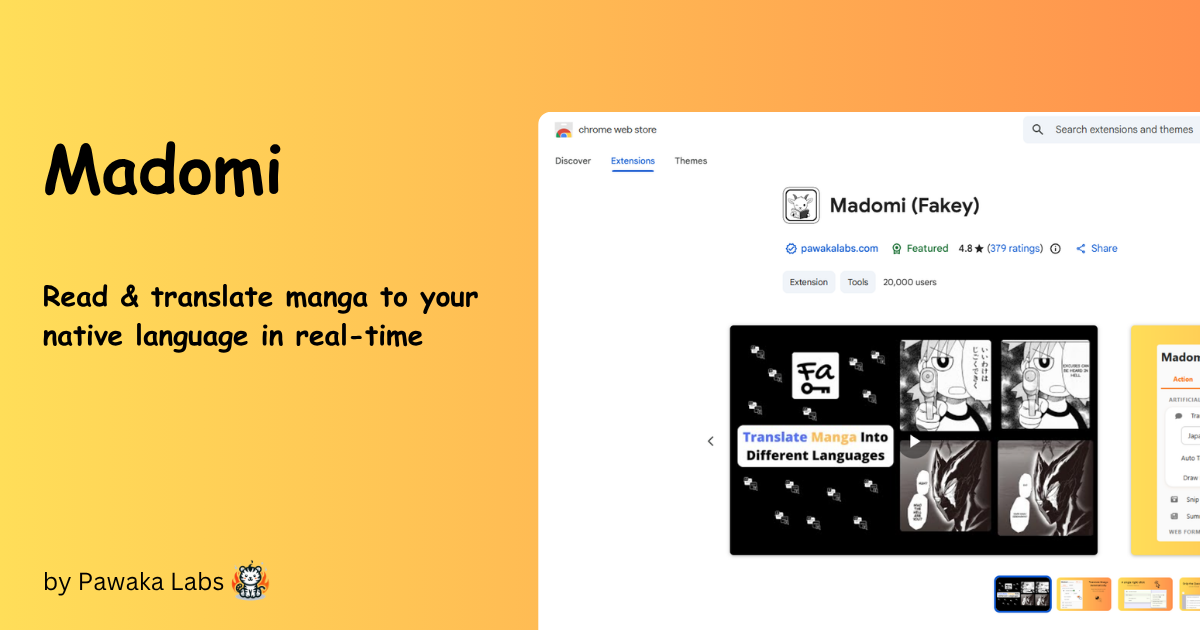
Madomi is a full manga reader with real-time AI translation built in. Read your own files (CBZ, ZIP, PDF and images), connect a self-hosted Komga library, or add online sources through Mihon / Tachiyomi-compatible extensions — and Madomi translates every page as you scroll. Manga, manhwa, manhua and webtoons, from Japanese, Korean, Chinese and many more languages.
On mobile you get a proper reader: five reading modes, continuous chapter-to-chapter scrolling, offline downloads, categories, MyAnimeList and AniList tracking, and Mihon backup import. In the browser, the Chrome and Firefox extension translates manga sites in place, or you can drag a box over any panel on any page.
The reader itself is free. Paid plans add unlimited and faster translation, and the one-time Madomi Reader purchase unlocks trackers, sync, unlimited downloads and custom themes.
Madomi is the new name for Fakey — 窓 (mado, “window”) and 見 (mi, “see”), a clear window onto manga in any language. Your subscription, credits and login carried over. Some store listings may still show the old name; it's the same app. Read more in the rebrand announcement.
Demos #
Features #
### Manga Reader (Android & iOS)

- Five reading modes: left-to-right, right-to-left, vertical paged, webtoon (continuous) and continuous-with-gaps
- Smooth pinch zoom, double-tap zoom and hands-free auto scroll
- Continuous chapter-to-chapter scrolling — the next chapter loads as you read, in both directions
- Screen-orientation lock, immersive full-screen mode and a floating page indicator
- Light, dark and pure-black (AMOLED) themes with your own accent colour and comic-style fonts
- App interface available in 26 languages
Your Own Library
- Import and read CBZ, ZIP, PDF, JPG, PNG, WebP and HEIC files
- Import a whole folder at once — each archive or subfolder becomes a chapter
- Send files straight to Madomi from any app with the share sheet or “Open in…”
- Organise with categories, plus filter, sort and display options for every list
- Reading progress, bookmarks and history tracked automatically
Online Sources & Downloads
- Add online sources through Mihon / Tachiyomi-compatible extensions
- Connect your own self-hosted Komga server
- Global search across every installed source at once
- Download chapters for offline reading
- Automatic checks for new chapters, with an Updates feed
- “Similar manga” recommendations powered by AniList and MyAnimeList
AI Translation
- Instant AI translation drawn straight onto the page — the original art stays intact
- Manga, manhwa, manhua and webtoons: Japanese, Korean, Chinese and many more languages
- Translates automatically while you read, with no copy-paste or app switching
- Per-manga glossary pins character names, nicknames and genders so the AI keeps them consistent
- Optional on-device translation for faster results
- Bulk and background translation — queue whole chapters and keep reading
Browser Extension (Chrome & Firefox)
- Automatic in-place translation on popular manga sites
- Drag a box over any panel on any website to translate just that area
- Summarise any article or YouTube video in one click
- Answer Google Forms questions with AI, including snipped images
- Fill any web form with realistic test data, and save or restore your inputs
Track, Back Up & Sync
- Sync progress to MyAnimeList and AniList as you read
- Import an existing Mihon / Tachiyomi
.tachibkor Tachimanga.tmbbackup - Export your own backups, automatically on a schedule you choose
- Cross-device library sync tied to your Madomi account
Pricing #
Free
The whole reader, at no cost
- The full manga reader — every reading mode, theme and layout
- Import your own CBZ, ZIP, PDF and image files
- Online sources, Komga, global search and downloads
- Real-time manga translation
- Summarise websites or YouTube videos
- Answer Google Forms questions with AI
- Generate fake data for any web form
- 100 free AI credits / month
Madomi Reader
One-time in-app purchase on Android & iOS — yours forever
- Trackers: MyAnimeList & AniList
- Cross-device library sync
- Unlimited chapter downloads
- Auto scroll (hands-free reading)
- Read-ahead download & translate
- Saved search filter presets
- Custom themes & pure-black mode
- No ads
Premium
For translating while you read

- UNLIMITED<sup>*</sup> translation
-
Fast translation
-
Better translation quality
-
No ads (Mobile)
Premium Plus
Everything, including all Madomi Reader features
- UNLIMITED<sup>*</sup> translation
- Fastest translation
- Best translation quality
- Bulk translation (Mobile)
- Background translation (Mobile)
- All Madomi Reader features (Mobile)
- Priority access to new features
- No ads (Mobile)

* Fair-usage policy of 20,000 unrestricted credits per month. Beyond that, requests are throttled. Madomi Reader is sold only inside the Android and iOS apps as a one-time in-app purchase, so it has no price or checkout here — open Madomi on your phone to buy it. It is also included with Premium Plus.
FAQ #
What is Madomi? #
What file formats can Madomi read? #
Is the manga reader free? #
Madomi Reader purchase adds trackers, cross-device sync, unlimited downloads, auto scroll, read-ahead, saved filter presets and custom themes.
Can I read manga offline? #
Does Madomi support Mihon / Tachiyomi extensions and backups? #
.tachibk backups as well as Tachimanga .tmb backups — your library, categories, reading progress and tracking come across. Madomi can export its own backups too, automatically on a schedule.
Can I connect Madomi to my Komga server? #
Which reading modes does Madomi support? #
Which languages can Madomi translate? #
Can Madomi keep character names consistent? #
Does Madomi sync with MyAnimeList or AniList? #
How do I buy Madomi Reader, and how much is it? #
Reader tab. It is a lifetime purchase, not a subscription, and it is also included with a Premium Plus subscription.
Is Madomi the same app as Fakey? #
Why does it still say "Fakey" on my device? #
How do I cancel my subscription? #
Settings→
Manage Subscription.
How do I contact support? #
When are free credits refreshed? #
Can I use Madomi on my mobile device? #
Google Playor as a Firefox for Android add-on. On iOS, iPad, or macOS, get it on the