cd /news/ai-agents/show-hn-r3-review-ai-agent-artifacts… · home › topics › ai-agents › article
[ARTICLE · art-171394] src=r3.hyperlogue.tech ↗ pub= topic=ai-agents verified=true sentiment=↑ positive

Show HN: R3 – Review AI agent artifacts locally

A Show HN project called R3 lets users review AI agent artifacts locally by clicking on elements in a rendered HTML artifact, leaving anchored notes, and sending the collected feedback to the agent in one batch with the exact element and viewport context. The tool publishes artifacts to a local address (the example runs at http://localhost:8891/artifact_example), keeps earlier versions available, and offers a Compare view to check a revision against the original; users can also attach screenshots, sketches, or design mockups and pause a clip to highlight a region with a captured timestamp and still frame.

key takeaway

R3 lets reviewers click elements in a locally served agent artifact and batch anchored notes with element and viewport context back to the agent, while keeping prior versions for side-by-side Compare.

read1 min views5 publishedNov 17, 2026
Show HN: R3 – Review AI agent artifacts locally
Image: source

Comment on the work. Send it to your agent.

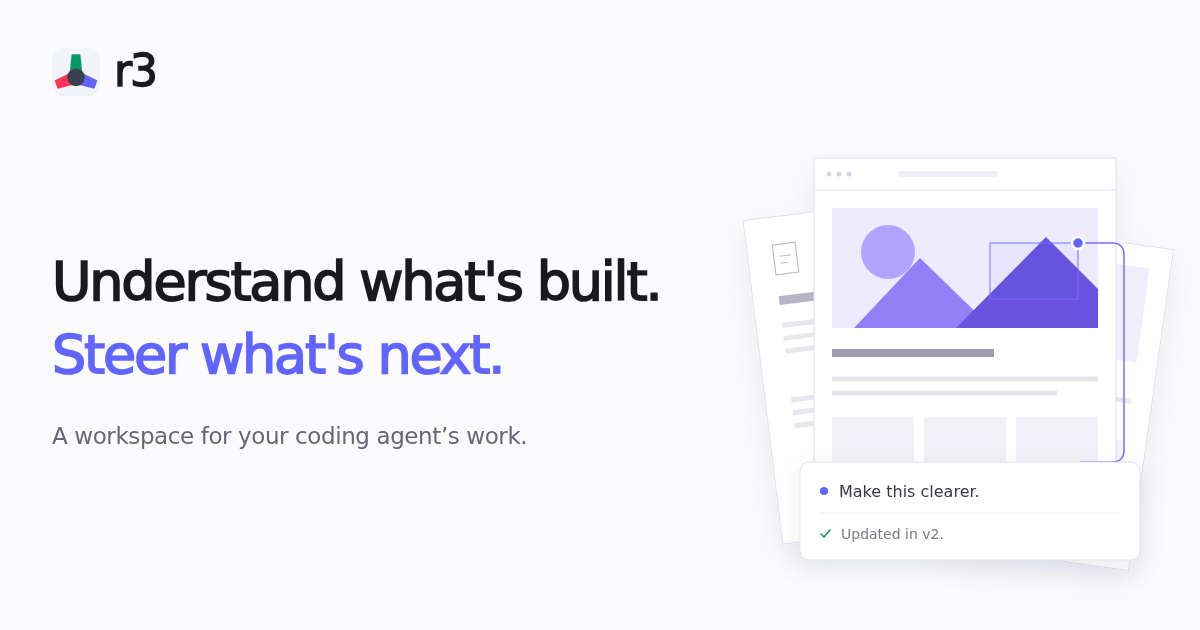
Click a button, heading, or input and leave a note. Collect your feedback, then send it to your agent in one batch, with the exact element and viewport context.

Explore UI prototypes, interactive explainers, and design docs from your agent. Click directly on what needs attention, leave anchored notes, and refine the result together.

Create a project-creation form so I can review the visibility settings.

Publish an HTML artifact to r3.

Created a working prototype with project details and visibility controls.

The artifact can be viewed at http://localhost:8891/artifact_example.

Your agent replies in the same thread and publishes revisions as new versions. Earlier versions stay available, so you can revisit the original.

Once your agent publishes a revision, open Compare from the reply. Check the original beside the fix to see whether it solves the problem.

Attach screenshots, sketches, or design mockups directly to your feedback to show your agent the intended design.

anywhere in a clip, highlight a region, and leave a note. The captured timestamp and still frame give your agent unambiguous visual context.

Start iterating visually with your agent

── more in #ai-agents 4 stories · sorted by recency
── more on @r3 3 stories trending now
sponsored brought to you by zahid.host 4,200+ EU-deployed projects
reading about agents? ship yours in a single git push.

Run your AI side-project on zahid.host

EU-based hosting, git-push deploys, automatic HTTPS, no cold starts. Free tier with a custom domain — perfect for shipping the agent you just read about.

$git push zahid main
→ Live at https://your-agent.zahid.host ✓
Get free account → Pricing
from €0/mo · no card required
LIVE [news/show-hn-r3-review-ai…] indexed:0 read:1min 2026-11-17 · —