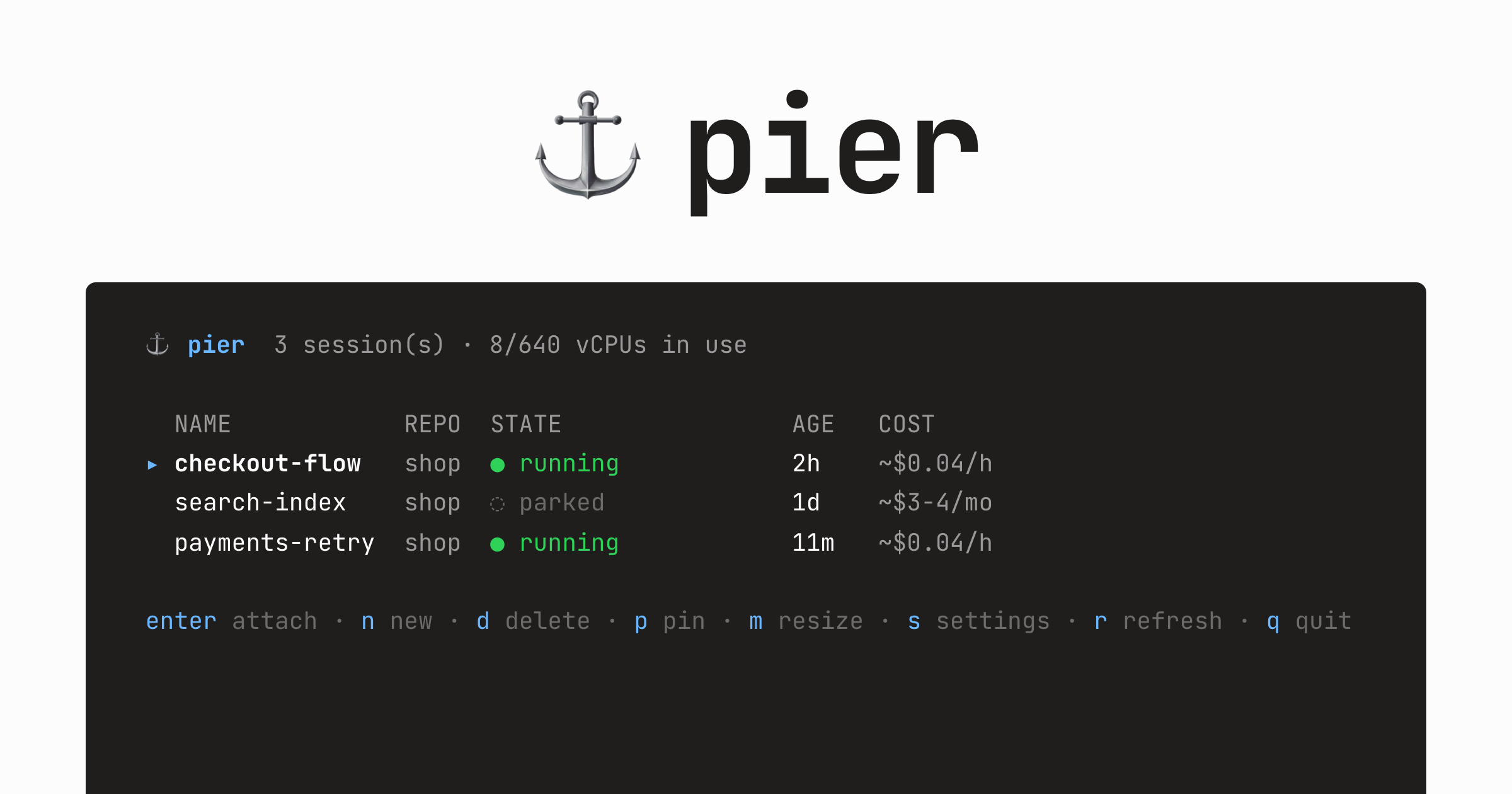
Full dev environments on your own AWS account. Your repo, your secrets, your tools. Detach and it parks itself. Attach and it is back in about 20 seconds.
brew install kerem-kaynak/tap/pier
##Why pier #
Coding agents changed what a dev environment is. A session is no longer you at one machine. It is an agent that runs for hours and wants its own branch, its own ports, its own docker daemon. And you want several at once. Every existing place to run them fights you:
- [x] Your laptop. Sessions fight over ports and files. Closing the lid kills the run. - [x] Hosted agent platforms. Your code, your secrets, and your agent's credentials live on someone else's infra, billed by the seat. - [x] A cloud dev box. Bills 24/7 while the agent thinks and while you sleep. You still hand-build repo, auth, secrets, and tools for every session.
pier makes each session a micro-VM that manages its own lifecycle. One command launches an EC2 instance and drops you into tmux inside it, with:
- [+] your repo on a fresh branch, uncommitted edits included
- [+] Claude Code and Codex installed and authenticated
- [+] your MCP servers configured
- [+] your dev environment built by the repo's own setup script
##What you get #
- [+]
Parks itself. An in-VM supervisor stops the instance once the agent goes quiet. The disk persists. - [+]
Resumes in about 20 seconds. Files, branches, and credentials exactly as you left them. - [+]
Sessions as hostnames.
pier proxy
serves the dev server atcheckout-flow.pier:3000
, mirrored on localhost too. - [+]
One-command resize. Outgrown the box? One 40 second cycle swaps the instance type, disk intact. - [+]
GitHub-first transfer. The VM fetches your repo straight from GitHub. Only secrets ride the tunnel. - [+]
Per-repo baked images.pier bake
snapshots your toolchain once. Creates drop to about 60-90 seconds. - [+] No control plane. No server, no database, no daemon. Session state lives in EC2 instance tags. - [+] One transport. Attach, exec, file push, and port forwards are all OpenSSH, direct or over an SSM tunnel.
##The numbers #
~$0.04/h
Measured on the default t4g.medium. A stock create is attachable in 42 seconds while agent harnesses finish in the background. A baked create takes 10 seconds longer to boot but arrives with everything installed.
##How it works #
A session is one EC2 instance plus its EBS disk, tagged and namespaced by your caller identity. All state lives in those tags and on the disk. There is nothing else to operate, back up, or pay for.
flowchart LR
  subgraph laptop["laptop"]
    cli["pier CLI / TUI"]
  end
  subgraph aws["AWS account (yours)"]
    api["EC2 APIcreate / stop / start / tags"]
    subgraph vm["session VM"]
      tmux["tmux · claude / codex"]
      sup["pier-supervisorparks the VM when detached and quiet"]
    end
  end
  cli -- "aws cli" --> api
  cli -- "ssh, SSM tunnel as fallback" --> tmux
laptop AWS account (yours) ────── ─────────────────── pier CLI/TUI ── aws cli ──────────▶ EC2 API (create/stop/start/tags) │ ┌─────────────────────────┐ └── ssh ─────────────────────▶ │ session VM │ (direct to its public IP, │ tmux ▸ claude / codex │ SSM tunnel as fallback) │ pier-supervisor │ │ └─ parks the VM when │ │ detached and quiet │ └─────────────────────────┘
- [+] The supervisor samples every 5 seconds for attached and busy. Detached and quiet past the idle timeout parks the VM.
- [+] The VM holds no cloud credentials. Parking is the VM running
shutdown -h now
. Anything needing account credentials happens from the laptop. - [+] A runaway cap parks a looping agent anyway, so it cannot burn compute for days.
##vs. other tools #
| pier | Codespaces | Hosted agents | DIY EC2 | |
|---|---|---|---|---|
| Runs on | your AWS account | GitHub's infra | vendor's sandbox | your AWS account |
| Idle cost | ~$3-4/mo (self-parks) |
metered, auto-stop | per-seat / per-task | full rate unless you script it |
| Agent-ready | harnesses + auth + MCP travel | you configure | their agent only | you configure |
| Session lifetime | until you rm it |
workspace-scoped | task-scoped | until you clean it up |
| Interface | your terminal, tmux | VS Code / web | web UI | your terminal |
| Setup | one wizard | per-repo config | account signup | everything by hand |
##FAQ #
Does pier need a server or a database? #
No. There is no control plane. Session state lives in EC2 instance
tags, and pier ls
is a filtered describe-instances call.
Does the VM hold my cloud credentials? #
No. The instance role carries SSM and nothing else. Parking is the VM shutting itself down. Resize and destroy happen from the laptop.
What happens when I close my laptop? #
The session keeps running without you. Once the agent goes quiet past the idle timeout, the supervisor parks the VM. Attach later and it resumes in about 20 seconds.
How do secrets travel? #
Once, at create, as an explicit manifest: your agent configs, your
tokens, and the repo files your .pier-include
lists. Nothing loose ships by default, and the create prints which env files it is not carrying.
Do private repos work? #
Yes. pier reuses whatever GitHub credential your laptop already has:
a gh
login, git's https credential helper, or ssh keys through a forwarded agent. It verifies the fetch works before relying on it.
What survives parking? #
Files, git state, and installed tools survive. Running processes do not, parking is a clean stop. Hibernate with RAM intact is on the roadmap.
Which platforms? #
The CLI runs on macOS and Linux against AWS. pier proxy
is macOS-only for now, pier port
works everywhere. A GCP driver is designed and parked on the roadmap.
How do I get rid of everything? #
pier teardown
removes every piece of account groundwork
pier created, all of it tagged. Sessions go with pier rm
.
Tie up at the pier. #
One wizard, then every session is one command away.
brew install kerem-kaynak/tap/pier