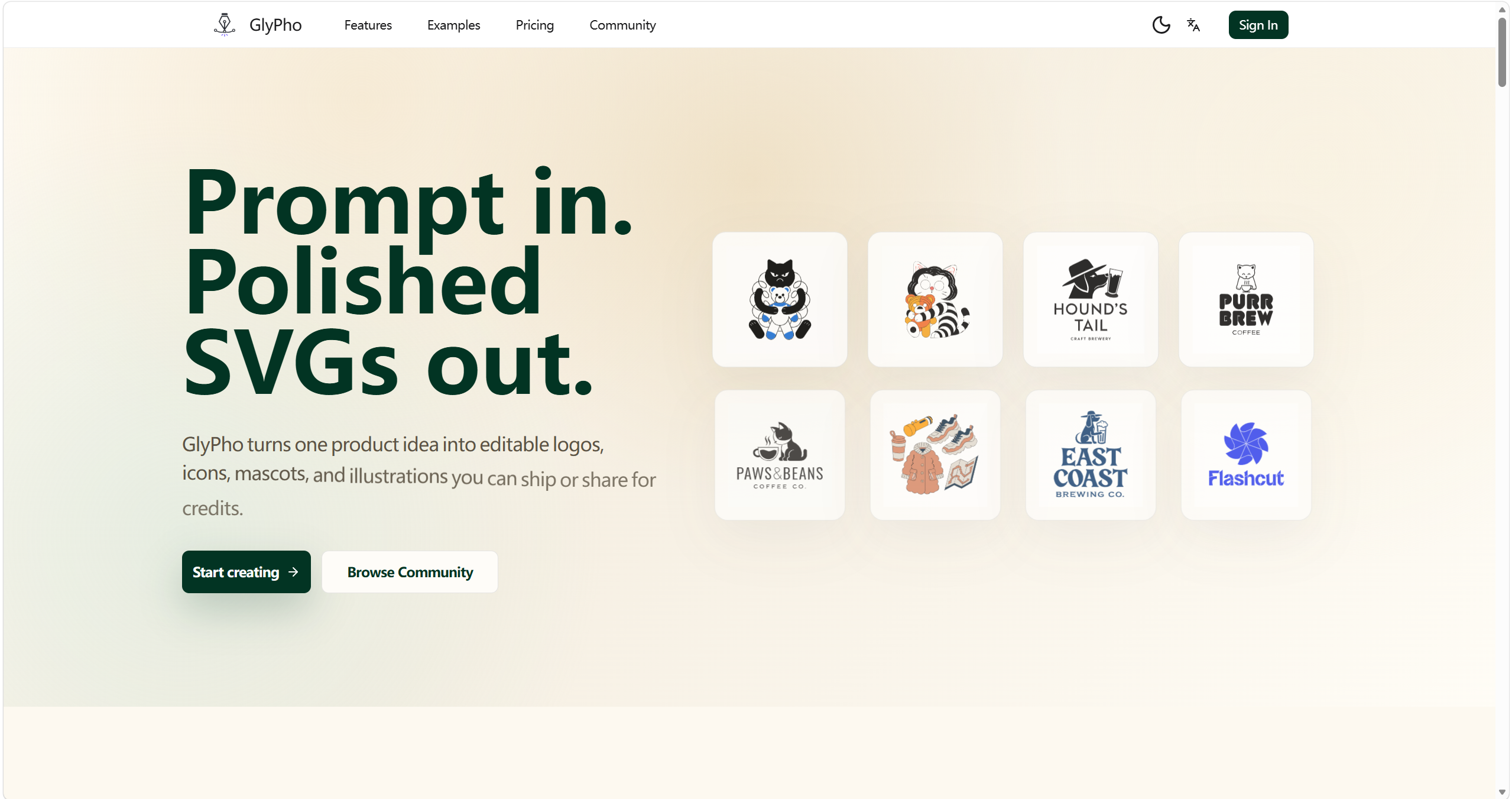
Create matching logos, icons, and illustrations from one prompt. Pick a style, add product context, and use editable SVG output to keep the whole set visually consistent.
Your prompt opens in the generator with the style you choose, ready to create the first asset in the set.
How this AI SVG generator creates a consistent SVG set #
Making one good icon is only the start. GlyPho helps the next logo, empty state, and launch illustration follow the same visual rules by keeping your prompt, preset, and editable output in one repeatable workflow.
Prompt with context
Name the asset's job and where it will appear. A prompt for a billing empty state gives the generator more useful direction than a broad phrase like finance icon.
Reuse one preset
Keep the same preset across a logo, icon set, and illustration. Shared line weight and shape language make separate generations feel related.
Keep the SVG editable
Change colors, inspect paths, or place the file in code and design tools. The result stays useful after it leaves GlyPho.
Save the good direction
Keep promising assets in a private library, reuse their prompt logic, and publish only the SVGs you want to share with the community.
A style system you can keep using
A consistent SVG set starts with decisions you can reuse. Choose a preset, describe where the asset will appear, and name the details that should stay steady. Once the first result feels right, keep that preset and direction for the next prompt. A logo mark, onboarding icon, and docs illustration can then share the same stroke character and color logic without becoming copies of one another.
Every result stays editable SVG. You can adjust colors, paths, and spacing after export while preserving the family resemblance that came from the preset. The generator handles the repeated visual direction, and you keep control of the final file.
From loose brief to reusable vector #
Drag the divider to compare an early asset brief with a GlyPho SVG direction that can move into a real product surface.
Styles
Choose one style, then build a matching SVG family #
Each preset gives the AI SVG generator a clear set of visual rules. Compare real GlyPho results, pick the line work and shapes that fit your product, then reuse that choice as you create the rest of the set.
Minimal Outline
Crisp monochrome marks for logos and product icons.
Notion Style
Warm editorial SVGs for explainers and product stories.
Sticker
Bold character marks with clear silhouette and presence.
Duotone
Two-tone vector sets for branded campaign systems.
Line Art
Precise stroked SVGs for clean technical interfaces.
Create logos, icons, and illustrations that belong together #
Use the same prompt and preset logic for each product job. You can move from a brand mark to interface icons and launch graphics without rebuilding the visual direction or hunting through unrelated stock files.
Why this AI SVG generator is different from stock search #
Stock search asks you to make unrelated files work together. GlyPho creates a new editable asset from your brief and keeps the prompt, preset, and library context ready for the next piece in the family.
One visual direction for the rest of the launch #
A launch rarely needs one asset. Teams use GlyPho to create the supporting icons, empty states, and illustrations in the same style, even when there is no time for a full illustration cycle.
"GlyPho gave our launch page a consistent illustration set before the copy was final."
Maya C.
SaaS founder
Share original SVGs and keep the library useful #
Share 10 original SVGs to Community and earn 1 free credit. Rewards are based on first-time public shares, so the library grows through useful assets instead of duplicate reposts.
Community reward
Every tenth first-time public SVG share grants +1 credit to the sharing account.
Notion Style
Minimal Outline
Duotone
Sticker
Pricing
Credits for controlled SVG exploration #
Start with a small set, keep useful assets private, and scale up when a launch or product sprint needs more directions.
Free
Includes
- Browse public SVGs
- Generate your first direction
Pro
Everything in Free, plus
- 70 AI credits monthly
- Private library
- Commercial use
- Community rewards
Business
Everything in Pro, plus
- 250 AI credits monthly
- Team-ready workflow
- Priority support
- All Pro features
FAQ
Practical questions about the GlyPho AI SVG generator #
Build a consistent SVG set for your next product page. #
Start with one product idea, choose a style, and create logos, icons, mascots, and illustrations that share the same GlyPho visual direction.