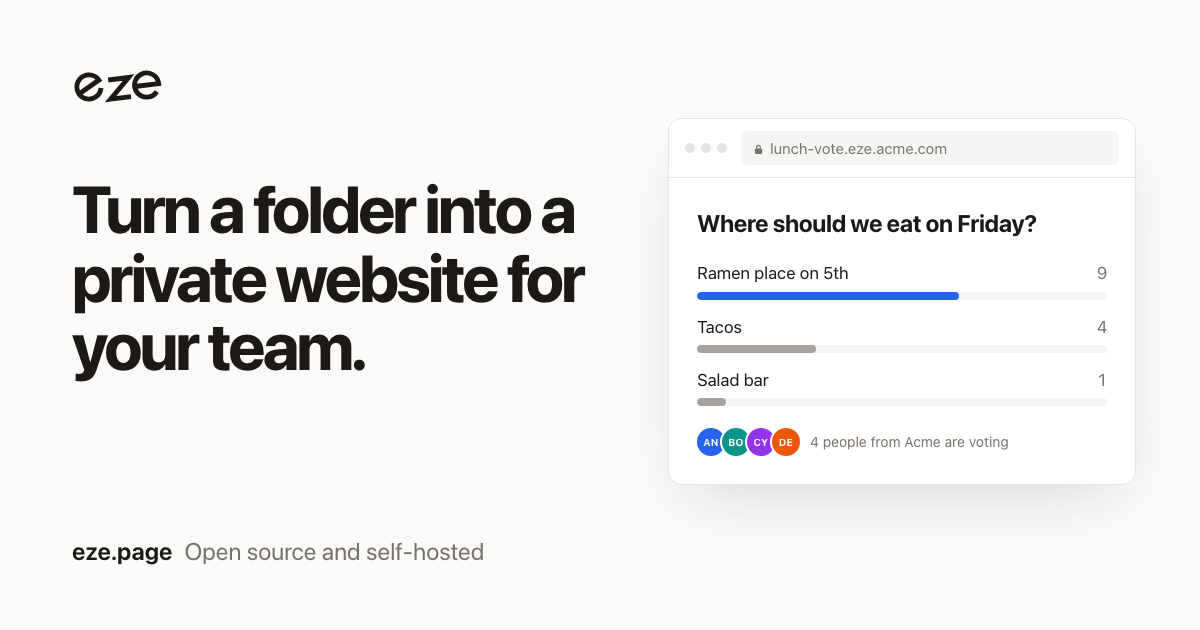
A backend without a backend #
Pages load one script from eze and can save data, react to changes and know who is looking. They use the viewer's company sign-in, so there are no keys in your code.
eze is open-source hosting you run inside your company. Upload some HTML and get a link that only your coworkers can open. Every site gets a database, live updates, file uploads and AI, with nothing to set up.
eze deploy or drop the folder on the eze dashboard.
<script src="https://eze.page/_q/sdk.js"></script>
<script type="module">
  const me = await eze.id.me();
  const votes = eze.db.collection('votes');

  await votes.create({ place: 'Ramen', by: me.name });
  votes.subscribe({ onCreate: (vote) => redraw() });
</script>
eze.db Save and query data, with live updateseze.files Uploads like images, video and PDFseze.ws Rooms for cursors, chat and gameseze.ai Call Claude, OpenAI or your own modeleze.id The name and email of whoever is viewing
eze init adds instructions that teach coding agents how to build an eze site. eze mcp lets Claude Code, Cursor and other MCP apps deploy sites for you.
claude mcp add eze -- eze mcp

> make a site where my team can vote
  on where to eat on Friday
You need a server, a domain with wildcard DNS and HTTPS, and your company's sign-in: Google Workspace, Okta, Entra ID or any OpenID Connect provider, or an auth proxy you already use.
eze is one program with a small database file. A small VM is plenty.
go install github.com/ahyield/eze/cmd/eze@latest

EZE_DOMAIN=eze.acme.com \
EZE_AUTH=oidc \
EZE_OIDC_ISSUER=https://accounts.google.com \
EZE_OIDC_CLIENT_ID=... \
EZE_OIDC_CLIENT_SECRET=... \
EZE_OIDC_ALLOWED_DOMAINS=acme.com \
EZE_SESSION_SECRET=... \
eze serve
Everyone who can sign in can open, change and redeploy every site. That keeps eze simple, so keep it to your own people: eze won't start if its sign-in would let in a public email domain like gmail.com.
Found a security problem? Report it privately.