Open JSON files directly
Open any .json file with BracketView from File Explorer — double-click or choose Open with. No copy-paste into a browser tab.
A local JSON workspace. Open JSON files directly with BracketView — viewer, editor, tree/graph, stats, jq/JSONPath, diff, schema, and types. No sign-in, AI, or cloud.
Linux
Requires Windows 10 or 11. SmartScreen may warn because this build is unsigned — choose More info then Run anyway. JSON stays on the device.
Same core JSON tools, installed locally — built for files on your machine.
Open any .json file with BracketView from File Explorer — double-click or choose Open with. No copy-paste into a browser tab.
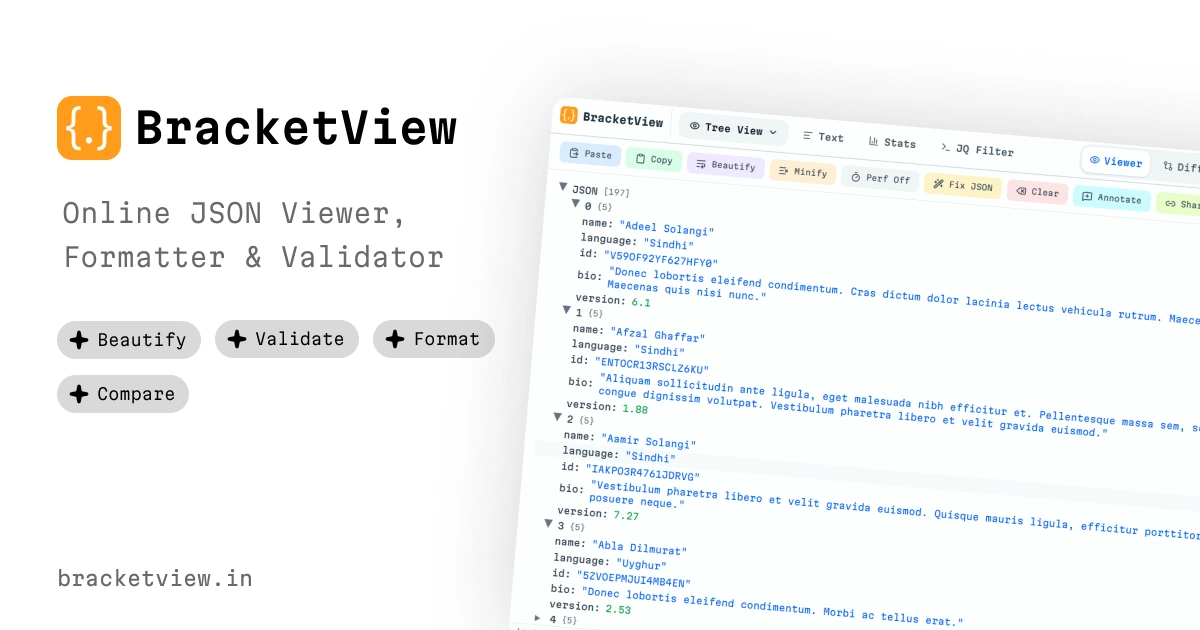
Viewer, editor, tree and graph, stats, jq and JSONPath, diff, schema, and types — running on your machine.
After install, you do not need a connection. Files stay on the device.
No sign-in, AI, or cloud on desktop. JSON never leaves your computer.