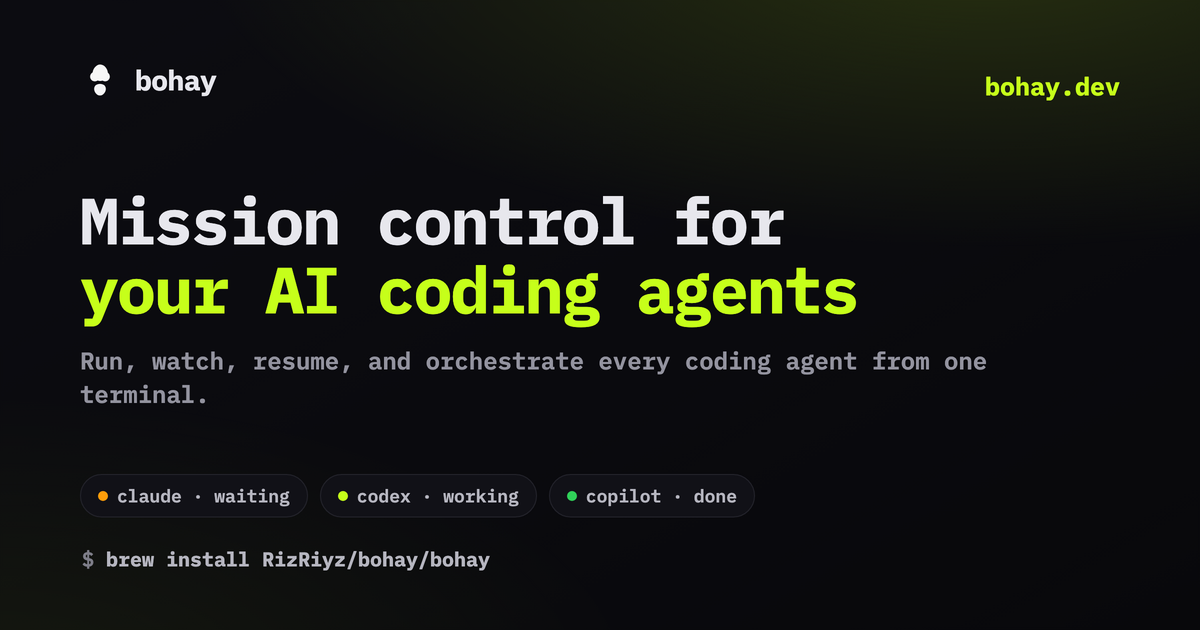
One place to run, watch, resume, and orchestrate every coding agent.
curl -fsSL https://bohay.dev/install.sh | sh
or brew install RizRiyz/bohay/bohay
· cargo install bohay
·
Windows & more One terminal that watches every agent, keeps your work safe, and ships your code without switching windows.
One sidebar shows what each agent is doing right now: waiting on you, working, finished, or resting. Status you can trust, too: an agent only counts as working when it really is, so a starting CLI or your own typing never reads as busy. An optional retro chime tells you the moment one finishes or needs you.
See the agent viewAgents shorten long commands on screen. Click a pane's title for the real one, in full, straight from the system.
Inspect a paneClose the terminal and nothing stops. Open it again and every pane, tab, and layout is right where you left it.
How sessions workAfter a restart, each agent reloads its own chat history by itself. You never paste a session flag or lose the thread.
About resumePut many agents on one project together without stepping on each other. Every agent works in its own copy, claims the files it touches, and only merges once your tests pass.
Meet the task boardBrowse commits, branches, pull requests, and issues in a built in tab. Open a pull request or merge it right there, without touching another app.
Explore the git tabDrive a session running on another computer straight from your laptop over plain SSH. No port forwarding to set up, and it still feels instant as you type.
Set up remote
Add tasks with dependencies to the ◇ orch
board. Each started task gets an isolated git worktree and its own pane; path leases stop overlapping edits from even being assigned; a quality gate (your test command) must pass before a task counts as done; and finished branches merge through a dedicated worktree,your checkout is never touched.
bohay-notch mirrors every agent into a native macOS panel that drops from the MacBook notch. Monitor them, approve a request or answer a question, and jump straight to any pane, all without breaking flow.
brew install --cask --no-quarantine RizRiyz/bohay/bohay-notch
macOS 15+ · Apple silicon ·
…plus Gemini, Aider, Droid,
and any agent bohay recognizes on screen. Live status for all, zero setup.
The ● agents also resume your sessions after a
restart, and most report precise events through the optional hook.
Full matrix → bohay is free and fully open source. A star helps more people running AI agents find it, and you are welcome to read the code, open an issue, or send a pull request any time.