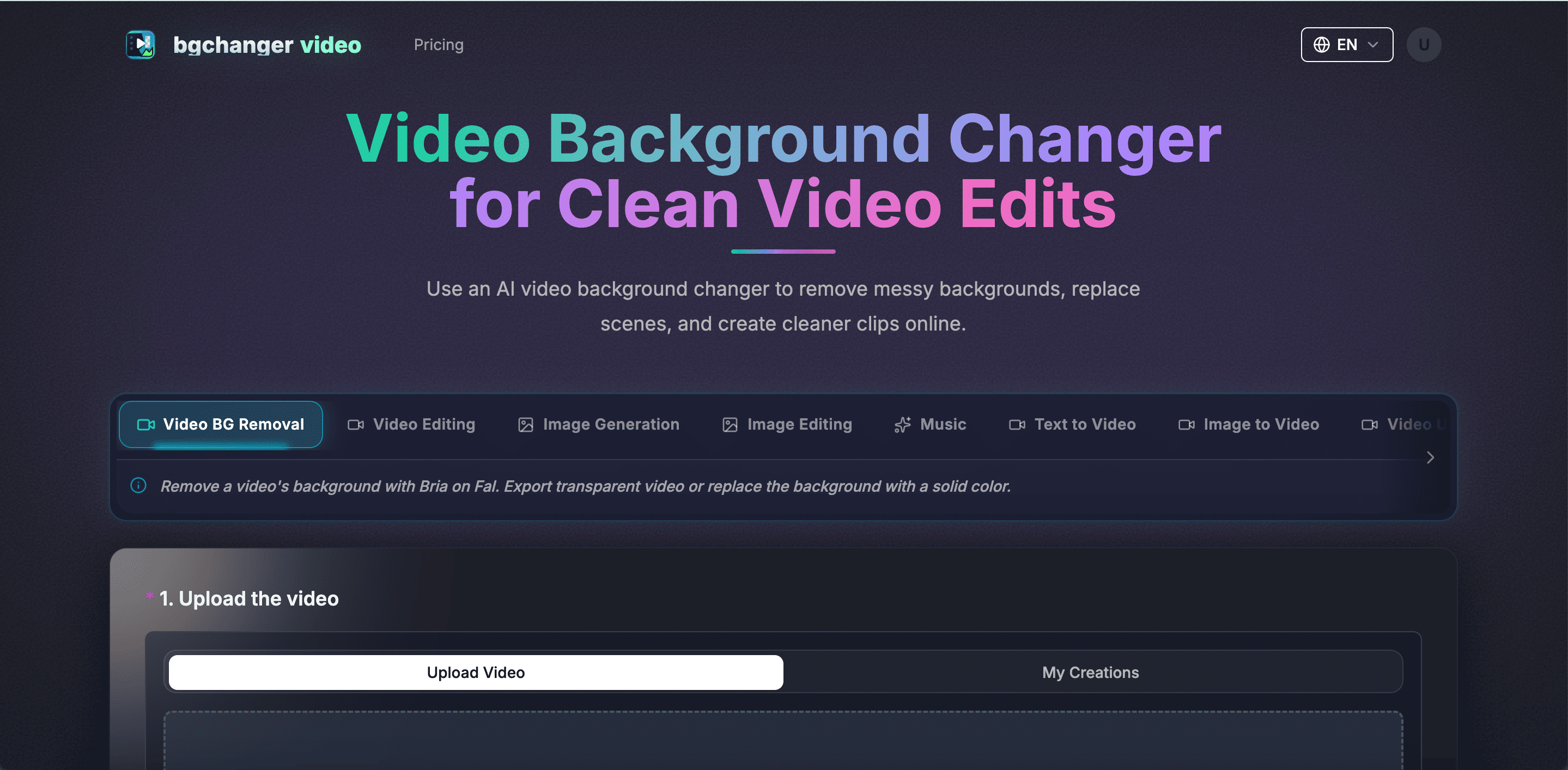
Use an AI video background changer to remove messy backgrounds, replace scenes, and create cleaner clips online. Remove a video's background with Bria on Fal. Export transparent video or replace the background with a solid color.
*1. Upload the video
See how bgchanger.video removes a source video background and exports transparent, white, black, and green background versions for real production use.
Choose Transparent for alpha output, or export a clean solid-color background such as white, black, or green.
Upload one source clip and generate clean background outputs for editing, ads, product demos, creator content, and green-screen workflows.
Replace the character and environment using the reference assets while keeping the original camera motion and action timing consistent.
Swap key visual elements in a source video with reference assets and prompt guidance, then generate a new result that preserves motion while changing the scene identity.
Choose credits or plans for AI video background removal and background replacement workflows.
Professional
Annual billing with 50% savings.
Ultra
Annual billing with 50% savings.
Standard
Annual billing with 50% savings.
Pay as you go for Video to Video AI credits (never expires)
Follow a simple workflow to upload your video, process the background, and download the finished result.
Use this workflow when you want to isolate the subject, export a transparent video, or replace the background with a clean solid color. Best For: Transparent exports, clean product clips, social ads, creator videos, and background cleanup
Workflow Overview
Upload the original clip, choose transparent or a solid color background, pick an output format, and generate a ready-to-use result.
Model Summary
Remove a video's background with Bria on Fal. Export transparent video or replace the background with a solid color.
Recommended Flow
Upload the Source Video -> Choose the Background -> Set Output Format -> Generate and Download Start with the clip that contains the subject and the original background you want to remove.
Select Transparent for alpha output, or choose White, Black, Green, or another solid color for immediate publishing. Pick MP4, WebM, MOV, MKV, or GIF, and preserve the original audio when your clip needs sound.
Run the AI background removal workflow, preview the result, and download the final video.
Start with bgchanger.video and create a cleaner clip in minutes.
Have another question? Contact us on Discord or by email.
Use bgchanger.video to remove or replace a video background and export a cleaner clip online.