Source/media access
Waiting for the analyzer to confirm source and media access.
Pending
PendingEvidence Lab for Social Video
Check public social video links or upload the original video file for deeper AI-video screening. When public media is accessible, the report can include video signals; when access is limited, upload is the most reliable path.
AI video check
Public TikTok and X/Twitter links are in beta when accessible. Instagram and YouTube links may return limited link scans. Upload the original file for the most reliable frame, motion, and timeline analysis. Option 1
Best-effort for supported public social video URLs. If public media is unavailable, upload the original video for deeper analysis.
Option 2
Use upload when you need the strongest available frame, motion, and timeline analysis. By clicking Check video link, you confirm you have the right to submit this video link for analysis and understand results are likelihood-based, not proof.
Estimated credits depend on video size and duration. Detected platform: Unknown.
Live analysis process
Follow the analysis pipeline below the detector. Progress is stage-based and evidence scores are only shown for signals that can be checked.
Check progress
Step 0 of 6Paste a public video link or upload a video you have the right to analyze. We show what can be checked, what may be limited, and how to read the result.
Ready when you are · stage-based progress
Analysis timeline
Each stage shows local progress. Timing is stage-based and depends on media access and plan limits.
Checking input
Validate the URL, file, consent, and supported video source.
35% · Running
Checking access
Run security checks and see what media can be reached safely.
0% · Pending
Preparing media
Upload, resolve, or prepare accessible video signals for analysis.
0% · Pending
Queue
Place the scan in the analyzer queue with plan-based priority.
0% · Pending
Extracting signals
Read frames, motion, metadata, compression, and audio/video signals when available.
0% · Pending
Building report
Assemble likelihood, confidence, limitations, and recommendations.
0% · Pending
Signal checks
During analysis, this panel shows process status only. The formal six signal groups appear in the completed result below.
Source/media access
Waiting for the analyzer to confirm source and media access.
Pending
PendingVisual artifact signals
Numeric scores appear only after visual evidence is actually sampled.
Pending
PendingMotion/temporal consistency
Numeric scores appear only after temporal checks complete.
Pending
PendingCompression/encoding patterns
Numeric scores appear only after compression and encoding checks complete.
Pending
PendingAudio-video consistency
Numeric scores appear only when audio/video evidence is available.
Pending
PendingSource detail signals
Source detail checks appear only when media or source metadata is available.
Pending
PendingWhy it helps
Some videos look real at first glance. Then something feels off: the face moves strangely, the hands blur, the audio feels inconsistent with the clip, or the clip appears during a breaking news event with no clear source. AI Video Detector gives you a quick way to slow down.
Paste a social video link first. If the link cannot be checked, you will see a clear reason and a safer next step.
The report explains suspicious signals, confidence level, and limits, so you are not left with a black-box answer.
The result helps you decide whether to , look for the original source, compare other uploads, or ask for human review.
Private, deleted, restricted, or unavailable videos are not silently treated as real or fake. You get a plain explanation.
Supported links
Public links are checked on a best-effort basis. If enough video media is not accessible, the report may be limited and should guide users to upload the original video. Check this platform →Public links are checked on a best-effort basis. If enough video media is not accessible, the report may be limited and should guide users to upload the original video.
Check this platform →Public links are checked on a best-effort basis. If enough video media is not accessible, the report may be limited and should guide users to upload the original video.
Check this platform →Public links are checked on a best-effort basis. If enough video media is not accessible, the report may be limited and should guide users to upload the original video.
Check this platform →Evidence report
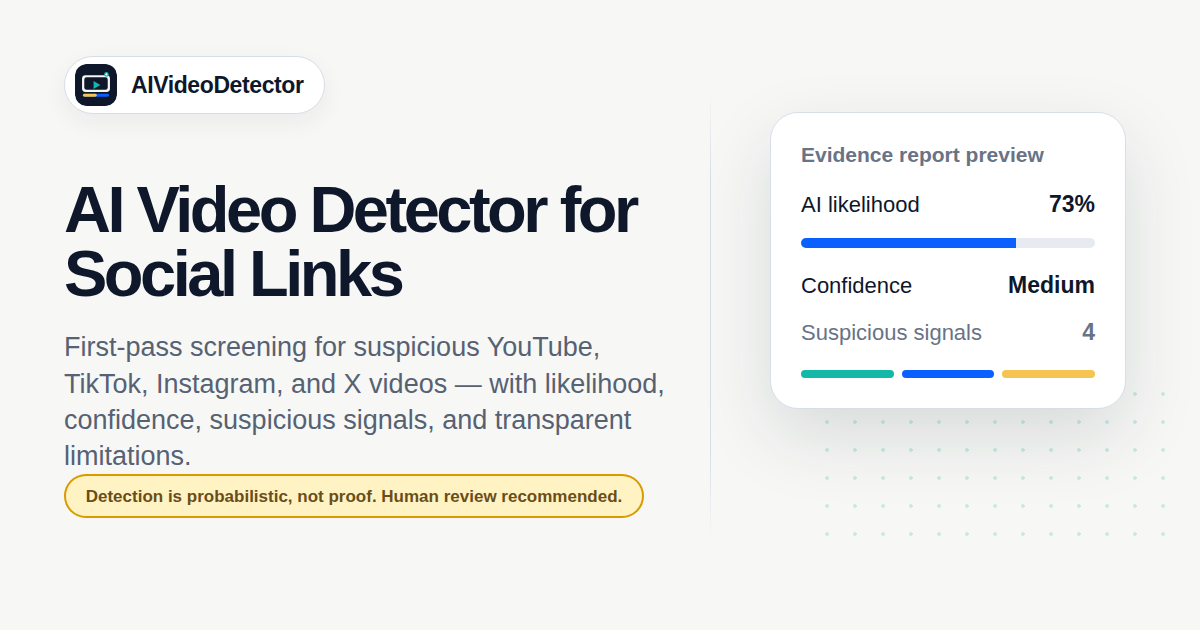
A report can include AI likelihood, confidence level, visual signals, motion signals, audio-video consistency when available, source/media access signals, unchecked signals, and recommended next steps.
Free reports include a basic audio technical check when audio is readable. Paid reports add bounded audio-motion consistency windows for a deeper evidence review.
Sample full video report
Full video scanA full scan keeps the score, confidence, signals, limitations, and next steps visually separated so the report is easier to read.
Free reports include a basic audio technical check when audio is readable. Paid reports add bounded audio-motion consistency windows for a deeper evidence review.
AI likelihood
62/100
Checked signals suggest possible AI generation or manipulation.
Confidence
Medium
Based on media access and signal quality.
Timeline highlights
00:04–00:11 · face-edge texture inconsistency

00:12–00:18 · hand motion flicker
00:21–00:28 · compression lowers reliability
Source and media details
Duration, size, and source context were reviewed when available.
Sampled visual evidence
Visual signals such as faces, hands, edges, texture, and compression artifacts.
Motion consistency
Temporal flicker, warping, repeated movement, and scene-to-scene consistency.
Audio-video consistency
Basic audio technical checks run when readable audio is available; paid reports add bounded audio-motion timing windows.
Platform-private context
Private analytics, account ownership, and platform-internal labels are not available. Sample limited link report
Limited link scanWhen a public link cannot expose enough video media, the page shows a limited report and pushes upload as the next best action.
AI likelihood
Not enough media
No numeric score when video media is unavailable.
Confidence
Low
Frame, motion, and audio/video signals were not checked.
Public link/source signals The public URL shape, platform, and accessible source details were reviewed.
Media resolver attempt
The public link did not provide enough accessible media for a full video scan.
Sampled visual evidence
No original visual evidence was available from this link in the scan.
Motion and timeline analysis
Timeline sections require accessible video media or an uploaded original file.
Audio-video consistency
Audio-video consistency cannot be checked without readable audio and accessible media.
Workflow
Start with a public link when available. For the strongest report, upload the original video file.
If the link is private, deleted, restricted, or unavailable, we explain the problem instead of showing a misleading score. See likelihood, confidence, suspicious signals, unchecked signals, and safer next steps.
Pricing
Start with a free daily check. Plans include clear limits, queue rules, report depth, and fair-use controls.
Subscriptions
Yearly is selected by default. Credits are based on video size and duration. Paid plans include deeper audio-video consistency checks without a separate audio fee.
Best value — save about 33%. Shown as monthly price, billed annually.
starter
For occasional AI video checks $10/mo
Billed $120/year
30 credits/month
pro
Most popularFor creators, marketers, and journalists checking videos regularly
$20/mo
Billed $240/year
100 credits/month
Agency
For teams and high-volume review workflows $60/mo
Billed $720/year
400 credits/month
One-time credits
One-time credits do not unlock subscription-only features. Active subscription entitlements still apply.
Starter Pack
$9
20 credits
One-time credits for occasional checks. Valid for 12 months.
Top-up
$29
100 credits
One-time top-up for signed-in accounts. Valid for 12 months.
Credits are based on video size and duration.
Enhanced audio-motion checks are included in paid report depth; they do not add a separate audio fee.
Free checks are subject to daily limits, queue availability, and abuse controls.
AI video detection is likelihood-based and not professional proof.
Link checks depend on public media access; upload is the most reliable path for full video scans.
Team plans are reviewed before activation.
FAQ
An AI video detector is a tool that checks whether a video may show signs of AI generation, deepfake editing, or other manipulation. AI Video Detector supports public social link checks with platform limits and original video uploads for deeper review.
Try a public social video link or upload the original video file, run the check, and review the evidence report. Link scans depend on public media access; uploads provide the strongest available review. Yes, for supported public links when the video can be safely accessed. Some links return limited public-link signals only; upload the original video for deeper analysis.
Yes. Compression, edits, reposts, low quality, short clips, missing audio, and partial AI editing can all affect results. Treat the report as a screening aid.
No. The report does not prove a video is fake or real. It shows signals and confidence so you can decide whether more review is needed.
Yes, when readable audio is available. Free reports include a basic audio technical check for audio presence, duration alignment, silence, clipping, and level stability. Paid reports add bounded audio-motion timing windows. We do not use speech transcription, voice-clone detection, lip-sync verification, or semantic matching in the current lightweight scanner.
Some videos have no readable audio, muted audio, restricted media access, or platform-transcoded audio that cannot be sampled reliably. When audio is unavailable, the report marks the signal as not checked and does not treat it as low risk.