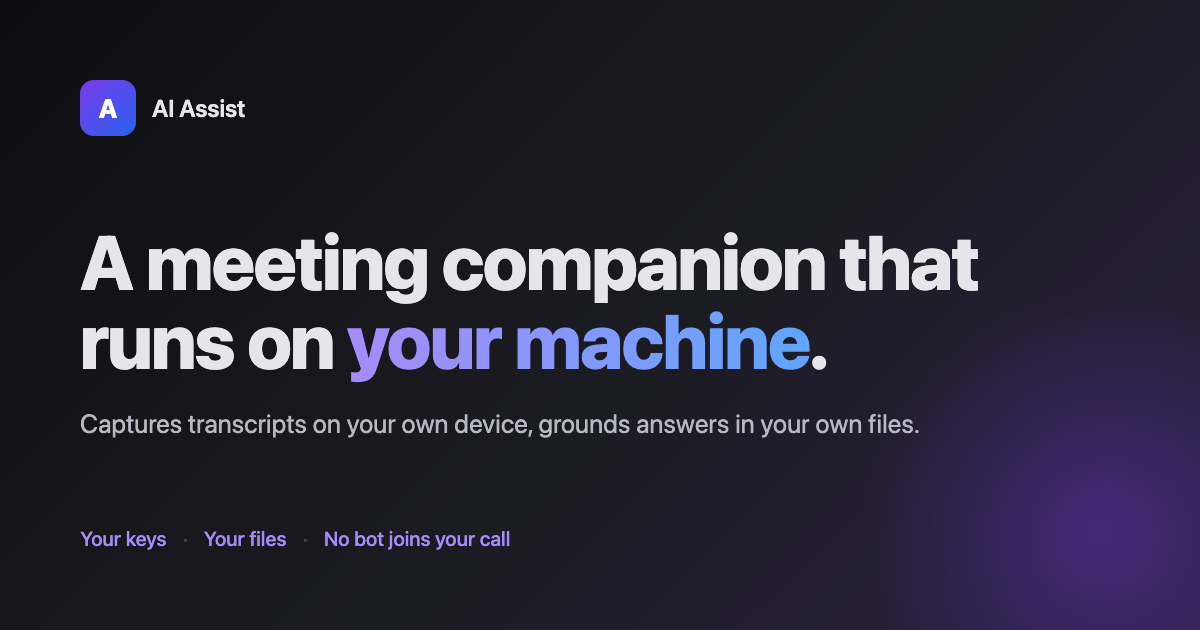
Live captions, proactive insights citing your own files, and ask-any-question grounded in the folders you've permissioned. Your keys, your machine. $3 one-time.
Both pieces are required · 14-day free trial · No bot joins your call
~$225/yr cheaper than Otter Business — you pay Anthropic + OpenAI direct, no per-seat markup.
On Windows or ChromeOS? Get notified when it ships → You pay Anthropic for the LLM and OpenAI for Whisper directly. We never see the keys, never mark up usage, never throttle you.
The extension runs in your browser. Captures the tab you're already in. No Otter, no Fireflies, no awkward "AI Assist has joined the meeting" notification.
Captions from your meeting tab go to a local helper. Whisper transcription runs through your own OpenAI key. Raw audio never touches our servers.
As the meeting unfolds, AI Assist auto-surfaces "findings" — the relevant excerpts from your own notes, docs, and past transcripts, cited by filename. You don't have to ask. It's like having a colleague quietly pulling up the right document the moment it's mentioned.
Type or highlight a question — "what did we decide about the export pipeline?", "what's the 2025 interest expense for Precision?" — and the answer comes back with citations to the folders you've permissioned. On-device embeddings; the files never leave your machine. Want past meetings on other devices? Turn on cloud sync — $3/mo. Transcripts are encrypted on your device with a key derived from your master key. We see ciphertext only.
Google Meet and Zoom Web work out of the box today; Microsoft Teams Web coming soon. The extension stays narrow on purpose — single content-script per meeting host, easy for reviewers to audit.
| AI Assist | Otter | Fireflies | Granola | Tactiq | |
|---|---|---|---|---|---|
| Bring your own API keys | ✓ | — | — | — | — |
| No bot joins your call | ✓ | — | — | ✓ | ✓ |
| Audio never leaves your device | ✓ | — | — | partial* | — |
| Proactive insights citing your files | ✓ | — | — | — | — |
| Ask questions grounded in your local files | ✓ | — | — | — | — |
| One-time price option | ✓ $3 | — | — | — | — |
| Cloud sync end-to-end encrypted | ✓ | — | — | — | — |
- Granola captures locally but sends audio to their servers for processing. Based on public product docs as of July 2026. I built AI Assist after getting sick of Otter's bot joining every call I was on — and paying per seat for the privilege. This one runs on your machine, uses keys you already have, and costs $3 once. If that's the meeting notes tool you've wanted to exist, it now does.
— Ricardo Figueroa, solo dev · support@getaiassist.app AI Assist runs against your own LLM + transcription accounts so we never see your data or your spend. ~5 minutes from download to first meeting.
For the LLM that powers summaries + grounded answers. Get one at [console.anthropic.com](https://console.anthropic.com/account/keys). Pay-per-use, ~$0.50–$2 per typical meeting depending on length.

For Whisper transcription. Get one at [platform.openai.com](https://platform.openai.com/api-keys). About $0.006/min of audio (~$0.36/hr).

For pairing the browser to your desktop helper and (optionally) cloud sync across devices. [Sign up](https://app.getaiassist.app) takes 30 seconds.
The desktop helper runs on your machine and holds your keys. The browser extension talks to it over localhost. If you turn on cloud sync, transcripts are encrypted on your device with a key derived from your master key — the cloud stores ciphertext only. Read the full privacy policy →
Three steps to a working install (~5 min):
.dmg
in your Downloads folder and drag AI Assist Helper into Applications.Want a heads-up when we ship new features (or Windows lands)? Drop your email — optional.
We'll email you the moment your platform ships. No spam, no marketing sequences — just the launch email and any beta invite.