Native desktop · mac · windows · linux
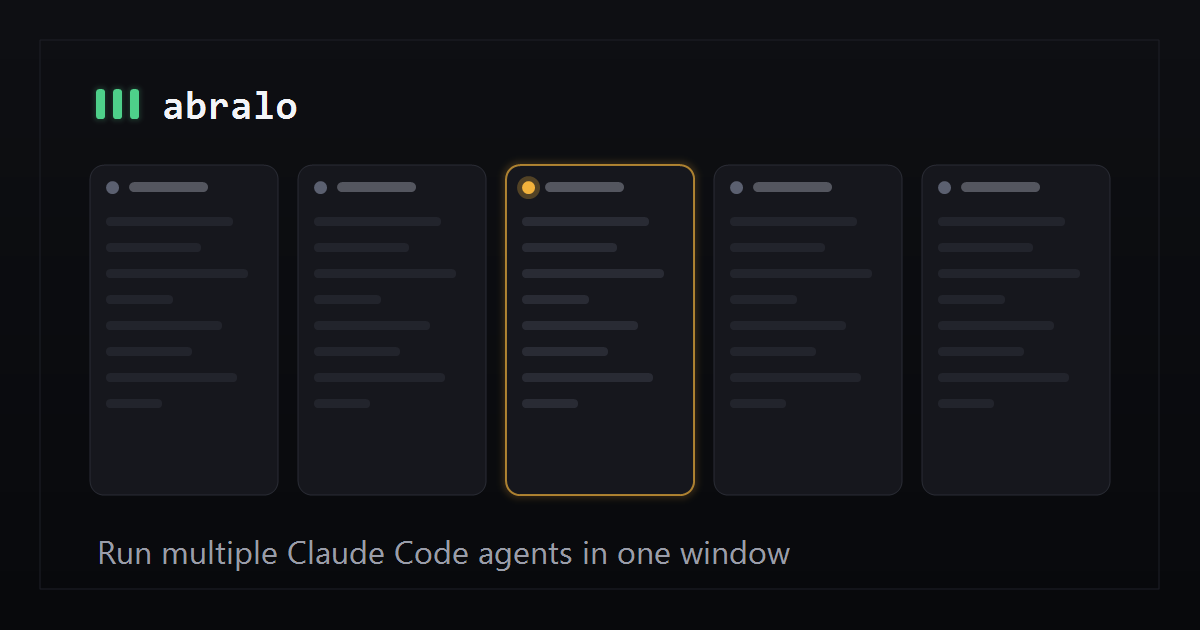
Manage multiple agents in one window, see which need your attention and monitor token usage.
free for up to 4 agents at a time
Light & legible
More natural than working with a terminal, and better at helping you decide what needs your attention. See the full comparison →
Usage & limits
Better analytics to monitor and manage your token usage.
Every design decision has been taken with performance in mind. The app is only a few megabytes and lightning fast, which means you can manage a fleet of agents efficiently.
Questions
Yes. Abralo drives the official claude
binary using your own Pro or Max accounts.
Your conversations, code and prompts are between you and Claude only. Abralo can't see any of it. We do track anonymous usage of features (to see what we need to build next), but you can opt out of this at any time in the in-app menu (bottom right).
I originally used Claude Code in a terminal, and found myself using a split terminal to manage multiple at the same time.
I quickly found it hard to keep up with multiple agents as the text-heavy UI of the terminal made it hard to parse.
I started using an Anthropic Claude Code extension in VS Code, but it was difficult to switch between conversations and it crashed my laptop a few times when I had more than 3 running at a time.
So I built Abralo, which is lightweight and fast, but which makes Claude Code easier to understand and read, which means I can manage several agents at a time. It also makes it painfully obvious if your input is needed to unblock an agent.
Yes - up to four agents simultaneously is free. You don't need an account (other than your existing Claude Code account) and there's no time limit or nagging. You get the whole app.
macOS, Windows, and Linux. A real native build on each, not the same web page in three wrappers.
Email me at chris@abralo.com with any questions, issues or suggestions. Thanks!
Free. No signup. Installs in a few seconds.
64-bit Linux, 2022 or newer: Ubuntu 22.04+, Debian 12+, Fedora 36+.