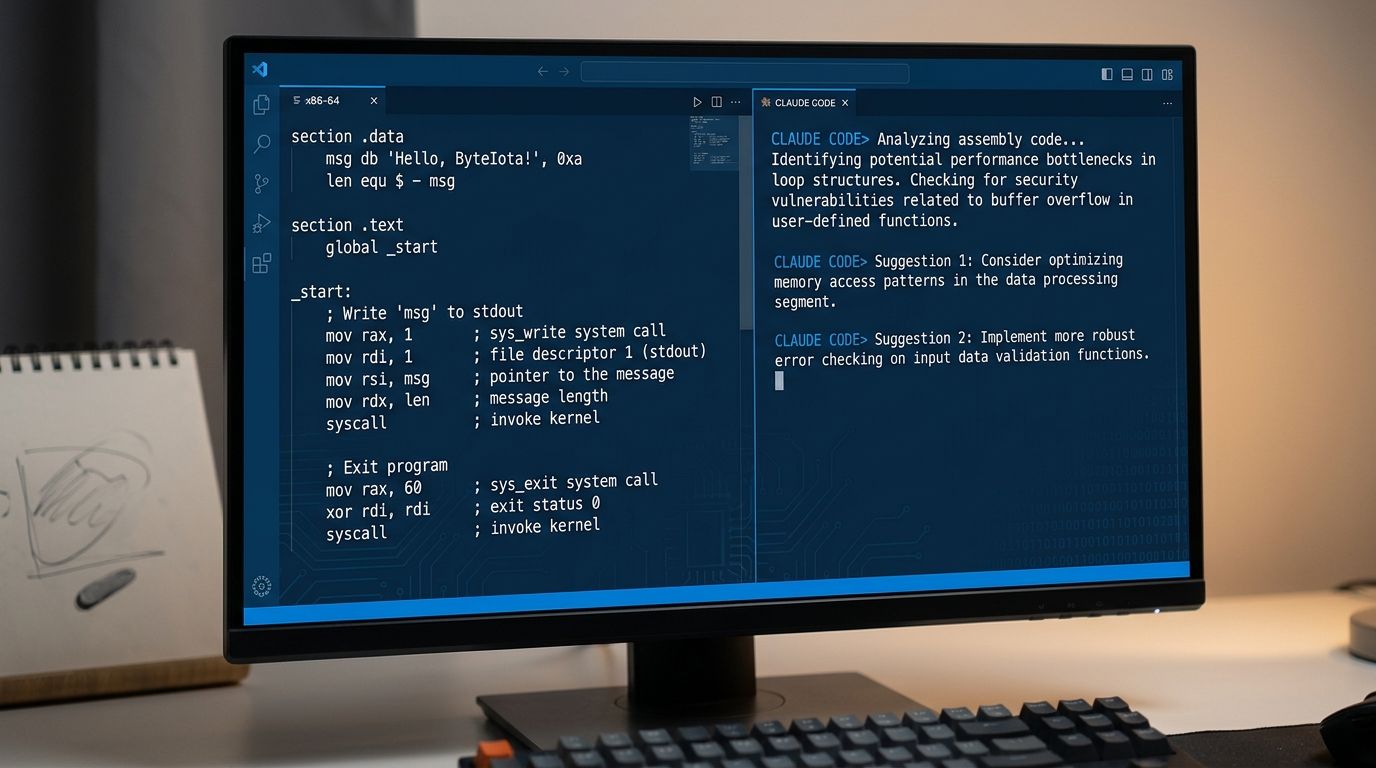
Most code editors in 2026 idle at 300+ MB of RAM while your AI agent does the actual work. Rhun goes the other direction — a code editor written in x86-64 assembly, a 980KB binary, 7.9MB of RAM, and a built-in panel that surfaces your live Claude Code and Codex sessions alongside your code. It shipped v0.16.2 on October 1, hit Hacker News with 62 points and 49 comments, and is worth a look if you spend most of your day directing agents rather than writing code yourself.
The Feature That Actually Matters: The Agents Panel #
Every lightweight editor sells you on speed. Rhun’s real differentiator is the agents panel — a dedicated view that shows your running Claude Code and Codex sessions as they work, inside the editor. No separate terminal window, no tab-switching, no hunting for which terminal is running which agent.
In 2026, the standard agentic workflow is: fire an agent at a task, glance at its output, review the diffs, iterate. Rhun is built around that workflow rather than retrofitting it. The agents panel automatically detects active sessions — no manual configuration — so when Claude Code is running in your project directory, it appears in the panel while you read the code it is touching.
This is the part other lightweight editors haven’t shipped. Zed is faster than VSCode. Neovim uses 30MB. Helix is written in Rust. None of them have a first-class agent session view. Rhun’s tagline — “AI does the heavy lifting. Keep your code editor light.” — is actually a product description, not marketing copy.
The Performance Numbers #
Hacker News testers reported 7.9MB of RAM at idle versus VSCode’s 291MB. The binary is approximately 980KB. Typing latency is within one frame. Startup is near-instant. Multiple independent testers confirmed these figures in the thread.
| Editor | RAM (idle) | Key feature |
|---|---|---|
| Rhun | 7.9 MB | AI agent panel |
| Neovim | 30–50 MB | Extensible, LSP |
| Zed | 142 MB | GPU-accelerated |
| VSCode | 291 MB+ | Extension ecosystem |
How to Install Rhun #
One line on Linux or macOS:
curl -fsSL https://github.com/vshvedov/rhun/releases/latest/download/install.sh | sh
On Windows, download the ZIP from the releases page, extract it, and run rhun.exe. The editor includes auto-update on all platforms, is MIT licensed, and collects no telemetry.
Assembly in 2026: Not a Gimmick #
The editor and pixel renderer share an x86-64 assembly core. On Apple Silicon, a build-time translator converts that core to AArch64. Creator Vladimir Shvedov is direct about the motivation: “enjoyment, learning, some flex and the challenge — not the performance.” That honesty is what makes the project credible. The performance numbers are real, but they weren’t the goal — which somehow makes them more trustworthy.
The Hacker News thread raised fair questions about long-term maintainability — assembly lacks the abstractions that make large codebases sustainable — and whether the AArch64 translation fully preserves the speed advantage on Apple Silicon. These are legitimate concerns for a growing project. For now, Rhun is actively maintained with multiple releases per week.
What Rhun Does Not Have #
Rhun has no LSP support. No IntelliSense, no autocomplete, no go-to-definition. LSP is planned via a plugin system, but the creator has explicitly deprioritized it to preserve the minimal footprint. If your workflow depends on language intelligence inside the editor, Rhun is not ready for you.
The feature set is deliberately narrow: 127 languages for syntax highlighting, a built-in terminal, Git integration, Vim mode, fuzzy search, 39 themes, and the agents panel. Think of it as a diff-review and agent-monitoring interface, not an IDE replacement.
Who Should Use Rhun #
If you spend most of your coding time directing AI agents and reviewing their diffs rather than writing code line by line, Rhun fits that model. It is built for developers whose editor has become increasingly a diff-review and agent-monitoring interface.
If you need LSP, remote development, or a rich extension ecosystem, keep your current setup. But it is worth installing alongside your primary editor just to experience what 7.9MB of RAM and a native agent panel actually feels like in a real workflow.
Source code is on GitHub. The Hacker News thread has 49 comments with edge cases and the creator’s direct responses — worth reading before you commit to it.