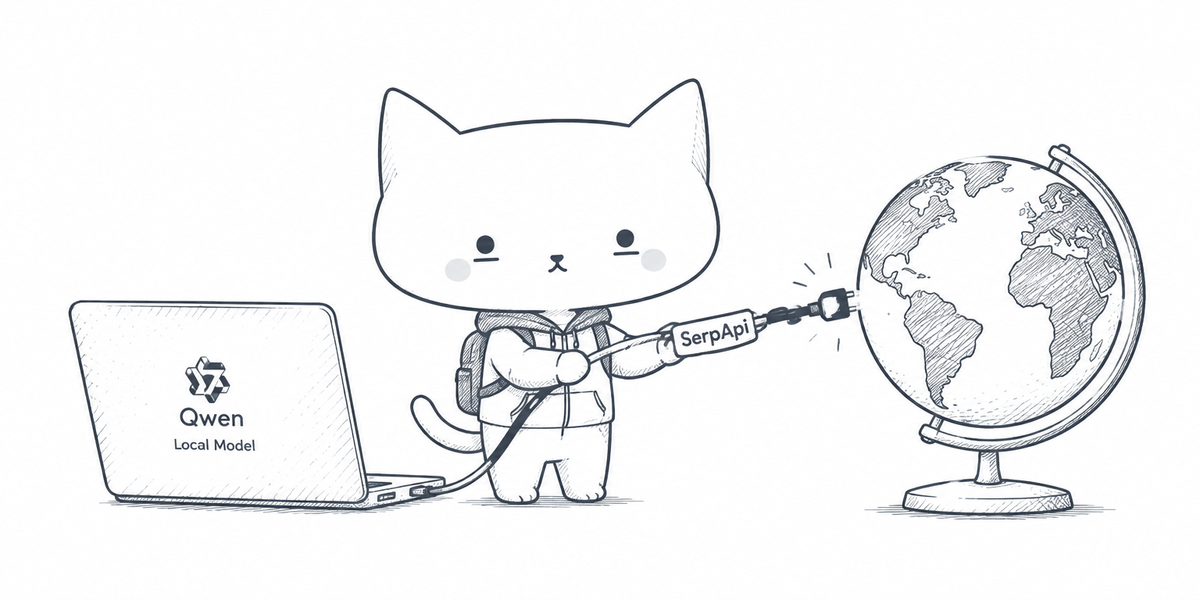
I asked a Qwen model, running locally, for the latest version of Next.js. It answered 15. The latest release was 16.4.6 (as of November 2026). When I asked how it determined this answer, it admitted that it can't search the web and answers from its training data.
A local model is limited to its training data. This post shows how Qwen can use web search, with multiple search engines such as Google, Baidu and Naver, and compares the performance of different models.
Does Qwen have web search? #
Qwen offers open-weight local models, Qwen Code and the Qwen-Agent framework. All of them can be given access to web search.
Qwen local model
Open-weight models such as qwen3.8:27b, qwen3.5:9b or qwen3-coder running on your own device through Ollama, vLLM or LM Studio.
- Built-in search : Not available. The model can request search through a tool call, but it can't run one on its own.
- Add web search : Through tool calling in your application, or by connecting anMCP server through an MCP-capable client.
Qwen Code
A terminal coding agent that works with Qwen models and other providers through compatible APIs, including local models served through Ollama.
- Built-in search : Not available for local models or third-party providers such as OpenRouter and DeepSeek.
- Add web search : Through MCP servers such asSerpApi MCP .
Qwen-Agent
A framework for building LLM applications and agents using Qwen models, with built-in support for function calling, MCP, a code interpreter and RAG.
- Built-in search : Yes.
web_searchandweb_extractortools are present. - Add web search : Add a custom tool or connect anMCP server .
This post covers the Qwen local model with tool calling. I'll cover connecting Qwen Code and Qwen-Agent with SerpApi's MCP server in a follow-up post.
How do Qwen and SerpApi work together? #
Local models can use tools to perform actions not natively available to them. We can provide web search as a tool to our Qwen model, and the model uses it when necessary to answer a question. Below is a flow diagram of how this works.
Suppose we ask the model about the latest PHP critical vulnerability. Below is the sequence of actions performed.
- Our question, along with the prompt and the available tools, is sent to Qwen.
- Qwen understands that the latest vulnerabilities won't be in its training data, so it requests a web search.
- A real-time web search is performed through SerpApi, and the results are returned in token-efficient markdown format .
- Qwen checks whether the search results are enough to answer the question. If not, it requests another search.
- Once Qwen has enough information, it answers the question.
How to set this up? #
Let's begin with what's required to build this.
- Ollama to run Qwen locally on your machine. vLLM and LM Studio should also work. Only
base_urlin the sample code changes. - Qwen model with tool support that fits your machine (see Step 1 ).
- SerpApi API key : Get ithere . Free plan includes 250 searches per month.
Note: The commands below are for macOS and Linux.
Step 1: Pick a Qwen model and start Ollama
Choose a model based on the available memory on your device. A model needs memory for its weights (download size) plus additional memory for the context (conversation and search results).
| Model | Download size | Memory needed |
|---|---|---|
qwen3.5:4b |
3.4 GB | 6 GB |
qwen3.5:9b |
6.6 GB | 8 GB |
qwen3.8:27b |
18 GB | 24 GB |
qwen3-coder:30b |
19 GB | 24 GB |
Any Qwen model with the tools tag on Ollama works. Download your pick using the command below. For example, for qwen3.8:27b:
To keep memory in check, start Ollama with a 32k context and an 8-bit KV cache. This allows Qwen to perform several rounds of searches. Keep this terminal tab open.
Step 2: Set up Python environment
In a new terminal, create a project, install three packages and add your API key.
mkdir qwen-search && cd qwen-search
python3 -m venv .venv && source .venv/bin/activate
pip install openai serpapi python-dotenv
echo "SERPAPI_API_KEY=your_api_key" > .env
Replace your_api_key with the key from your SerpApi dashboard.
Step 3: Add the code
Create qwen_search.py in the same folder and paste the code below. The script uses qwen3.8:27b by default. If you pulled a different model in Step 1, add LOCAL_MODEL=<model name> to your .env file.
The code above has three parts:
serpapi_search: Runs the web search through SerpApi.json_restrictorkeeps the top 5 results and the fields we need.output=mdreturns search results as Markdown, which uses fewer tokens than JSON.SYSTEMprompt andTOOLSdefinition:TOOLSdescribes the search tool and its arguments, so Qwen knows how to call it.SYSTEMgives today's date, tells Qwen when to search and how to answer: from the search results, with cited sources.ask()loop: Qwen can call the tool multiple times with different queries, including parallel searches in one round. It answers once it no longer needs the tool or reaches theMAX_ROUNDSlimit, where the tools are taken away so it has to answer.
Step 4: Run
python3 qwen_search.py
Here's how Qwen used SerpApi and answered a question about the latest PHP vulnerabilities.
A "[search]" line means Qwen called the tool and your code ran a SerpApi search. Press Ctrl+C to quit.
If something fails
Below are some possible errors and how to fix them.
| Error | Fix |
|---|---|
address already in use when you start Ollama |
Ollama is already running. Quit the Ollama app, then start it again with the command in Step 1. |
openai.APIConnectionError: Connection error |
Ollama isn't running. Start it as in Step 1. |
model "qwen3.8:27b" not found |
Pull the model with ollama pull , or setLOCAL_MODEL in.env to a name fromollama list . |
KeyError: 'SERPAPI_API_KEY' |
The .env file isn't in the same folder asqwen_search.py . |
HTTPError: 401 Unauthorized |
The key in .env is wrong. Enter a valid API key from your SerpApi dashboard. |
Let Qwen choose from a wide range of search engines #
Different search engines are strong in different areas. Baidu is China's main search engine, Naver is South Korea's, and Google News covers news from outlets worldwide.
Through SerpApi, our model can use 100+ search engines, so instead of only using Google, we let Qwen pick the engine for each search.
Only three parts of the earlier code change.
The engine argument is SerpApi's own engine parameter, so Qwen can directly pass the required search engine.
Complete code: qwen_search_multi_engines.py.
Add a chat UI #
A chat interface makes it easier to compare answers, so I built a local chat app. You can run Qwen with or without search, see token usage, time taken and number of searches for each answer, and compare results side by side in a "battleground".
Here's a link to the GitHub repo to access it.
Benchmark #
Curious to find out how much model size matters, whether Qwen needs more search engines than Google, and whether a small model with search can beat a bigger model without it, I ran a few experiments with qwen3.5:4b, qwen3.5:9b and qwen3.8:27b on Ollama.
Setup: Each experiment used 100 questions in English, Chinese and Korean on a MacBook Pro with Ollama's default Q4_K_M quantization for the model weights. Answers were graded by text match followed by an AI agent review. With a single run, treat small gaps as noise. Below, 27b, 9b and 4b are short for qwen3.8:27b, qwen3.5:9b and qwen3.5:4b.
Experiment 1: Which model searches best?
Every question was about a recent event in 2026, so the models had to search.
Winner: qwen3.8:27b
Highlights
qwen3.8:27bwrotesharper queries , searched again when the first results fell short, and was the only model to use Baidu and Naver regularly. The smaller models mostly failed because their searches didn't surface the right answer.- Biggest gap: questions that combine two facts. Of 18, 27b answered 16 correctly, 9b 12 and 4b only 6.
qwen3.5:9bwas thefastest model at 18.5s per answer. 4b spent more time thinking, and 27b took about twice as long as 9b.- When 27b was wrong, it usually trusted its memory : it skipped the search or filled its queries with outdated facts.
Experiment 2: Google only vs Multiple search engines
These were local, long-tail questions mostly in Chinese and Korean, asked to qwen3.8:27b. I ran them once with Google only and once with a choice of Google, Google News, Baidu and Naver.
Verdict: Google alone is enough for most questions
Highlights
- Google through SerpApi is a strong default, even for regional questions. The score gap (93 vs 95 out of 100) is small enough to be noise.
- Extra engines helped on very fresh or hyper-local facts . For example, Naver found the new head of a Seoul district that six Google searches missed. But answers took 22% longer.
- Smaller models default to Google. In a separate test,
qwen3.5:9bandqwen3.5:4bsent none of 20 Chinese and Korean questions to Baidu or Naver. Changing the tool descriptions barely helped, but an explicit line in the system prompt did. It worked well for Korean (Naver on 8 to 9 of 10 questions), while Baidu needed firmer wording to reach 6 to 7 of 10.
Experiment 3: Small model with search vs Big model without
These were old, stable facts that a model could know from training.
Winner: Small model with search
Highlights
- A small model with search beats a big model answering from memory (97 and 95 vs 82).
qwen3.8:27blost points because it skipped search on many old facts. It used search for only 31 out of 100 questions, and 7/9 of its wrong answers came from questions where it skipped search.- Search made the smaller models faster and token-efficient . Without search,
qwen3.5:9bandqwen3.5:4bspent over 4,000 thinking tokens and about a minute per answer. With it, the average was around 8s. - Without search, the models mostly guessed instead of admitting they didn't know . Old Korean facts were the worst: the models got 2 to 7 out of 20 right. With search, 9b got 19.
Detailed benchmark results on GitHub
Summary #
Giving a local Qwen model web search can substantially improve its accuracy on factual questions. In these experiments, small models with search beat the largest model answering from memory, and search made them far faster than when they tried to recall answers on their own.
Other takeaways:
qwen3.8:27bwas the best at searching. When questions required a search, it wrote sharper queries and scored highest.- Google is a good default engine. Add Baidu, Naver or Google News for very recent or hyper-local questions, and tell smaller models in the system prompt when to use them.