Not flagged as a bot.
Chrome’s own emulation sets the device. 0% on CreepJS.
For teams automating payer portals, EHRs and registries Oya is a real browser your agents use without being flagged. Record a task once, and every run after that is pure compute: no model, no token bill, signed in like your staff.
await browser.play("eligibility-check", { memberId })
Desktop app
Your browser. Your choice.
Why teams switch
Headless Chrome driven over the debugging protocol is exactly what anti-bot systems look for.
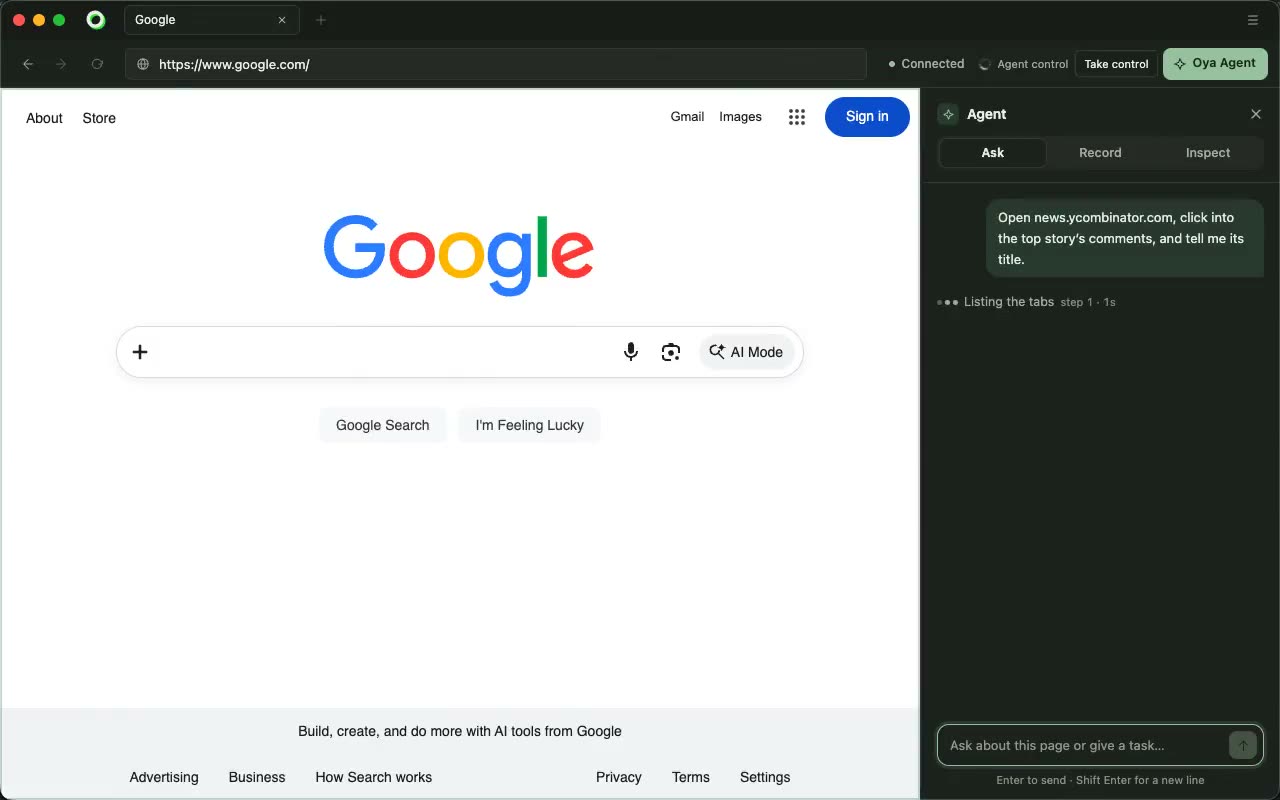
Oya is the browser. No CDP, no headless Chrome: it passes iphey and CreepJS like a person would.
An agent that reasons through the same steps every night pays for them every night, and drifts.
Record the task once. Every run after that is pure compute, with no model, and it heals itself when a page moves.
Agents need a real, signed-in browser each, and they need hundreds of them on demand.
Go from zero to thousands of real browsers, each on its own profile with your team’s cookies and sessions.
How it works
Describe the task in plain language, in the console, the SDK or your own agent. Oya does it in a real browser, signed in like your staff.
Keep the run as a playbook. The values you gave become variables, the steps become Playwright code you own, and free-text answers stay with your model.
Run it with new inputs and no model in the loop. It signs in by itself, and when a portal changes, the agent fixes the step and the playbook heals.
Why Oya
The automation lives inside it, not attached over the debugging protocol.
Log in by hand. Every browser after that starts signed in, cookies and localStorage both.
A replay that meets a login uses the profile’s stored credentials and second factor, then carries on.
Comments and question answers are written by your model on every run, never replayed word for word.
A hash-chained audit trail. Allow-list the hosts a browser may reach.
Source-available. Self-host on Docker, ECS, GCP or Kubernetes for HIPAA and SOC 2 workloads.
Weighing Browser Use, Anchor or Browserbase?
| Oya | Browser Use | Anchor | Browserbase | |
|---|---|---|---|---|
| What the portal sees | A real headful browser | Chromium over CDP | A stealth Chromium fork | Cloud Chromium over CDP |
| Signed in as your team | Your staff’s real sessions, synced as profiles | Browser profiles | Managed login | Stored contexts |
| Replays without a model | Yes, with no model at all | Yes, checked by an LLM each run | Yes | Yes |
| Runs in your own cloud | Yes, source-available | The library only | Enterprise plan only | No |
| HIPAA, data in your network | Self-host on any plan | Enterprise plan | Enterprise plan | Scale plan |
From each vendor's public site, docs and pricing page, September 2026. Questions
A real headful browser with the automation inside it. Sites see an ordinary Chrome, not a harness attached over the debugging protocol.
In Oya Cloud, in your own cloud with the control plane self-hosted, on your team’s machines with the desktop app, or on Browserbase, Browser Use, Steel and Anchor.
The replay stops at the step that moved, the agent finishes the task from there, and its fix becomes the playbook, so the next run is model-free again.
No. Secrets are typed through placeholders and redacted from everything the model reads, and they never enter a saved playbook.
Yes. The control plane is source-available and runs on Docker, ECS, GCP or Kubernetes, so HIPAA and SOC 2 workloads stay in your own infrastructure. Every playbook also exports as Playwright code you keep.
The desktop app is free, and so are 500 agent steps a month. Oya Cloud: Free gives 1 cloud browser hour; Developer is $20 a month for 100 hours, 1 GB of proxy and 5,000 agent steps; Startup is $99 a month for 500 hours, 5 GB and 50,000 steps. Past that, $0.10 or $0.08 a browser hour, $8 a GB and $0.002 a step. Self-hosting is free up to 5 cloud browsers at once. For more, write to sales@getoya.ai.
Start a browser in a minute, record the run your team already does by hand, and replay it on every case.