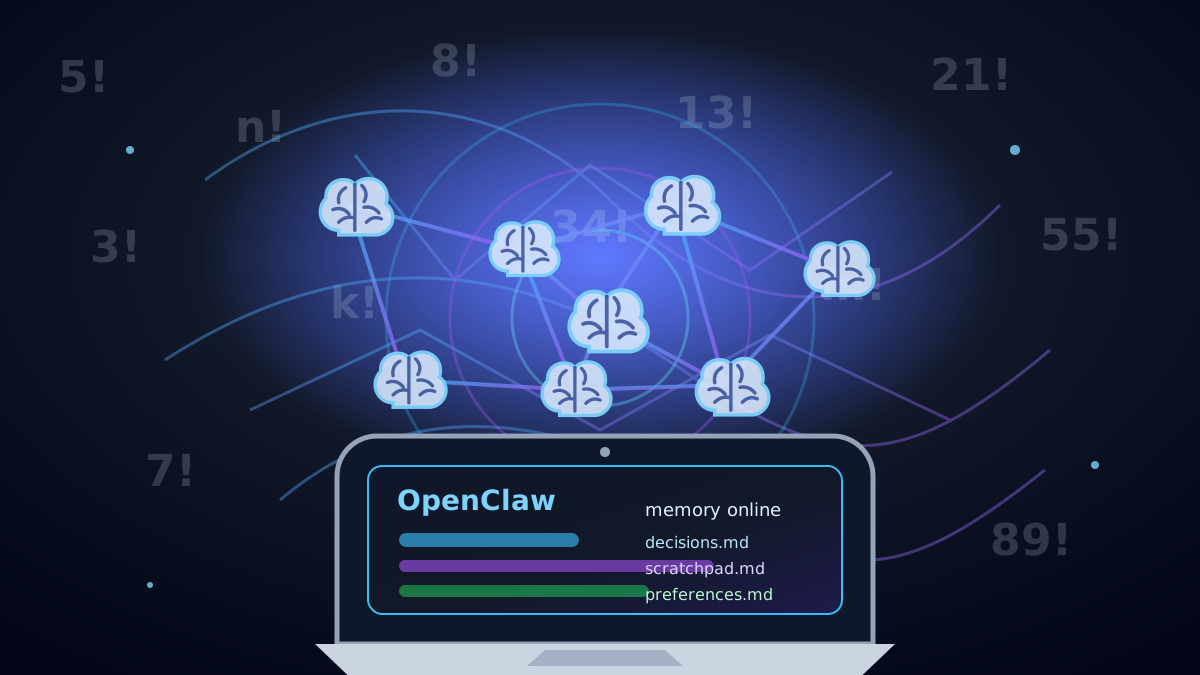
Agent memory gets sold like a research problem. Most of the time it is not. For Hermes-Agent, OpenClaw, and other agents that actually take actions, the job is simple: remember what was decided, what is still being explored, and what should be reused next time.
What Memory Solves #
Without memory, action agents loop. They rediscover the same facts, reopen settled decisions, repeat research, forget user preferences, and spend context on things they should already know.
Before the agent touches tools, memory should answer four plain questions:
What has already been decided?
What is still just scratch work?
What user or project preferences should persist?
What context should the agent check before acting?
This matters more when the agent is not just chatting. A Hermes-Agent or OpenClaw-style workflow might send email, manage a calendar, check systems, run automations, or coordinate across several tools.
Bad memory is not only a token problem. It can make the agent take the wrong action.
Option 1: plain markdown files #
Start here unless you already know why you cannot. A few small files usually beat a memory platform no one understands.
memory/
  decisions.md
  scratchpad.md
  preferences.md
  runbook.md
The split is simple:
decisions.md: settled decisions the agent should not reopen.scratchpad.md: temporary notes, half-formed ideas, research trails, and anything not final.preferences.md: durable user or project preferences.runbook.md: repeatable commands, debugging workflows, deployment notes, and known fixes.
Example preferences:
Use Python 3.13.
Prefer uv for Python commands.
Prefer polars over pandas.
Do not add unnecessary validation helpers.
Keep generated code minimal and direct.
Those examples mention Python 3.13, uv, and Polars, but the point is not the tools. The point is that preferences are short, boring, and easy to check.
For a lot of Hermes-Agent and OpenClaw-style work, this is enough. The agent just needs to read the small files before it acts.
The catch: keep the files small. If memory turns into a 500-page junk drawer, the agent will skim it and miss the important part.
Option 2: Obsidian #
Obsidian is great when you want a human-readable knowledge base that people also enjoy editing.
Use it for project notes, linked research, architecture notes, manual review, long-term documentation, and human-edited memory.
Do not reach for it just because the word memory is involved. If the agent only needs quick operational notes, Obsidian can be more workspace than you need.
It is a good fit for an OpenClaw-style workspace where the human and the agent both maintain notes. It is less useful when the agent only needs reminders like:
- Never reopen this decision.
- Always use this tool first.
- This user prefers this workflow.
- This integration has this known bug.
For that, plain markdown is faster and cleaner.
Option 3: mem0 #
mem0 makes sense when memory needs to behave like a service instead of a few files.
It is useful for long-term user preferences, repeated conversations, multi-agent memory, semantic retrieval, user-level memory across projects, and personalization.
For Hermes-Agent or OpenClaw-style assistants, reach for mem0 when the agent has to remember across many conversations and pull the right memory back automatically.
The tradeoff is cleanup. Once memory is automated, you need rules for what gets saved, what gets retrieved, and how wrong memories get corrected.
A system that quietly remembers the wrong thing is worse than no memory.
Option 4: local vector memory #
Local vector memory is the next step when the notes are too big to read directly.
Agent writes structured notes
        ↓
Markdown or JSON files
        ↓
Embedding job
        ↓
ChromaDB, LanceDB, or similar
        ↓
Agent retrieves relevant memories later
Common pieces here are ChromaDB, LanceDB, local embeddings through Ollama, Qwen embedding models, and sometimes a reranker.
The win is retrieval. The agent can pull only the relevant memory instead of stuffing every note into the prompt.
This is a good fit for large project history, many users, many tools, lots of previous tasks, semantic search over past work, and lower token usage.
The cost is auditability. With markdown, you open the file and see what the agent knows. With vector memory, you need logs.
At minimum, log this:
Memory query
Retrieved memories
Similarity score
Reranker score
Final memories injected into context
New memories written
Memories updated or deleted
Without retrieval logs, you are trusting a black box.
Option 5: docs or wiki memory #
For bigger operational knowledge, use a real docs system. That might be BookStack, a docs folder, a wiki, or an internal knowledge base.
This is where architecture, runbooks, production procedures, integration docs, system design, operational policies, and incident notes belong.
Do not make the wiki replace short-term agent memory. Keep the boundary clear:
decisions.md: short, active memory.scratchpad.md: temporary thinking.preferences.md: durable user or project preferences.docs/wiki: long-lived operational knowledge.
For OpenClaw-style agents, that distinction matters. An old brainstorm should not carry the same weight as a production runbook.
Option 6: MCP memory tools #
If your agent already supports MCP tool access, a memory server can be clean. The agent calls memory as a tool instead of every memory into the prompt.
That helps when the agent needs to search memory mid-task.
Use it for tool-based memory access, local memory servers, shared memory between agents, retrieval during long conversations, cleaner prompts, and OpenClaw or Hermes-style action workflows.
The risk is invisible memory. For serious workflows, the agent should show what it used before acting:
Searched memory for: user email preferences
Retrieved: prefers short direct replies
Retrieved: never schedule meetings before 9 AM
Ignored: old scratchpad note from archived project
That makes memory inspectable instead of magical.
The part that matters: decisions vs scratchpad #
If you only take one idea from this article, take this one: final decisions and temporary thinking cannot live in the same bucket.
decisions.md
For things that should not be reopened.
## Decisions

- Use Hermes-Agent for this workflow.
- Keep memory local unless the user explicitly wants hosted memory.
- Do not reopen settled architecture decisions unless asked.
- Use markdown memory before adding vector search.
- Ask before storing sensitive personal information.
scratchpad.md
For things still being explored.
## Scratchpad

- Testing whether mem0 is worth adding.
- Comparing LanceDB and ChromaDB for local retrieval.
- Need to test MCP memory server behavior during long-running tasks.
- Might split user preferences from project preferences.
Then give the agent a hard rule:
Before starting work, read decisions.md and preferences.md.

Do not reopen anything in decisions.md unless the user explicitly asks.

Use scratchpad.md only as temporary context.

When scratchpad information becomes final, move it into decisions.md.

At the end of the task, summarize any new durable memory candidates.
This one rule removes a surprising amount of agent looping.
Suggested memory layout #
A clean Hermes-Agent or OpenClaw-style project can start with this:
.agent/
  memory/
    decisions.md
    scratchpad.md
    preferences.md
    runbook.md
    audit.log
decisions.md: final decisions.scratchpad.md: temporary notes.preferences.md: user and project preferences.runbook.md: operational steps and repeatable procedures.audit.log: what memory was read, retrieved, written, or ignored.
For many users, this is enough before adding mem0, ChromaDB, LanceDB, or an MCP memory server.
How to audit agent memory #
Memory needs a paper trail. For each agent run, log something like:
Memory read:
- decisions.md
- preferences.md

Memory retrieved:
- User prefers short direct replies.
- Project uses Python 3.13.
- Do not reopen the database choice.

Memory written:
- Added decision: use LanceDB for local semantic memory test.

Memory ignored:
- Old scratchpad note about testing ChromaDB first.
For vector memory, log the search query, top retrieved memories, scores, reranked results, final injected memories, new memories inserted, and old memories updated.
This matters for OpenClaw-style agents because they may take real actions. You want to know why the agent believed something before it acted.
When markdown is enough #
- You want easy audits.
- You only have a few important memories.
- You want humans to edit memory directly.
- Most memory is project decisions.
- You do not want another service to maintain.
Plain files are underrated. They are boring, inspectable, portable, and hard to overcomplicate.
When to upgrade #
- The agent has too many notes to read directly.
- You need semantic search.
- You have multiple agents sharing memory.
- You need user memory across many conversations.
- You want automatic retrieval.
- You need metadata, scoring, or memory expiration.
Recommended starting point #
For Hermes-Agent or OpenClaw-style workflows, start with this:
.agent/memory/
  decisions.md
  scratchpad.md
  preferences.md
  runbook.md
Add this instruction to the agent:
Before starting a task, read .agent/memory/decisions.md and .agent/memory/preferences.md.

Do not reopen settled decisions unless the user explicitly asks.

Use scratchpad.md for temporary notes only.

At the end of each task, summarize any new durable memory and write it to the correct file.

Log what memory was read, used, written, or ignored.
That gives you shared memory without turning it into a memory science project.
The trick is not the database. It is the boundary.
Decisions are final.
Scratchpad is temporary.
Preferences are durable.
Runbooks are operational.
Audit logs explain what happened.
Once that structure works, you can plug in mem0, LanceDB, ChromaDB, Obsidian, or an MCP memory server later.