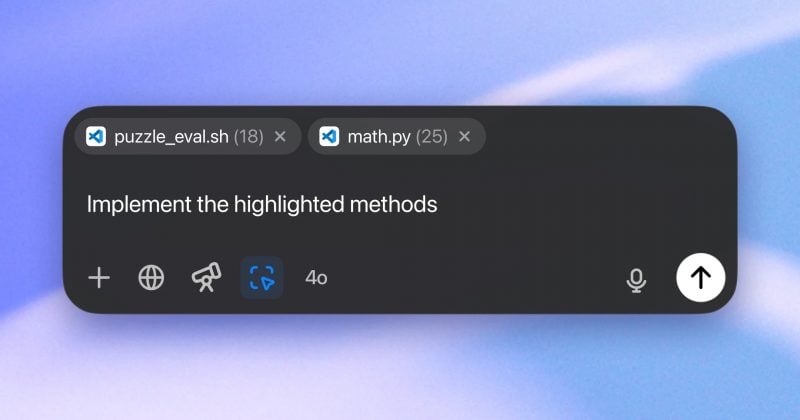
The fixes arrive just a week after a messy unified app launch left users hunting for their chat history
OpenAI pushed a round of updates to its ChatGPT desktop application on July 16-17, adding synchronized chat history across devices and smoothing out the experience of switching between Chat and Work modes. The changes come barely a week after the company’s July 9 launch of a unified desktop app that, to put it gently, did not go as planned.
What actually changed #
The most visible fix is a sidebar that now shows chat history and projects directly in the desktop app. Previously, conversation history was either hidden entirely or buried behind pop-up prompts.
Chat conversations now sync reliably between the desktop app, the web interface, and mobile versions. The initial launch had a notable gap: cloud-based Work conversations weren’t visible in the desktop version at all.
Mode switching between Chat and Work has also been tightened up. Users had reported inconsistencies when toggling between the two, which matters because the entire point of the unified app was to make moving between quick questions and longer tasks feel seamless.
The updated app is available globally on both macOS and Windows, and it works across all ChatGPT plans, including the free tier.
The backstory: one app to rule them all #
On July 9, OpenAI merged its existing ChatGPT application with the Work agent and Codex coding tools into a single unified desktop app. The old standalone version got rebranded as ChatGPT Classic.
Users noticed immediately. The reduced visibility of conversation history was a particular sore point. When you’re a paying customer who’s been accumulating months of chat threads, having them suddenly become harder to access feels like a downgrade, not an upgrade.
The Work feature itself is still in a phased rollout. Pro, Enterprise, and Edu users have access first, with Plus and Business plan holders next in line. Work is designed for longer, more complex tasks, essentially giving the AI more autonomy to handle multi-step workflows rather than just answering one-off questions.
Disclosure: This article was edited by Editorial Team. For more information on how we create and review content, see our