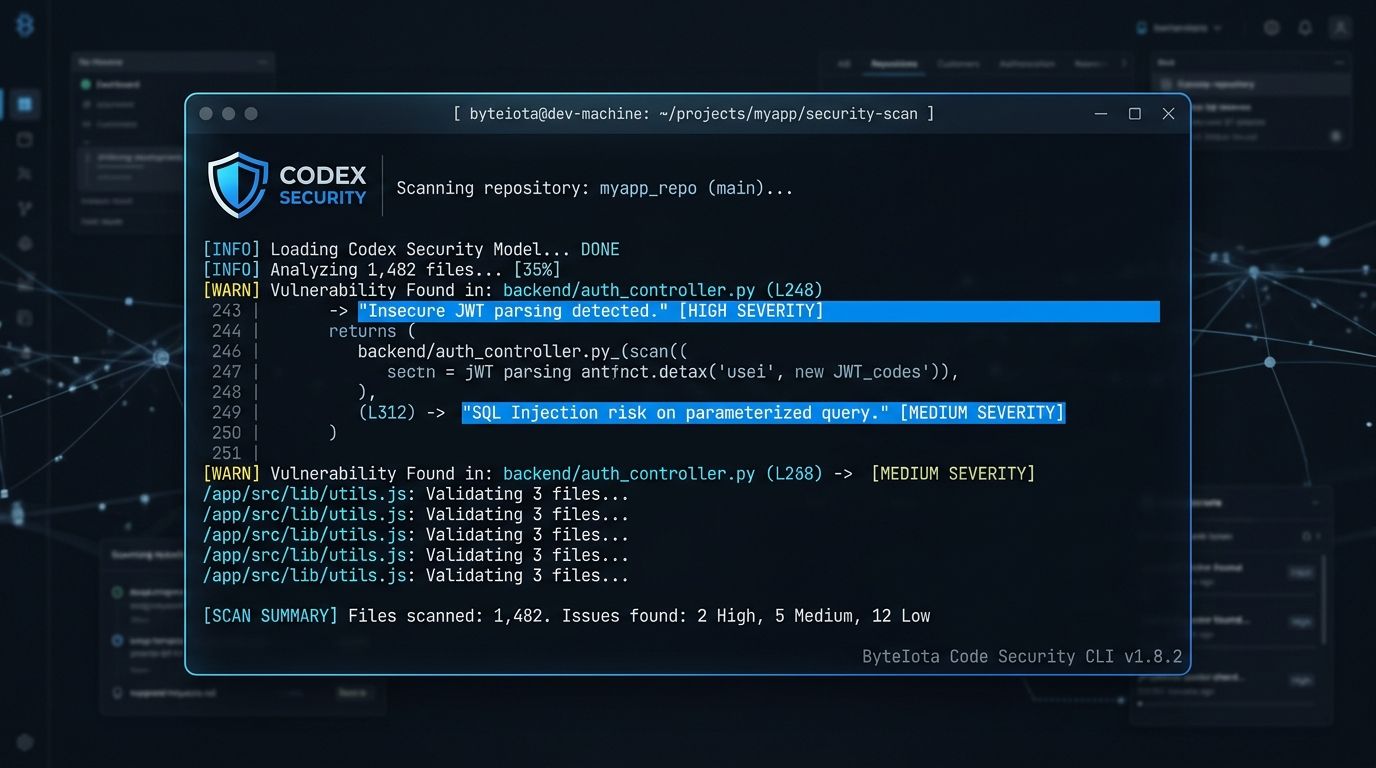
OpenAI dropped the Codex Security CLI onto npm on July 29 without a formal announcement. Hacker News found it anyway. Within 24 hours, the repo had 2,600 stars and a thread worth reading. OpenAI eventually posted about it on X — “We quietly released the open-source Codex Security CLI, but Hacker News found it before we had a chance to share it here” — which is either refreshingly candid or a very smooth piece of damage control. Either way, the tool is real, and it is worth understanding what you are actually getting.
Not Your Typical Code Scanner #
The important distinction is that Codex Security is not a static analysis tool dressed up with AI marketing. Traditional SAST tools like Semgrep work by matching code against known vulnerability patterns — fast, deterministic, but blind to anything outside the rule set. CodeQL goes deeper with semantic analysis, building a full code graph to catch multi-step vulnerabilities. Codex Security takes a different approach entirely: it builds a repository-specific threat model, explores realistic attack paths, validates findings in an isolated environment, and proposes patches for human review.
That last part matters. The scanner does not just flag a potential SQL injection — it attempts to reproduce the vulnerability, confirm whether it is exploitable, and hand you a minimal patch. During the closed preview period, it fixed over 3,000 critical vulnerabilities across 1.2 million scanned commits. Those numbers suggest the validation step is doing real work, not just generating noise.
This approach is particularly relevant right now because AI-generated code creates novel vulnerability patterns that rule-based scanners were not trained to catch. If your team is using Copilot, Cursor, or Claude Code to write production code at pace, your existing SAST setup may have a growing blind spot. Codex Security is designed to reason about code behavior in context — not just match patterns.
What “Open Source” Actually Means Here #
Here is where the asterisk comes in. The CLI and TypeScript SDK are Apache 2.0 on GitHub — you can inspect, fork, and extend them. But the AI scanner backend that does the actual analysis remains gated to approved Codex Security customers. You can install the package today and authenticate, but you cannot run a scan without access to the Codex Security service.
The Hacker News community flagged this clearly: what has been open-sourced is the application layer — the CLI shell, scan state management, SARIF export, and SDK scaffolding. The model layer stays firmly in OpenAI hands. This follows the same playbook as several other “open source” AI tooling releases: open the client, gate the intelligence. It is not deceptive, but it is worth naming plainly so your team sets the right expectations before spinning up an evaluation.
Getting Started #
Installation is a single npm command. Authentication works through your ChatGPT account for interactive use, or an API key for CI/CD pipelines.
npm install @openai/codex-security

npx codex-security login

npx codex-security scan .

npx codex-security scan . --path services/billing --path packages/auth

npx codex-security scan . --diff origin/main

npx codex-security scan . --working-tree
The --diff
flag is particularly useful for PR workflows — it limits the scan to what actually changed, keeping costs and runtime reasonable. The --working-tree
flag gives you a pre-commit check before anything hits your branch.
Wiring It Into CI/CD #
The tool outputs SARIF, JSON, and CSV, which means it slots into any existing security dashboard or GitHub Security tab without custom integration work. For CI/CD, the key flag is --fail-on-severity
:
npx codex-security scan . --diff origin/main --fail-on-severity high --format json
Exit code 1 means findings at or above the severity threshold. Exit code 2 means the scan did not complete — and critically, an incomplete scan cannot silently pass. This is thoughtful design: a misconfigured pipeline does not accidentally greenlight a vulnerable build. Use --max-cost
to cap API spend per run on large repos.
How It Fits With Your Existing Stack #
Codex Security is not a replacement for Semgrep or CodeQL — it is a different layer. Semgrep is still the fastest option for enforcing team-specific rules in under 30 seconds. CodeQL remains the best tool for complex, multi-step vulnerabilities in critical code paths. Snyk handles dependency monitoring better than any of them. What Codex Security adds is AI-driven reasoning over code behavior, plus patch proposals — a step none of the established tools take.
The practical recommendation: keep your existing SAST setup, add Codex Security for AI-generated code paths your rules do not cover, and use the diff scan in PR workflows where the cost-per-scan is lowest. Gate access to the service first, evaluate recall and precision on your actual codebase, then decide whether to expand coverage.
The tool has real legs. The “open source with gated backend” framing is a constraint worth understanding upfront rather than discovering mid-evaluation. Once access is approved, the combination of threat modeling, exploit validation, and patch proposals gives security teams a materially different capability than anything currently in the standard AppSec toolkit.