OpenAI kills ChatGPT Atlas on August 9. The standalone browser it launched in October 2025 stops working in eight days — no grace period, no automatic data migration. If you built developer workflows around it, here is what you lose, what replaces it, and what you need to do before the deadline.
What Atlas Was (The Short Version) #
Atlas was a Chromium-based browser with ChatGPT woven into the interface. It launched on macOS in October 2025 with capabilities that genuinely distinguished it from using ChatGPT in a Chrome tab:
Full DevTools suite— the same HTML inspector, network tab, and JavaScript console you get in Chrome** Localhost access**— ChatGPT could directly read your local dev server at localhost:3000 and inspect HTML, API responses, and rendered outputAgent Mode— bounded task automation using your browsing context, available on Plus, Pro, and Business plans** Browser memory**— persistent context across sessions, with per-site controls
The localhost inspection feature was the one developers actually cared about. It made Atlas a legitimate debugging companion — not just an AI sidebar.
It lasted eight and a half months. On July 9, OpenAI announced it would shut down, concluding that the browser is a feature, not a product — and folding the capabilities into the places users already live.
The Three Replacements #
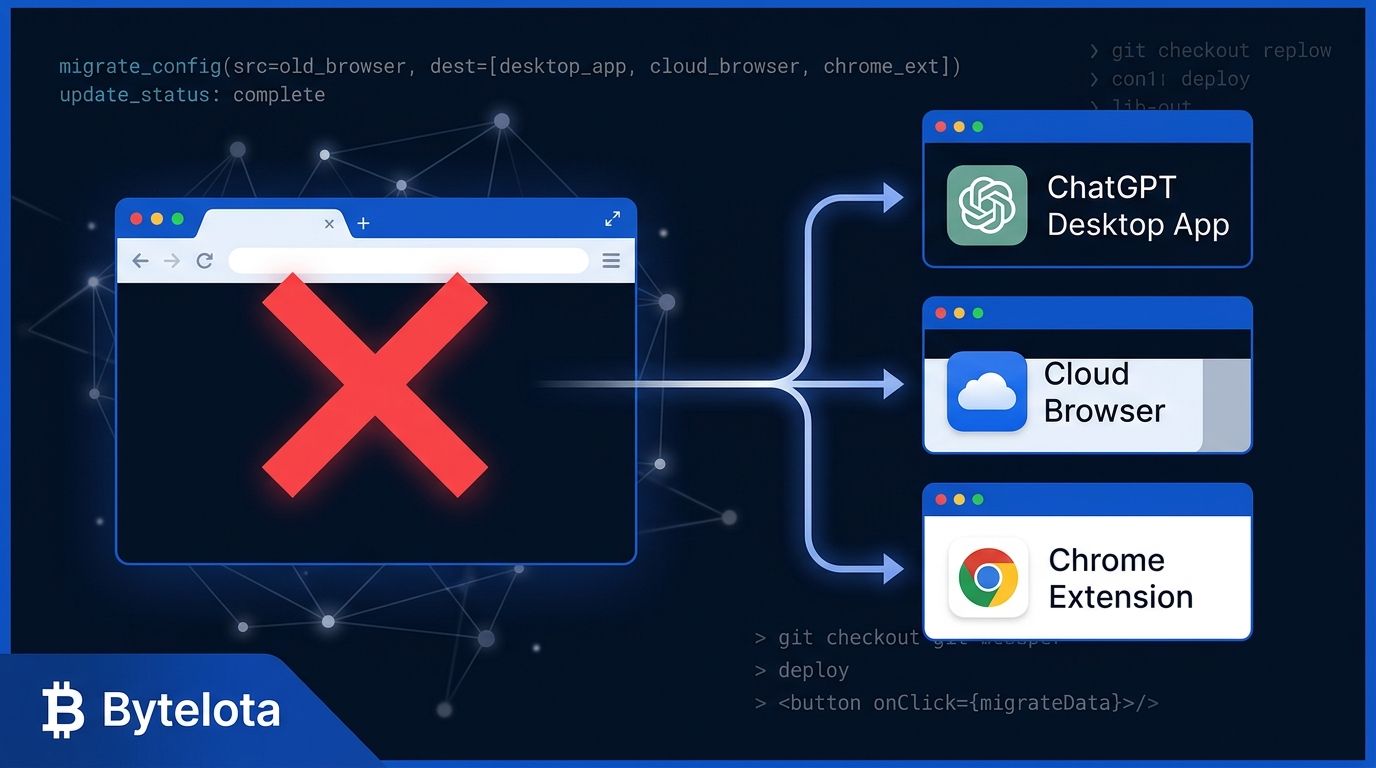
OpenAI is not leaving a gap. Atlas’s functionality is distributed across three products:
ChatGPT Desktop App
The main successor. The desktop app now includes a built-in browser with multi-tab sessions, website logins, file downloads, autofill, and password manager integration. It combines ChatGPT, Codex, and ChatGPT Work in a single application. This is your Atlas replacement for most workflows.
ChatGPT Work
The agent-native option. ChatGPT Work runs a cloud browser in a sandboxed remote environment — the agent can search live websites, complete forms, compare sources, and collect data while you monitor progress through screenshots. Use this for multi-step research and automation tasks that previously ran in Atlas’s Agent Mode.
ChatGPT Chrome Extension
The lightweight option. A sidebar in Chrome that supports highlighted text, tab context, local files, and tasks handed off from the desktop app. No browser switch required. This covers casual usage where your Atlas workflow was mostly “ask ChatGPT about this page.”
The Gap Developers Should Know About #
The biggest loss is localhost debugging. Atlas’s ability to point ChatGPT at a locally-running dev server and inspect the output is not replicated in any of the three replacements. The Chrome extension cannot access localhost the same way. ChatGPT Work’s cloud browser runs on OpenAI’s servers — it cannot see your local machine. The desktop app’s built-in browser may bridge this gap eventually, but there is no confirmed parity yet.
If you relied on Atlas for this: the realistic alternatives are Cursor, Claude Code, or Gemini CLI — all of which have direct file-system and terminal access, and were always better suited to local development inspection than a browser-based AI.
What You Need to Do Before August 9 #
There is no automatic migration. Atlas user data does not transfer. Here is the checklist:
Export your bookmarks. In Atlas, go to Settings → Bookmarks → Export as HTML. Import that file into Chrome. This is the one clean transfer.Audit credentials. If you stored work passwords in Atlas, do not blindly export them. Migrate credentials to your password manager instead.Document agent workflows. Any Atlas Agent Mode automations you rely on stop on August 9. Write down what they do before you lose access.Install your replacement now. Download theChatGPT desktop appor install the Chrome extension — do it today, not on August 10.Reconfigure authenticated workflows. Cookies and login sessions do not transfer. Reconnect to GitHub, Linear, Jira, or any other services through the new desktop app.
The Honest Take #
Atlas was OpenAI running an experiment at product scale. The localhost inspection was genuinely useful, the DevTools integration was clever, and eight months was not enough time for the ecosystem to build around it seriously. But building critical developer workflows on a nine-month-old browser product — from a company that treats consumer products as iterative experiments — was always a calculated risk.
The consolidation is the right call. A unified ChatGPT desktop app with an integrated browser, Codex, and ChatGPT Work is more useful than Atlas at its peak. What the transition still needs: confirmed localhost support in the desktop browser. That is a reasonable ask for a near-future update, and it is worth filing feedback on.
You have eight days. Run the checklist.