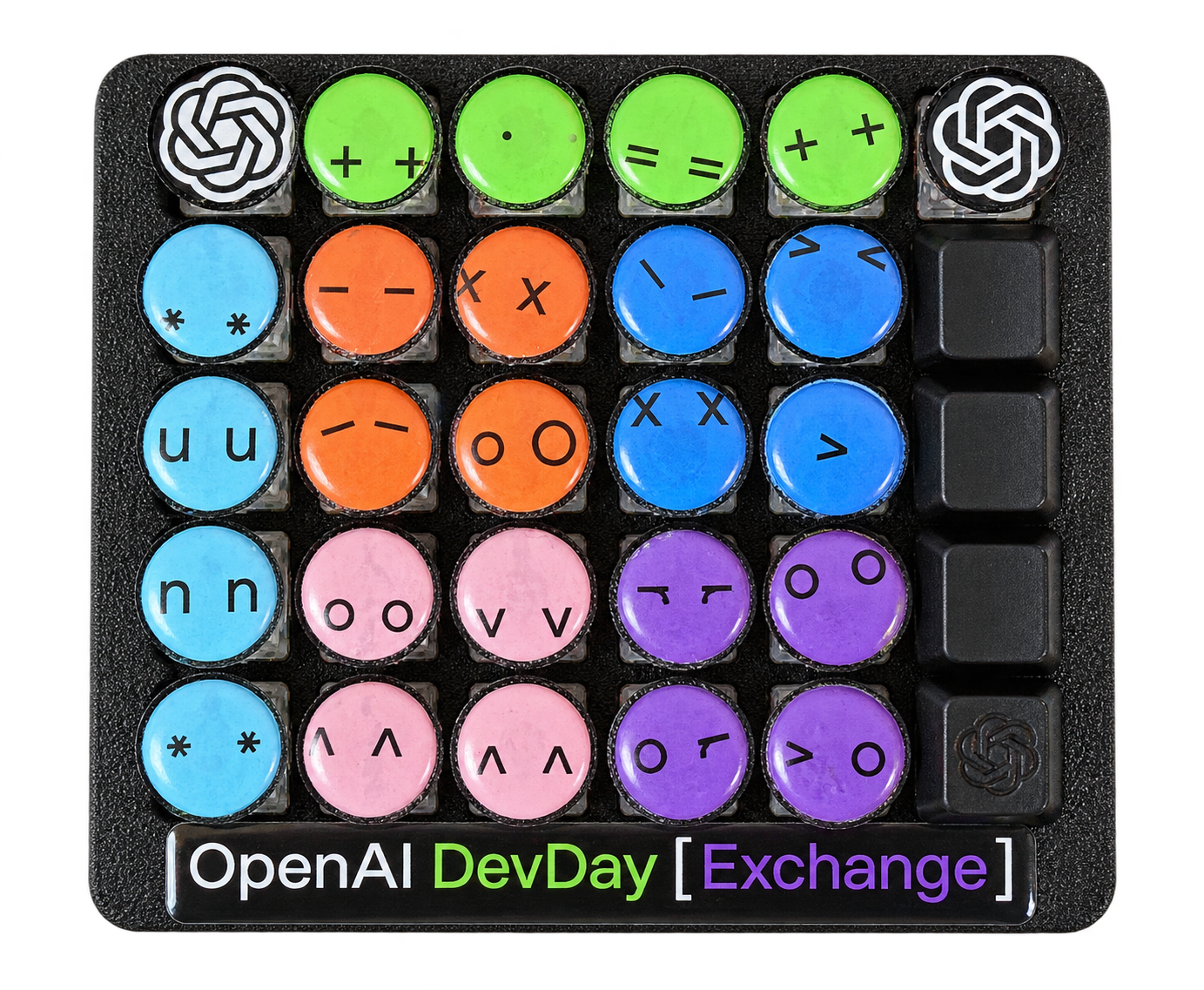
OpenAI Dev Day Exchange Edition
Your prompts.
One press away.
It started with a sticker. Now each little dotlet can have a job.
Open-source software. Build your own 30-key prompting tablet.
Give a key a task. #
- Save a prompt. Choose a project and a task worth repeating.
- Press your dotlet. One deliberate press starts the saved task.
- Read the result. Follow progress and see the answer in the app.
The alpha runs one saved read-only Codex task at a time.
See the app walkthrough #
A separate walkthrough made from actual app screenshots.
Try it. Make it yours. #
Start on screen. Add a keypad when you’re ready.
Codex CLI and sign-in are required. Python is included.
Build from source Download for macOS Apple Silicon · macOS 14+
Download for Windows Windows 11 · x64 · browser companion Alpha 0.6.0-alpha.2 · ZIP downloads
Mac signed and notarized. Windows launcher signed.Setup, checksums and release notes
Do I need an OpenAI API key? #
The alpha uses your local Codex CLI sign-in. You don’t enter a key on this website. Direct API-key execution inside Open.Dotlet is still planned.
If you use an API key with Codex, requests follow your OpenAI Platform billing and usage limits and can incur charges. Keep your key private. OpenAI’s authentication guide.
Follow the build. #
Open.Dotlet is an open-source gift to the OpenAI developer community. We’re excited to see your sticker colour combinations and the ideas you bring to this project.
Designed to connect to OpenPromptlet. Connection in development.