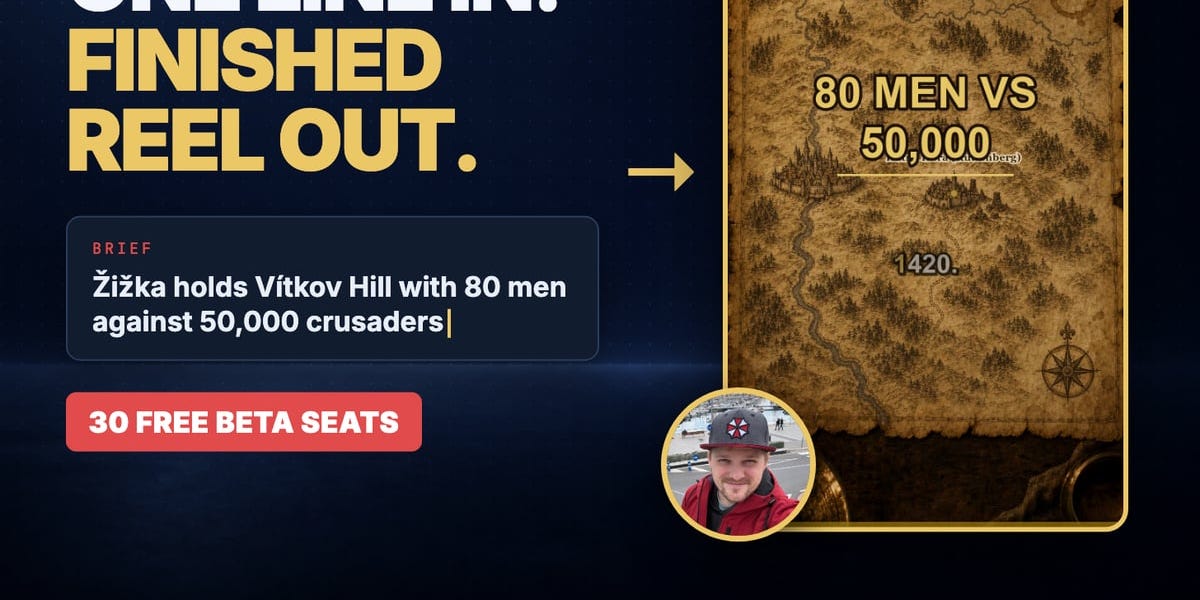
Tomorrow, October 29, the Reel Pipeline Studio beta opens. It's free for 30 days and has 30 seats. The video above is a five-minute tour, from a one-line brief to a reel in the publish queue.
Below is the same tour in text, for anyone who reads faster than they watch.
Why it exists #
In July I started a faceless channel about Czech history, Bohemia Chronicles. Every reel on it came out of a pipeline I was building at the same time. At first it was one model and one prompt. The scripts came out flat in the same way every time: a hook, then the same idea again in other words, then a recap.
So the pipeline slowly turned into a studio. It runs on my own computer, and the AI is whatever you connect to it. That can be a Claude or ChatGPT subscription, an API key or nothing at all. Bohemia Chronicles ran on it for three months, and forty reels went out from its publish queue to YouTube and Instagram.
Next, read: I'm Building a History Channel That Runs Itself
One brief, three pitches, one critic #
Every reel starts with a brief, which is a topic or a link to an article. The writer doesn't hand back a script. It hands back three pitches, each an outline with its own hook, and marks the one it would pick and why. I choose one, and only then does it write the full script scene by scene.
Then a second AI reads that script. In the studio it's called the Dramaturg. It names the job of every scene (hook, setup, reveal or payoff) and leaves a note on each scene that doesn't do its job. Every note carries a rewrite. I apply it or dismiss it, and if I don't like the result, it's one undo.
The look, the motion and the captions #
The Art Director pitches three looks for the script, each in a different medium with a reason. In the video it's a medieval manuscript, painterly concept art and a linocut. Nothing is generated until I lock one. Once the pictures exist, it reads the reel again, this time as pictures, and leaves notes on composition, camera movement and which scenes deserve animation.
The Motion Designer suggests up to four motion components per scene, like a counter or a before and after. It pins each one to a phrase in the narration so it lands on the word, and it never edits the narration itself. Captions live on the stage. I drag them where I want them and pick how they come in.
Nothing is spent without a click #
I can also do all of this by typing to the assistant. Every action that leaves the reel stops at a card first, and I allow it once or deny it. Renders never get an "always" button. Before a render I see the plan, with what runs again and what is reused. Each render becomes a new take, and the queue publishes the active one.
The studio also works with no AI connected at all. You get a blank editor, your own pictures and Kokoro, a voice that runs on your computer for free. The AI roles are critics.
You can leave every AI role disconnected and still finish a reel.
In the video #
- 0:00 One line in
- 0:28 Who builds this
- 0:35 Why I built it
- 1:21 Pitches and the Dramaturg
- 2:07 The look, the Art Director and the camera
- 2:58 Motion and captions
- 3:26 The assistant, takes and the queue
- 4:04 Without AI
- 4:24 How to join the beta
How to join the beta #
The beta is free for 30 days and has 30 seats. The page shows how many are left right now. When they're gone, the same form puts you on the early-bird list, and launch week costs $169 instead of $199.
Which of these roles would you switch off first?
P.S. Every role in the video has its own short demo on the Getting started page, if you want to see one before you take a seat.
Go deeper
- The Five-Stage Reel Pipeline: What It Costs to Make a Reel From a Substack Post — the same path from post to reel, with the cost of each stage.
- How to Fix an AI Reel Without a Full Re-Render — why the render plan reuses what didn't change.
- Do You Still Need a Reel Tool When Claude Opus 5.5 Makes Videos? — what a studio adds when a model can already make a video.
358 builders read this. Subscribe below and QuickReel and the Article-to-Reel Playbook, free, land in your welcome email.